Users
Invite teammates and manage access.
Belune supports multiple users with two roles and either direct account creation or email invitations. Manage the roster from Settings → Team.
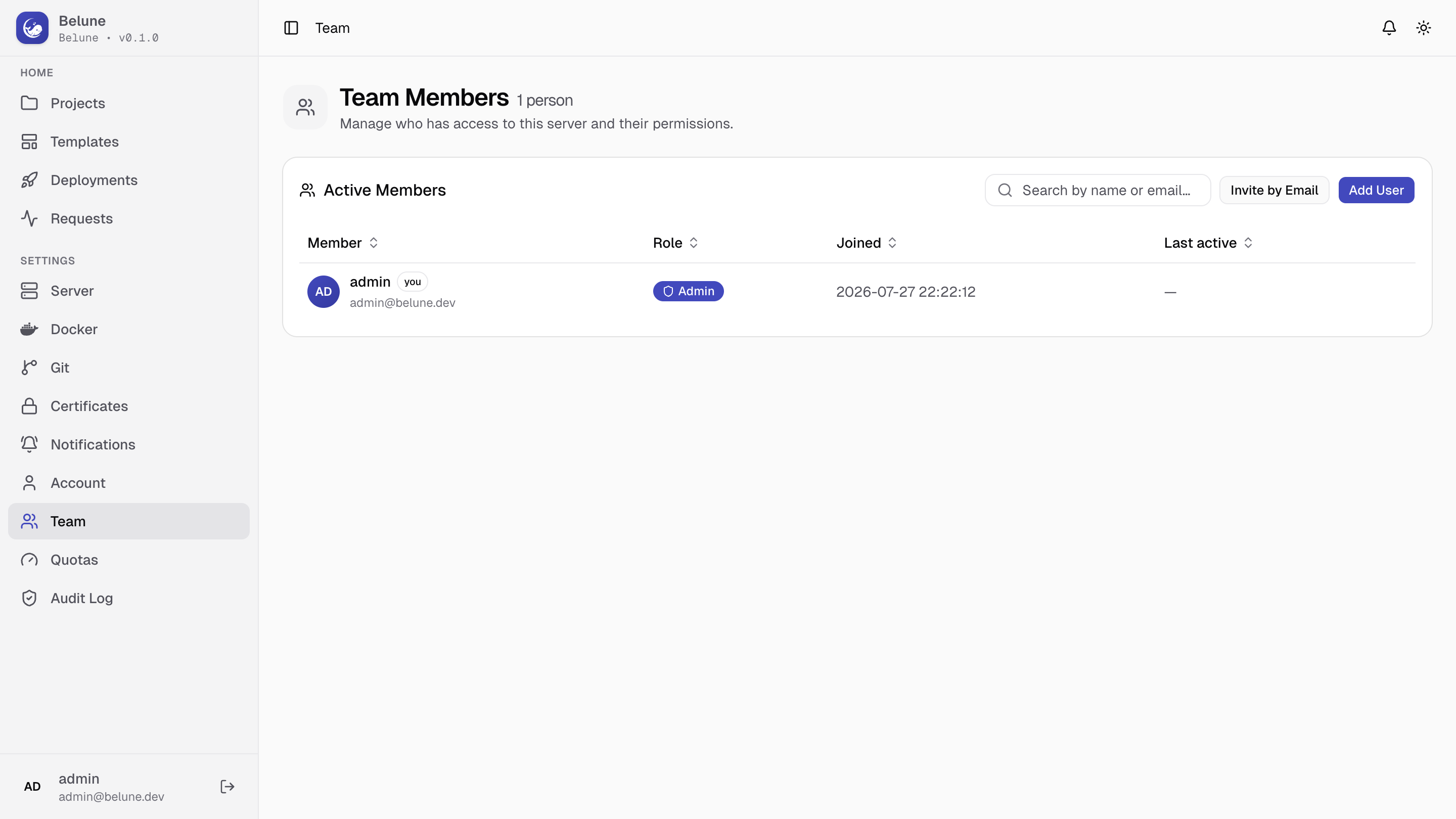
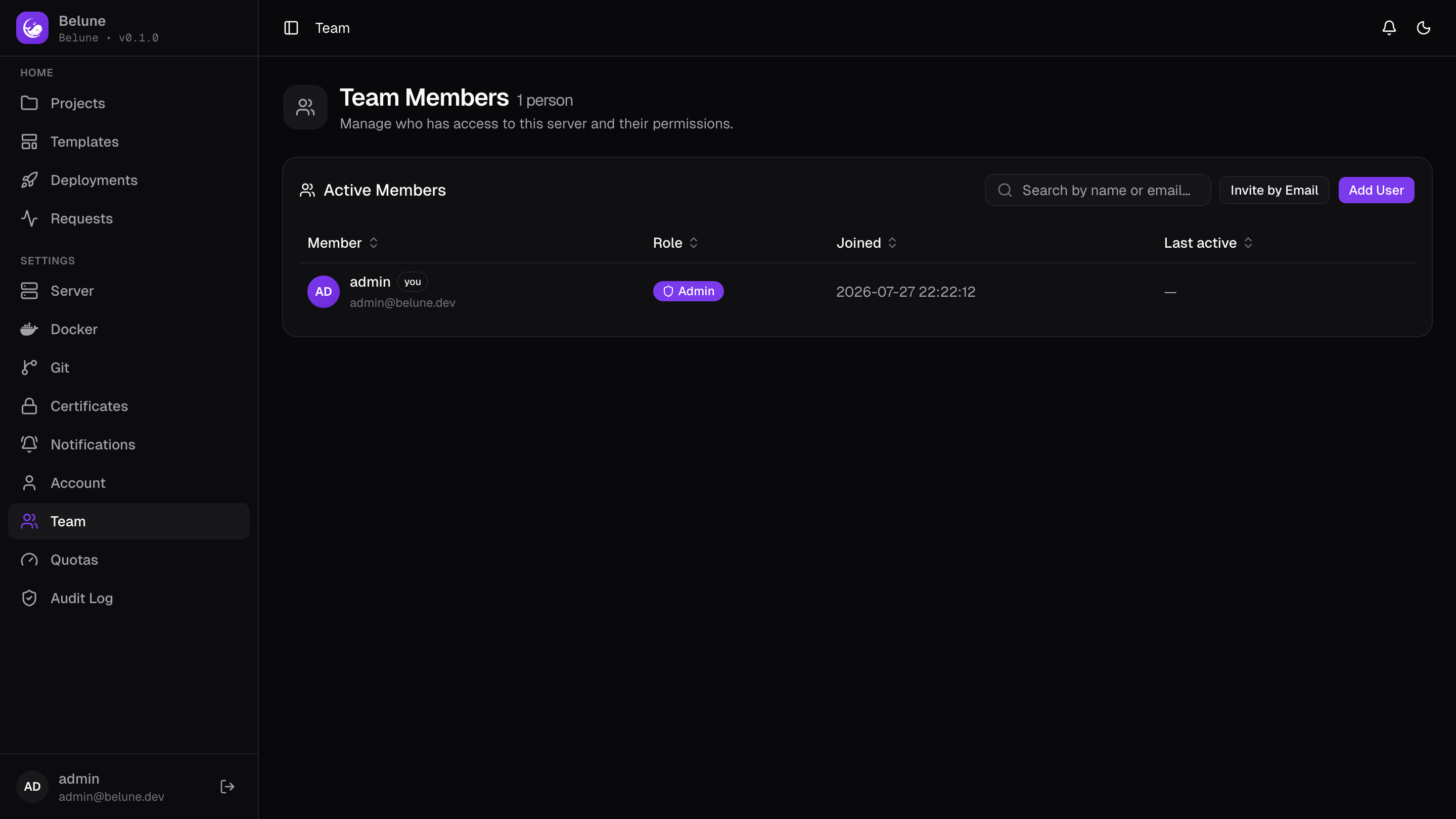
Roles
Admin and Member are the only two roles.
- Admin unlocks the platform-wide pages — Server, Certificates, Git Providers, Notifications, Docker, Team, Quotas, and the Audit Log — plus every project.
- Member reaches the projects and applications they have access to, their own git connections, and their own Account settings, but never the admin-only pages above.
Add a User Directly
Add User creates an account immediately with an email, a password you set, and a role — no invitation, no SMTP required. Useful for the very first teammate, or when email isn't configured yet.
Invite by Email
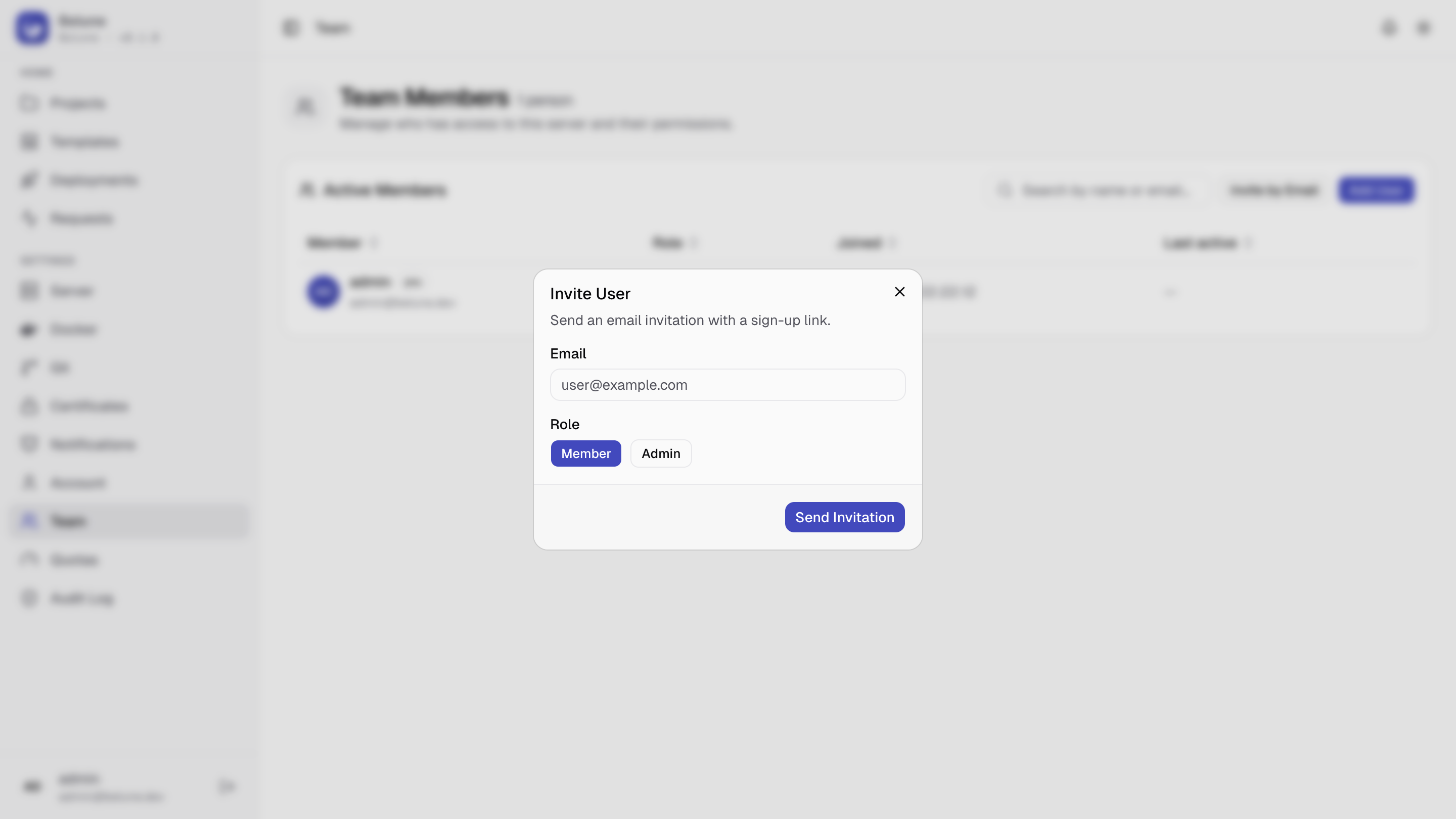
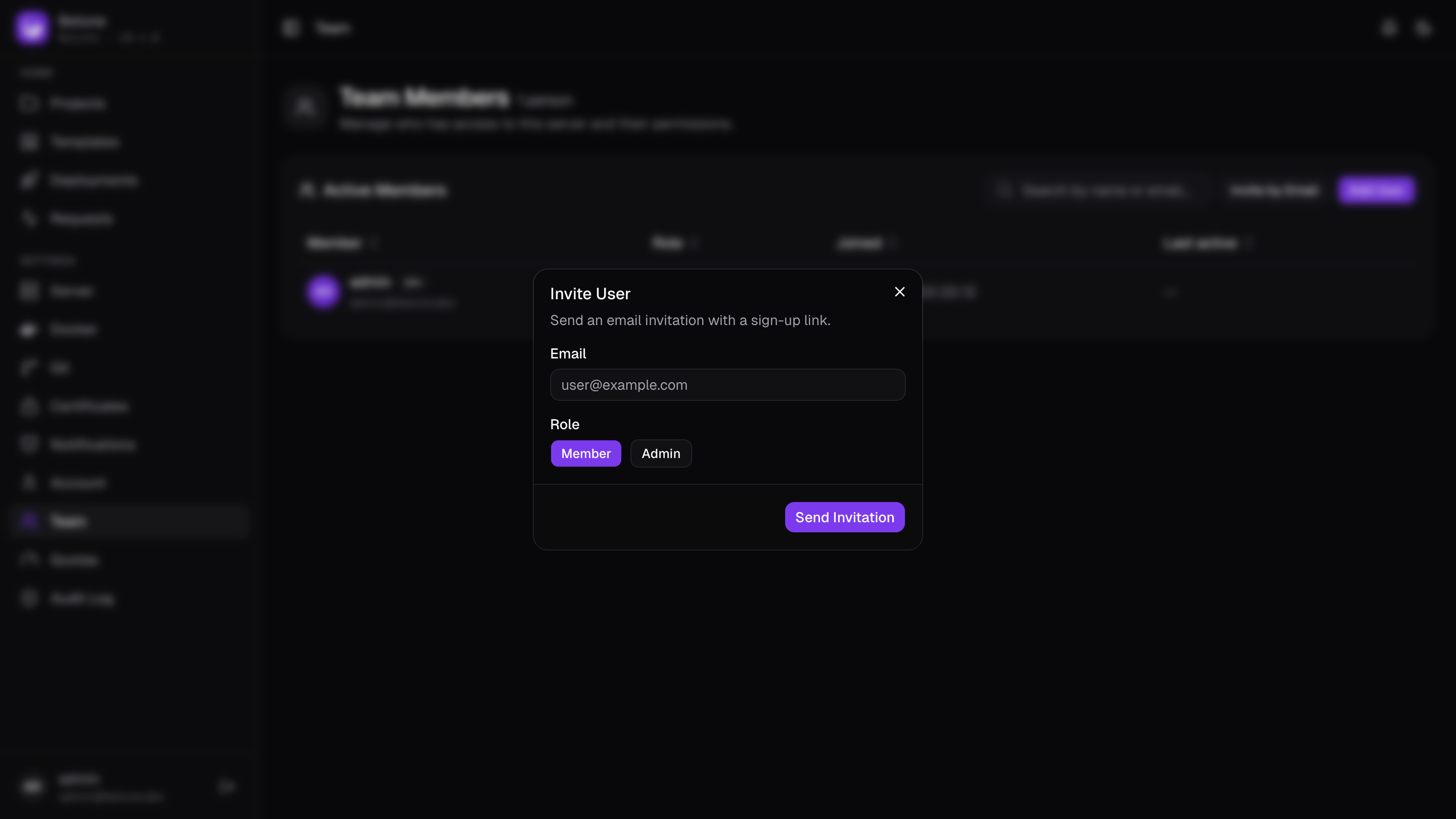
Invite by Email requires SMTP to be configured. It sends a sign-up link to the given address with the chosen role attached; the invitee sets their own password when they follow it.
Pending invitations are listed with their expiry and can be revoked before they're accepted.
Two-Factor Authentication
Optional, per account, set up from Account → Two-Factor Authentication. Confirm your password, scan the QR code with any authenticator app, then enter a code to confirm — the factor only turns on once a code from that secret checks out, so a scan that silently failed can't lock you out.
Turning it on hands you ten recovery codes. They are shown once, each works once, and they are the way back in if you lose the authenticator. New recovery codes replaces the whole set, so any you wrote down stop working; it asks for your password and a current code, because a fresh set is ten working second factors.
With 2FA on, signing in takes a second step: the password alone returns no session, only a short-lived challenge to answer with a code or a recovery code. Enabling or disabling the factor signs out every other session — people usually turn it on precisely because they suspect one of those sessions isn't theirs.
Turning it off asks for your password and a code — and a recovery code is accepted there too, since a lost authenticator is the usual reason to be turning it off. If both are gone, an admin can reset it for you.
It also covers the host shell, which asks for a code alongside your password. Nothing to configure: the step-up re-auth there defends against a hijacked session, and a second factor is what defends against a stolen password.
Belune does not currently let an admin require 2FA for everyone; each user opts in.
Password Resets and Role Changes
An admin can reset any other user's password or change their role at any time from the Team table. Both actions immediately revoke that user's existing sessions, so a password reset (say, after a suspected compromise) can't be undone by an already-open browser tab.
Reset 2FA is the last resort for a user who has lost both their authenticator and their recovery codes: it clears their second factor, ends their sessions, and is written to the audit log. They sign in with their password alone until they set it up again.
Account Protection
Five failed sign-in attempts for the same email within 15 minutes locks that account out for 15 minutes, regardless of role. This applies platform-wide and isn't currently configurable.