Domains
Route hostnames and paths to your app.
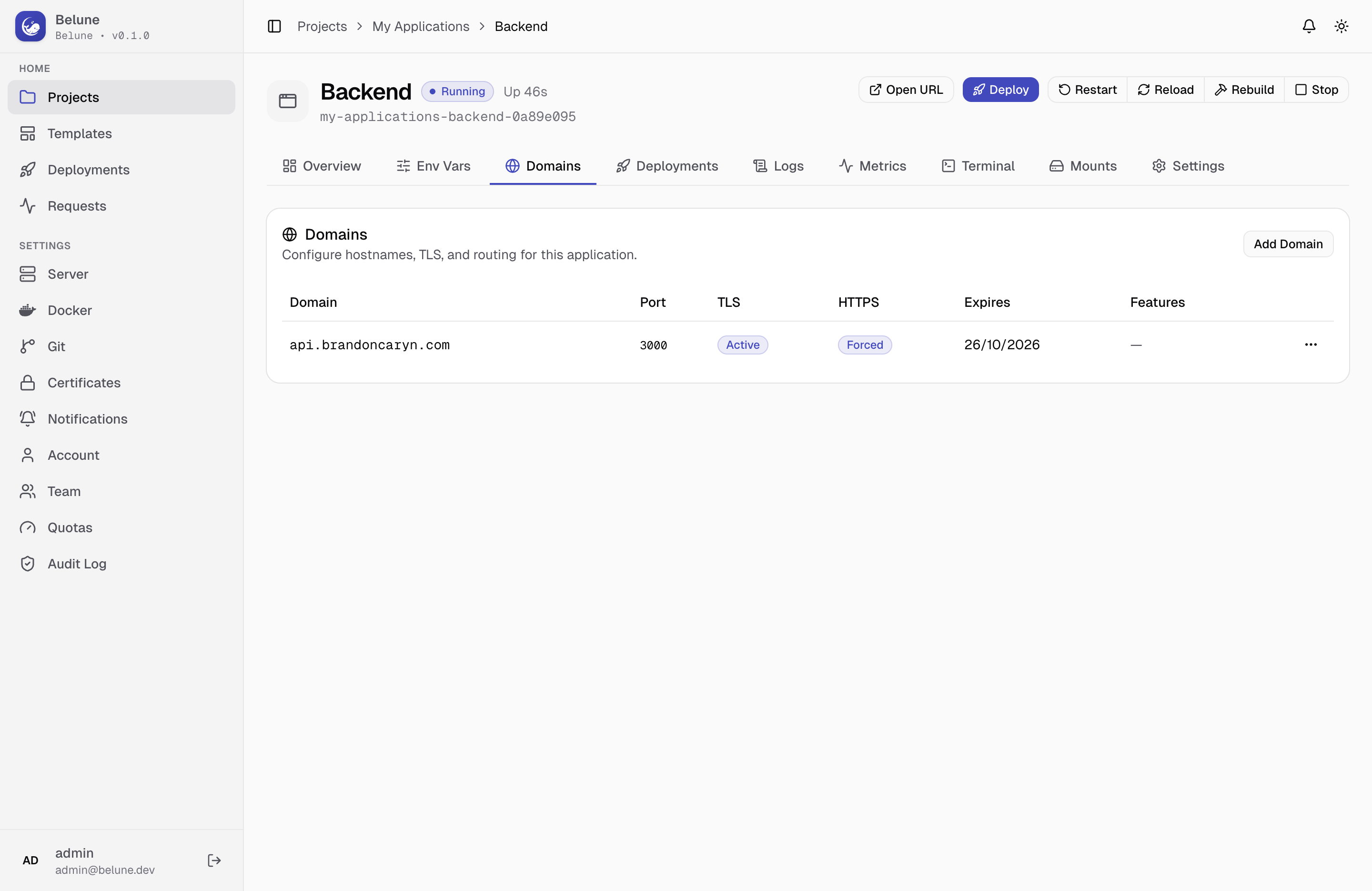
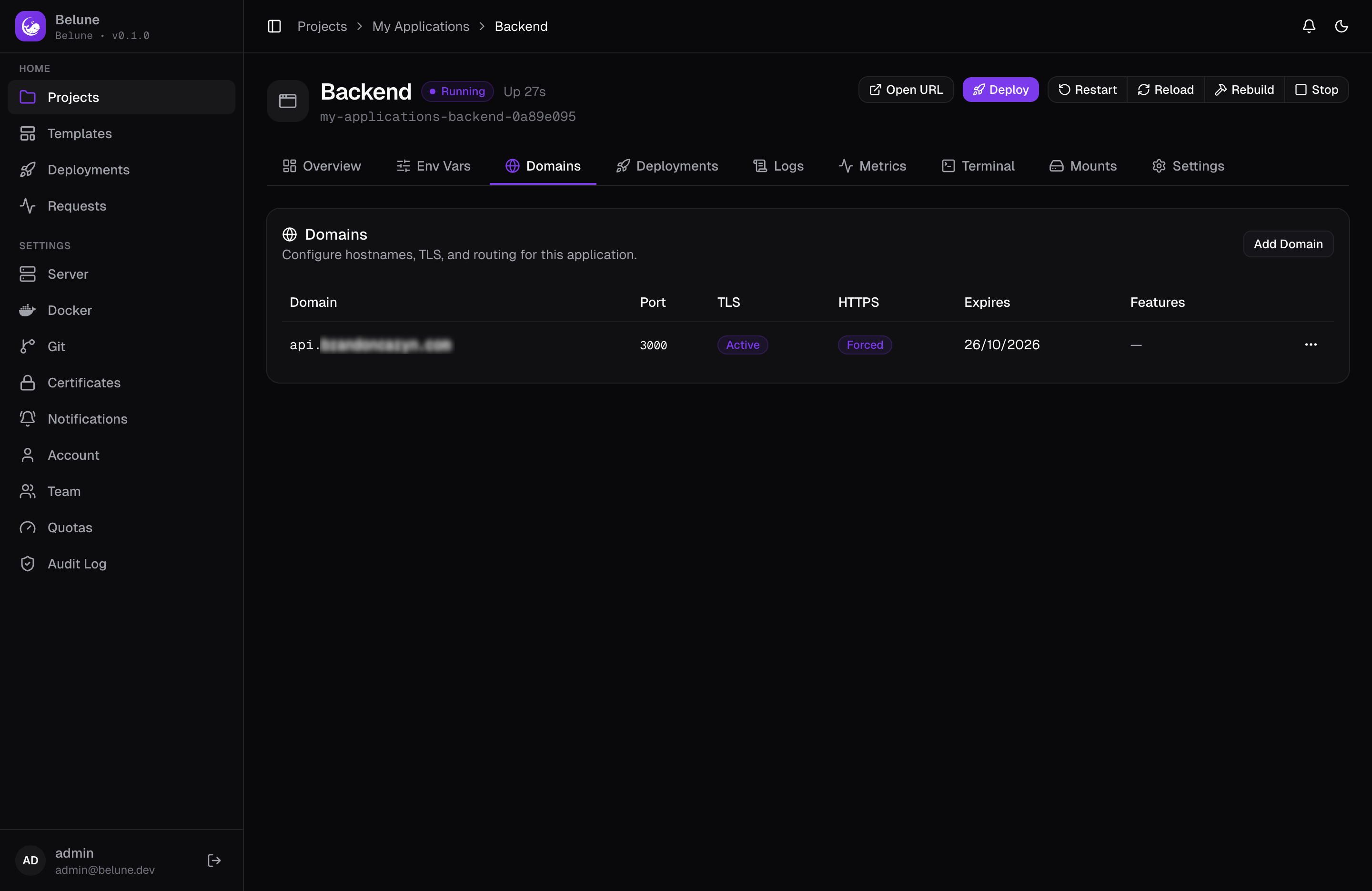
Apply hostnames to an application and Belune configures Caddy for you, including a target container port, path-based routing, and per-domain TLS mode.
Prerequisites
Before adding a domain for the application, add an A or AAAA record on the DNS resolver, pointing to the server's IP. The server's IP should be the same address shown on Server → Configuration.
Add a Domain
Add Domain opens a two-tab dialog.
- Routing tab — has the hostname, an optional path prefix (leave blank to serve the whole hostname, or set
/apito share one hostname across several apps), and an optional container-port override — the port this domain routes to inside the container, which follows the app's default port (8080) when left blank. - TLS tab — holds the SSL mode and the Force HTTPS toggle, which redirects plain HTTP requests for this domain.
About the SSL Modes
- Automatic — Caddy obtains a free Let's Encrypt certificate over ACME and renews it on its own. The normal choice when the domain resolves to this server and ports 80/443 are open.
- Custom — Belune serves a certificate you've uploaded under Settings → Certificates. Use it behind Cloudflare with an Origin CA cert, for a wildcard, or when your organization issues its own.
- Off — plain HTTP only, and no certificate is requested. For internal-only hostnames, or when TLS is terminated in front of Belune.
Force HTTPS is unavailable when TLS is off, for the obvious reason: there's nothing to redirect to.
The DNS-01 challenge isn't offered on any domain, including wildcards, because the stock Caddy image has no DNS provider modules — a domain relying on it would only ever sit at Pending.
So to use a wildcard domain, upload a custom certificate instead.
Path-Based Routing
Three fields work together to reshape a request before your app sees it:
- A path prefix a domain answers on
- An internal path prepended afterward
- Strip that prefix before forwarding
Stripping matters when your app doesn't know it's mounted under a prefix, and an internal path matters the other way. Both are optional, and most domains need neither.
Route Features
Beyond routing and TLS, a domain can carry Route Features — Caddy middleware applied to just that domain:
- Basic Auth — gate the domain behind an HTTP username and password (the password is stored hashed).
- Custom Headers — set request and/or response headers on traffic through this domain.
- IP Allowlist — permit only the CIDR ranges you list; every other client gets a
403. - Redirect — send matching requests on to another URL.
These live in their own dialog off the domain's actions menu. See Caddy's directives documentation for the underlying behavior of each.
Troubleshooting
A domain stuck on anything other than HTTPS active almost always traces back to DNS or reachability. See Certificates for what each status actually means and the specific fixes for the common failure reasons.