Overview
Managed databases on Belune.
Belune provisions managed Postgres, MySQL, MongoDB, and Redis — plus a generic "other" image type for anything else.
Each is configured with a persistent volume, connection details exposed once it's running, scheduled and on-demand backups, and a guarded major-version upgrade for the engines that support it.
Supported Engines
Postgres, MySQL, MongoDB, and Redis each default to a sensible version and a default user.
| Engine | Version | User |
|---|---|---|
| Postgres | 16 | postgres |
| MySQL | 8 | the slug |
| MongoDB | 7 | admin |
| Redis | 7 | none (password) |
You can override the database version tag and user credentials at creation.
Why MySQL's default user is the slug
MySQL doesn't get a root app user: root is reserved for Belune's own backup,
restore, and health-check tooling (authenticated via the root password), so the app
is given a real, scoped user named after the database's slug instead.
Other covers anything with a Docker image: you supply the image, the port it listens on, its data directory, and any environment variables it needs, plus how it should be backed up. It's a way to bring something like ClickHouse or a niche engine under the same lifecycle without Belune knowing anything about it specifically.
Provision a Database
New Database asks for a name, a slug (auto-derived), and the type.
- A supported engine type asks for an image tag and optional credential overrides (username, password, root password for MySQL, database name). Leave any of them blank and Belune uses the default value and generates the secret.
- The Other type requires an image (with tag) and container port, plus a data directory, environment variables, and a Backup Mode:
- Volume snapshot — a cold tar of the data directory. It's simple, but the database is briefly offline while it's taken.
- Custom commands — a backup and restore command you supply, run inside the container, reading and writing
$BELUNE_BACKUP_DIR. This requiresshandtarin the image.
Connection Details
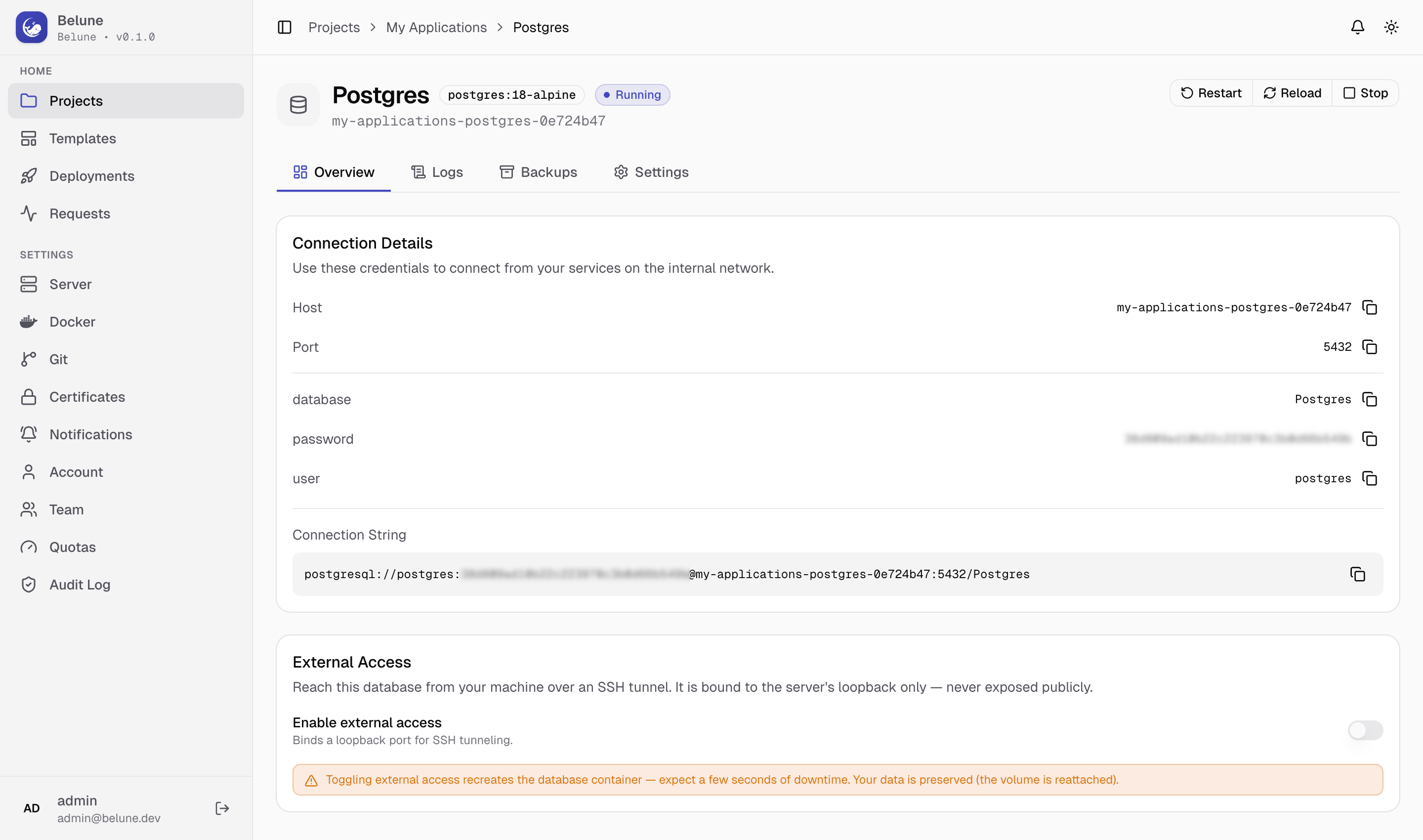
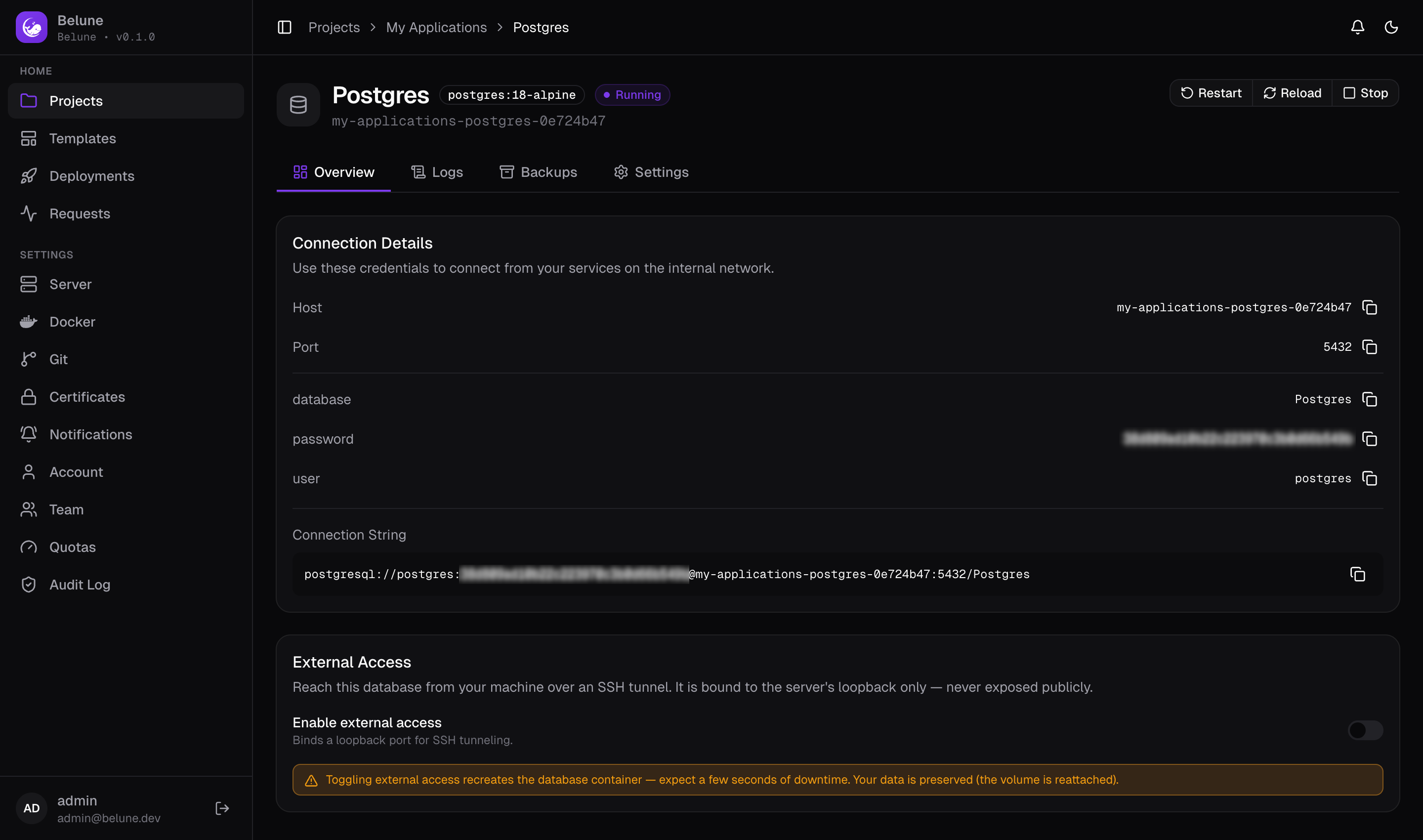
Once running, the Overview tab shows the internal host and port, access credentials, and a ready-to-use connection string.
This is how any application or database in the same project reaches it, over the project's private network by container name; see Architecture.
External Access
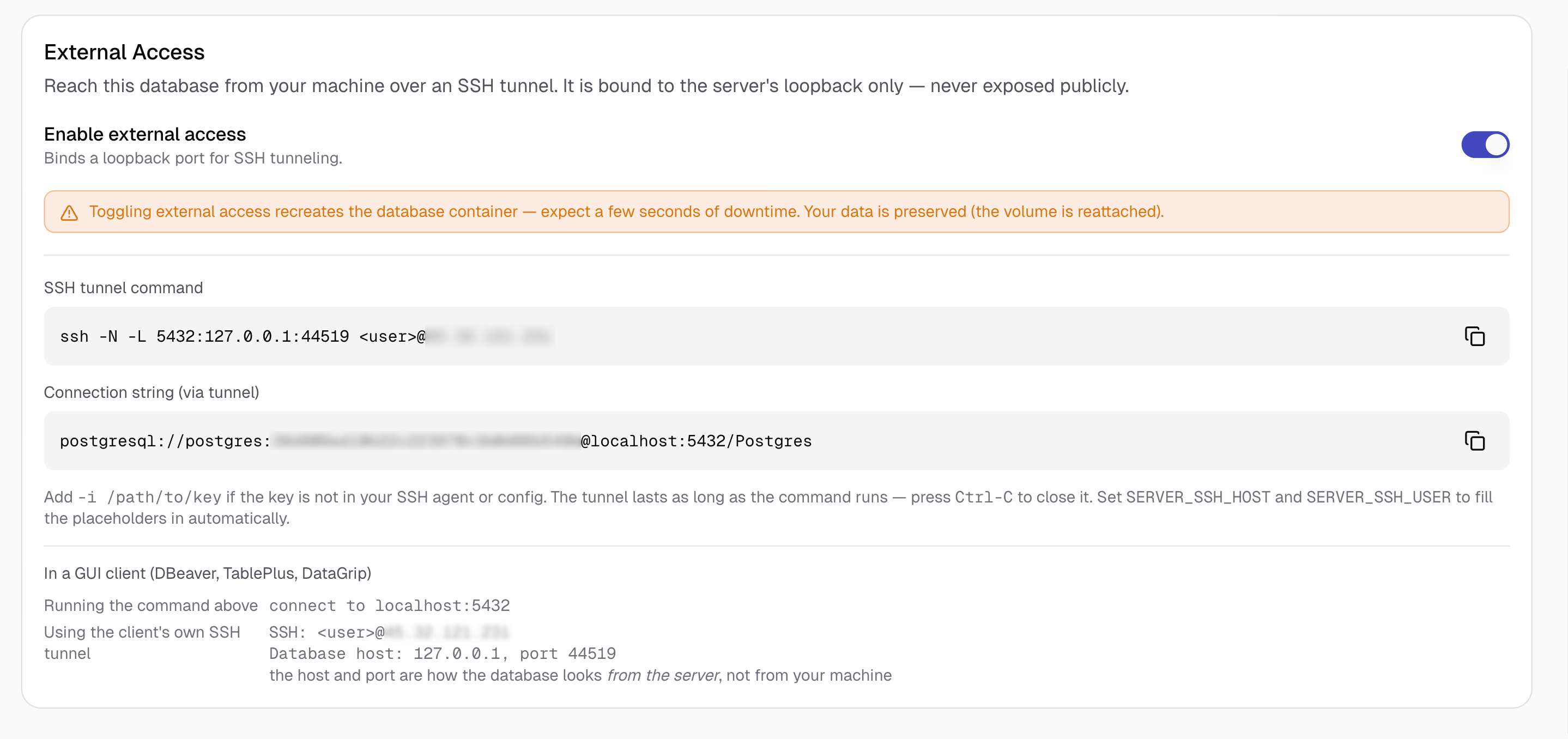
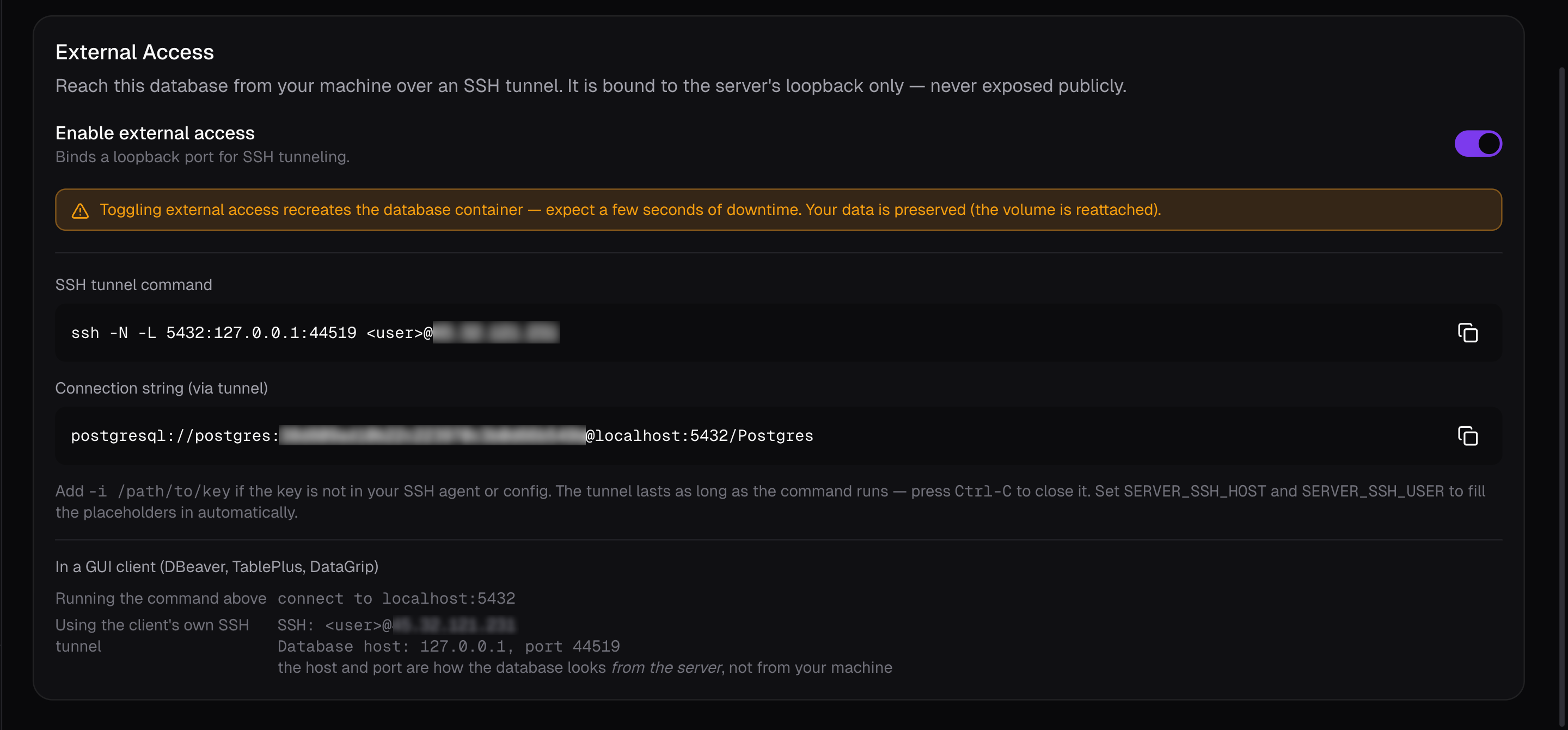
Enable external access binds a port on the server's loopback interface, reachable over an SSH tunnel. Toggling it recreates the container (a few seconds of downtime), after which the card gives you the instruction and a connection string through the tunnel.
It also spells out the two different ways a GUI client (DBeaver, TablePlus, DataGrip) can be pointed at it — either running the tunnel command yourself, or letting the client open its own. The host and port to enter differ between the two, which is the usual source of confusion.
Reload and Restart
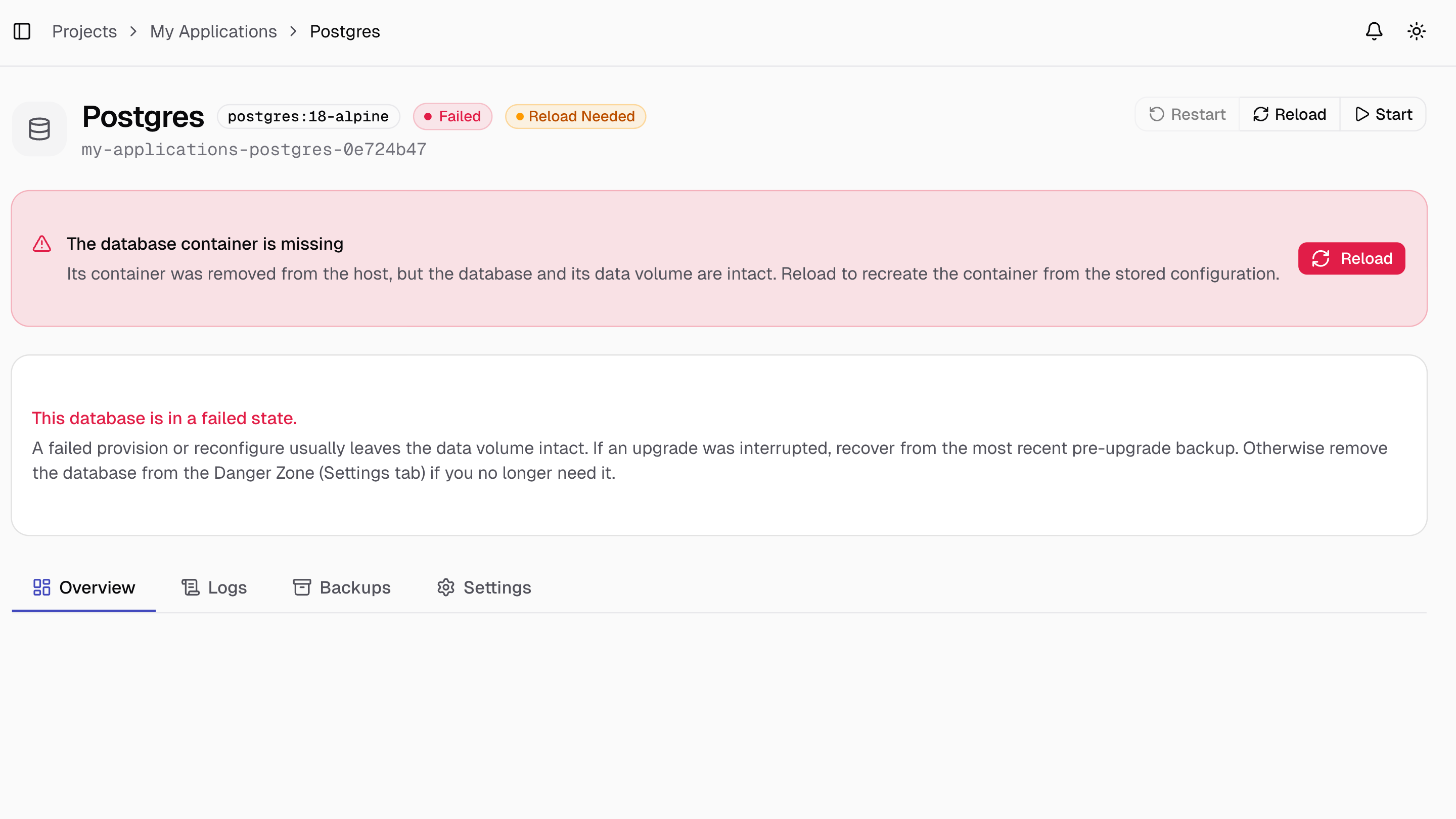
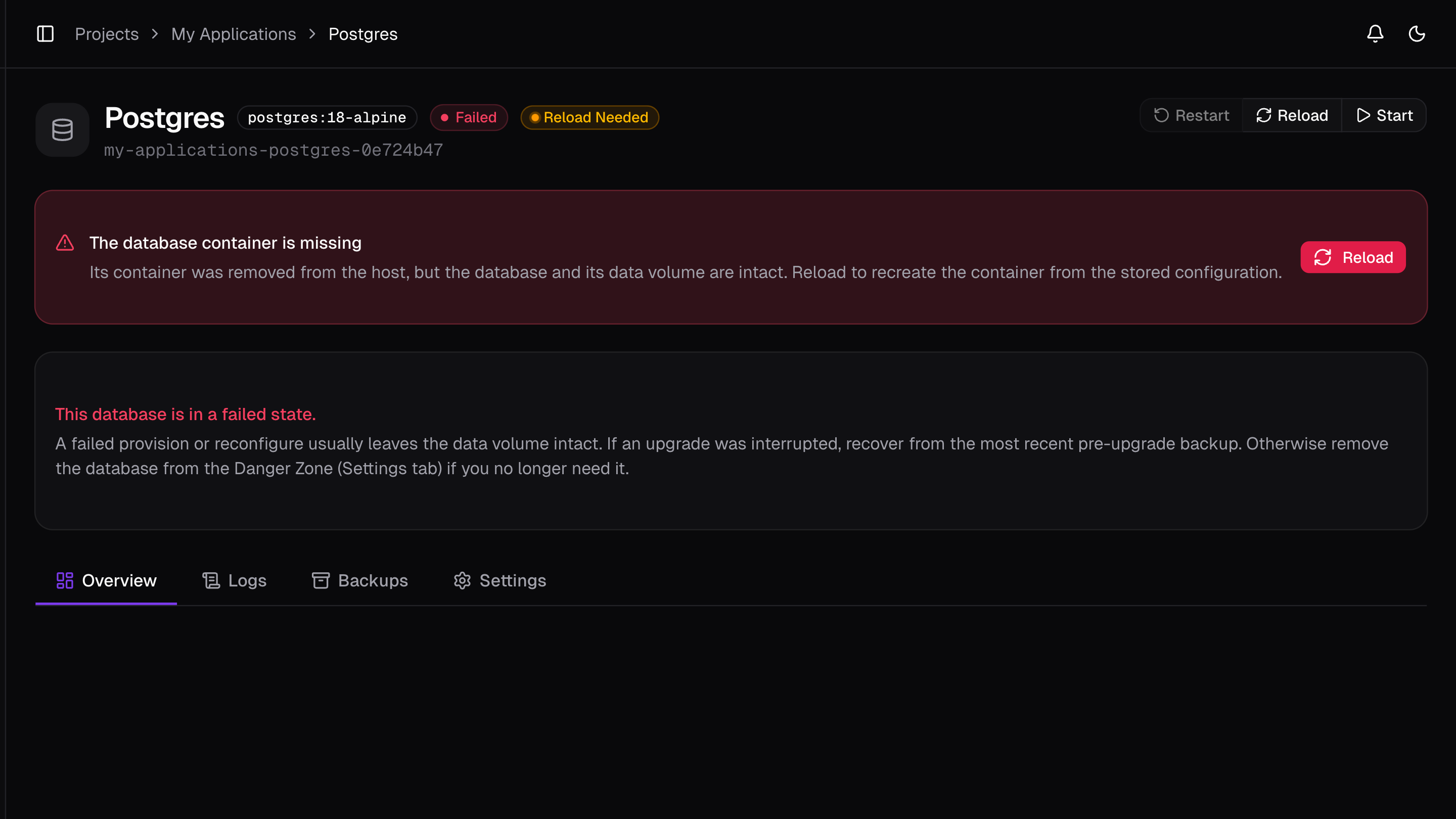
Restart restarts the existing container in place, and Reload recreates the container from the database's stored configuration.
If the container was removed from the host entirely, a banner appears specifically for this: Restart and Start can't fix a container that no longer exists, only Reload can. The data volume is always preserved either way.
Backups
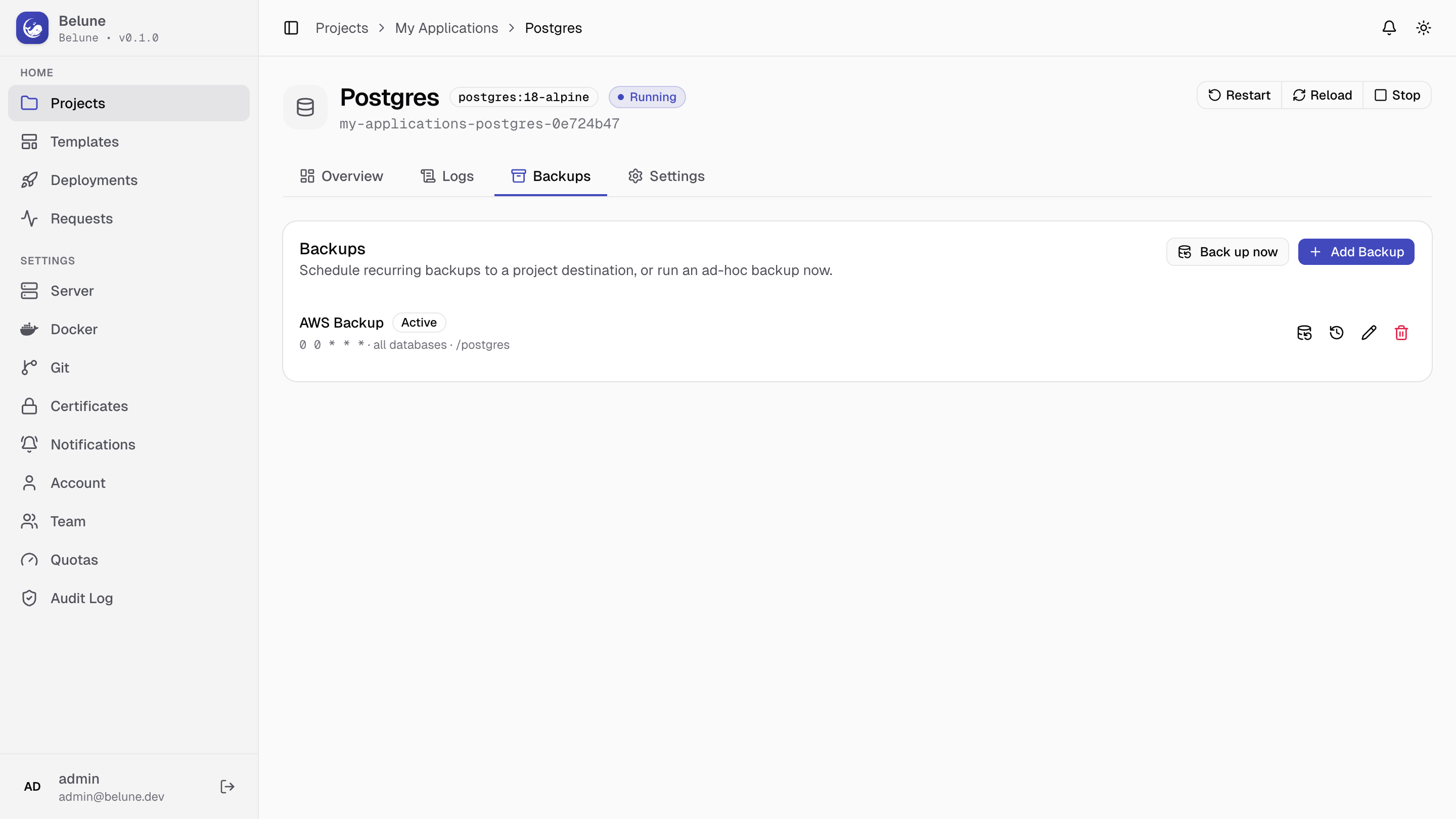
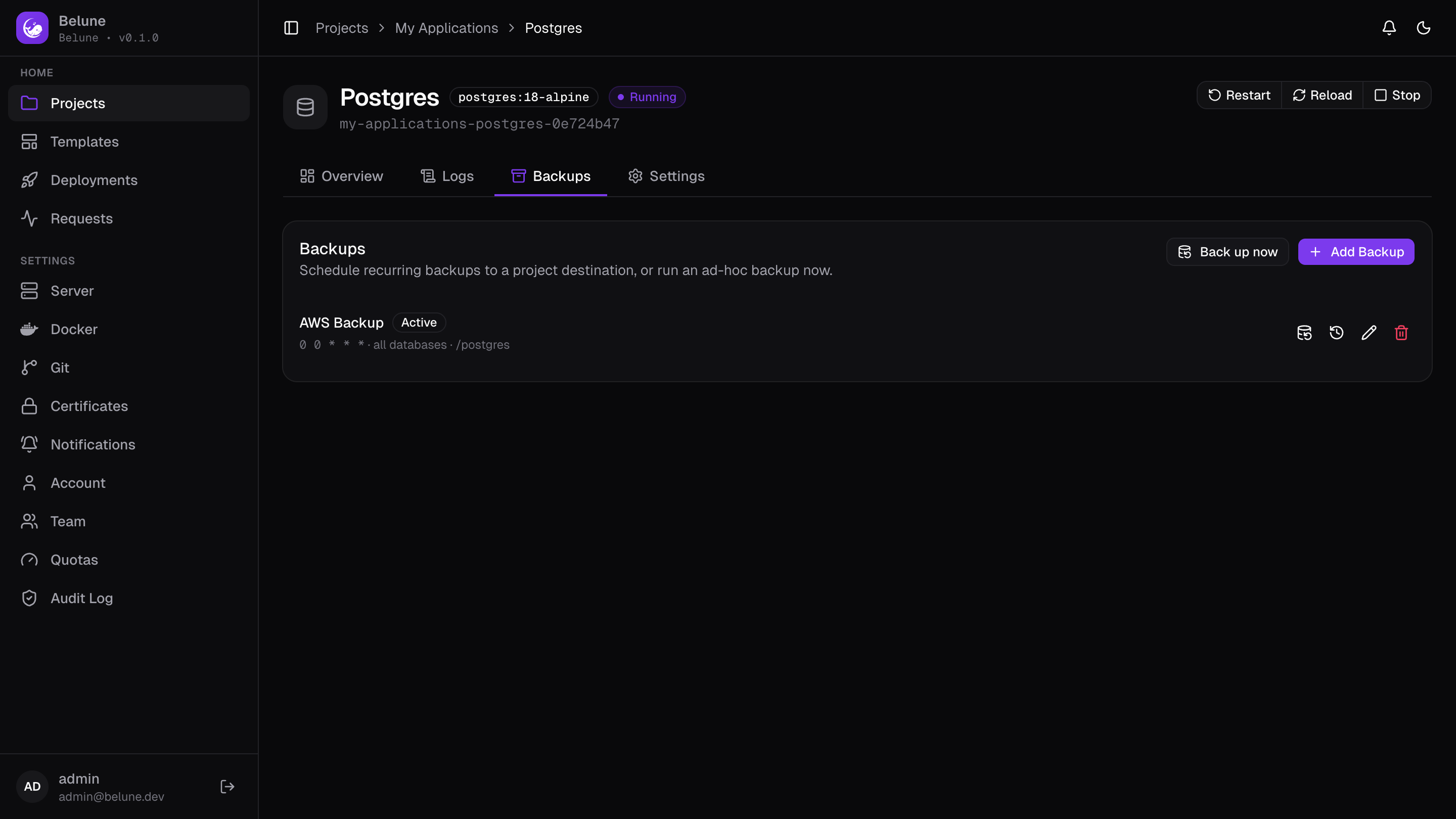
This is a per-database feature — schedules and on-demand snapshots of this database's own data. Each one has a cron schedule, an optional destination prefix, and a retention count, and can target just this database or any database in the project.
A schedule needs a project backup destination to be configured first.
Back up now runs one immediately outside the schedule, and Manage Histories browses everything a schedule has produced.
Deleting a schedule also deletes the backups it made.
Configurations
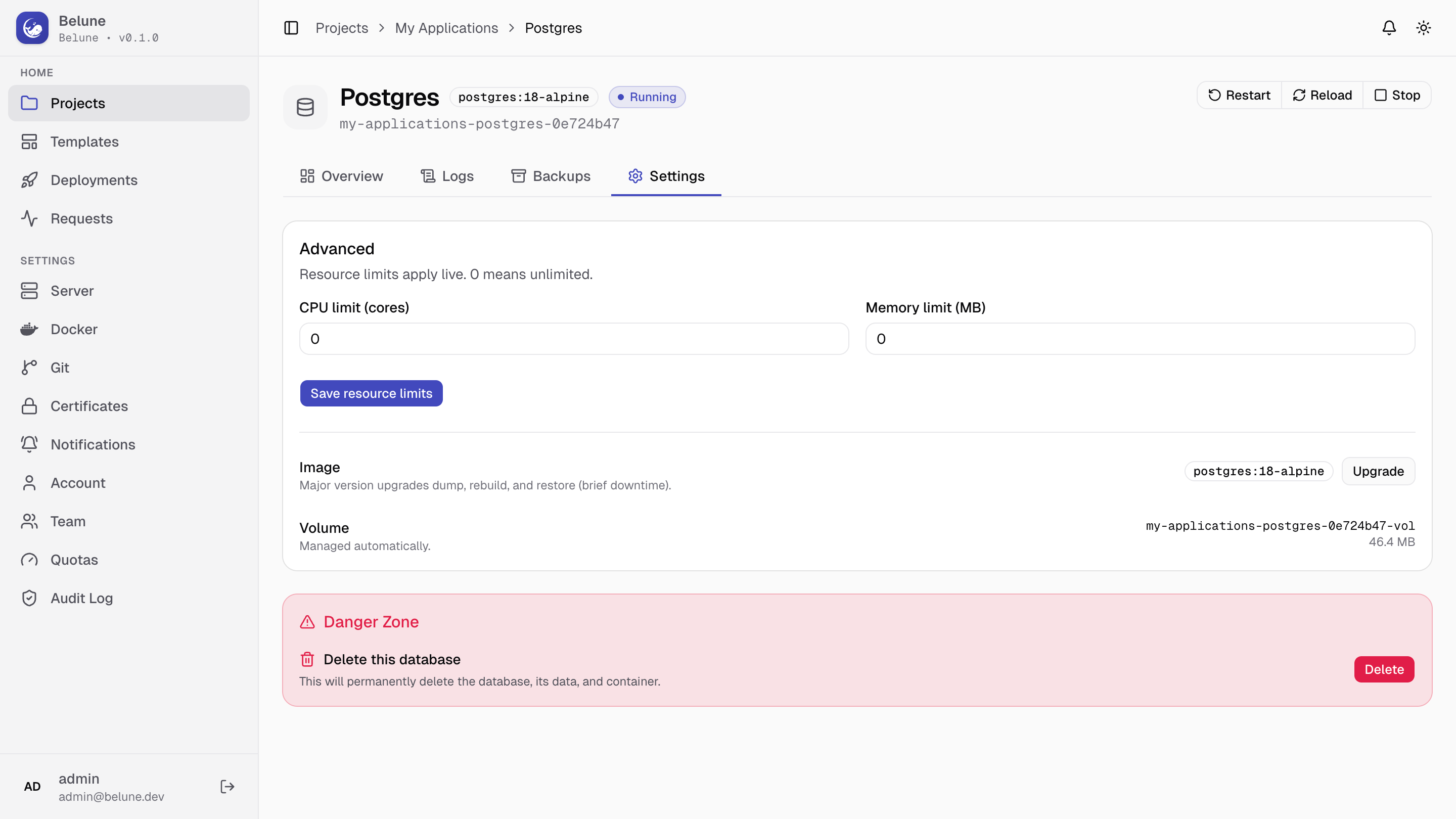
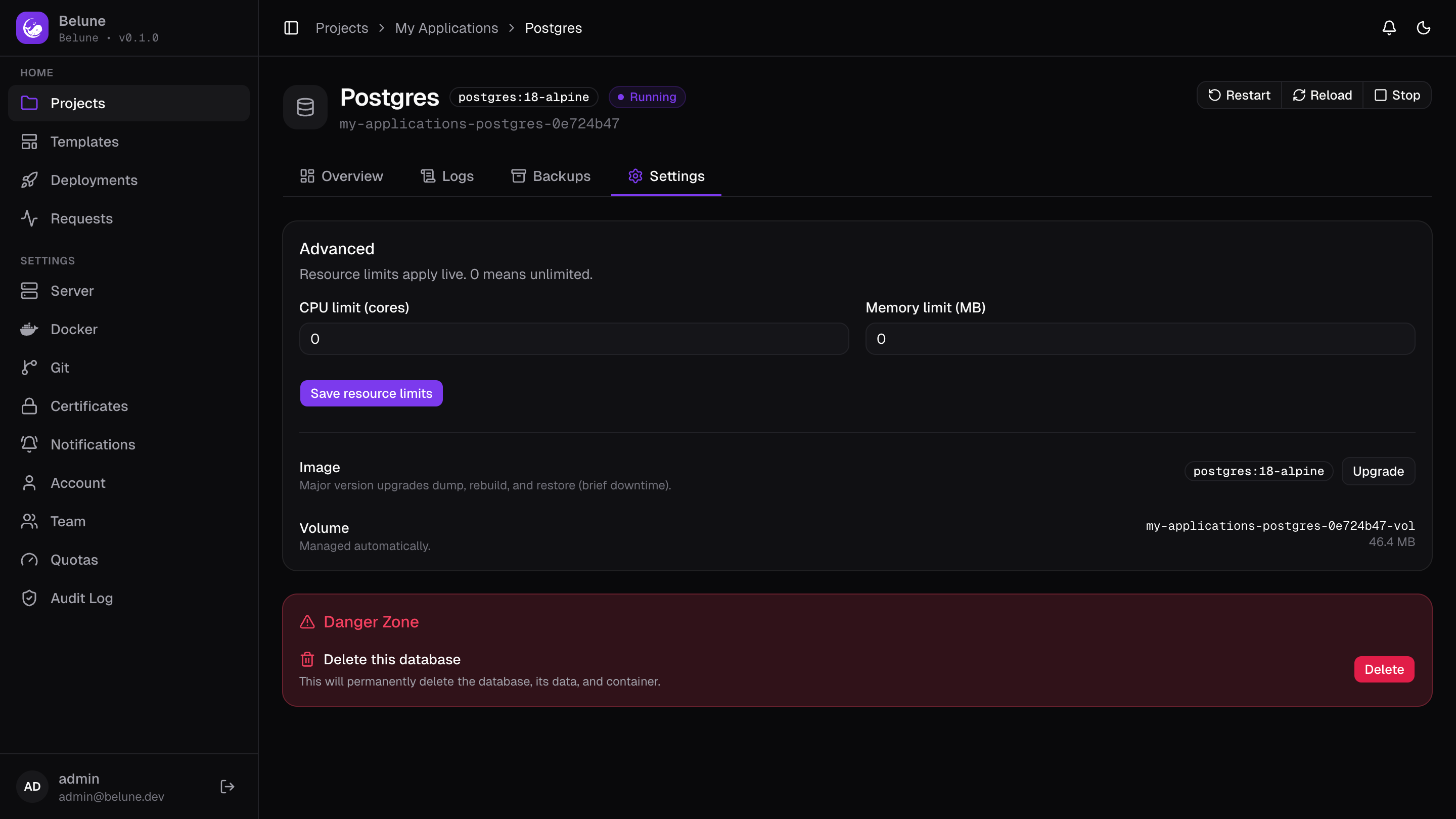
CPU and memory limits, on the Settings tab, apply live with no reload needed; 0 means unlimited.
Upgrades
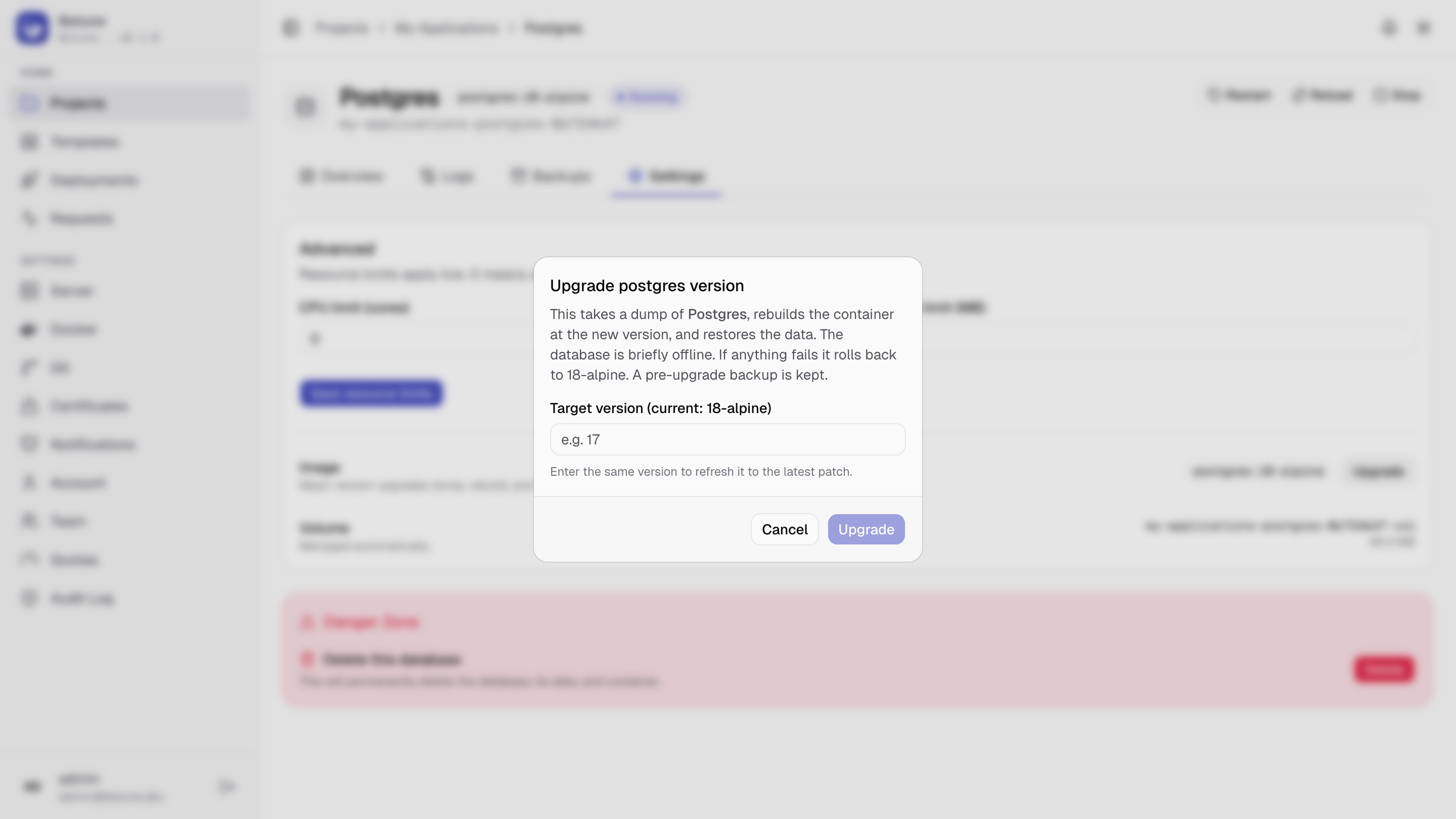
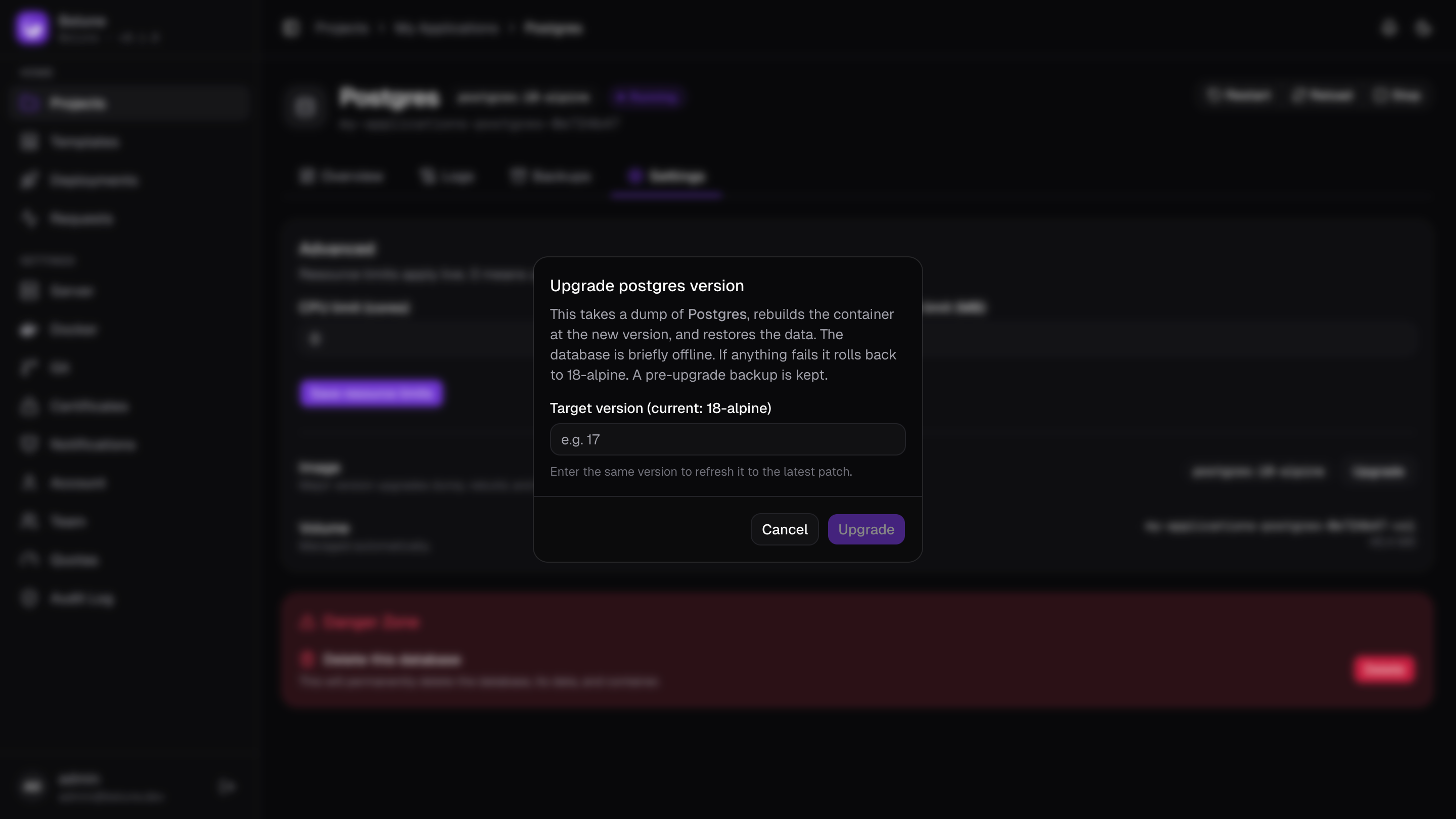
Postgres, MySQL, and MongoDB support a guarded major-version upgrade from the Settings tab. It dumps the database, rebuilds the container at the target version, and restores the dump — briefly offline throughout.
A pre-upgrade backup is kept, and a failed upgrade rolls back to the version you started on. Entering the same version as a target is a valid way to refresh to its latest patch build.
The upgrade guard doesn't support Redis and Other types.
Deletion
The Settings tab's Danger Zone permanently deletes the database, its container, and its data volume. Like a project or application, it asks you to type the database's name to confirm — the Delete button stays disabled until it matches. This cannot be undone.