Backup Destinations
Where project backups are stored.
Backup destinations are storage targets, configured per project on its Backups tab, that a database's or application volume's backup schedule can point at. Different volumes and databases in the same project can point at different destinations.
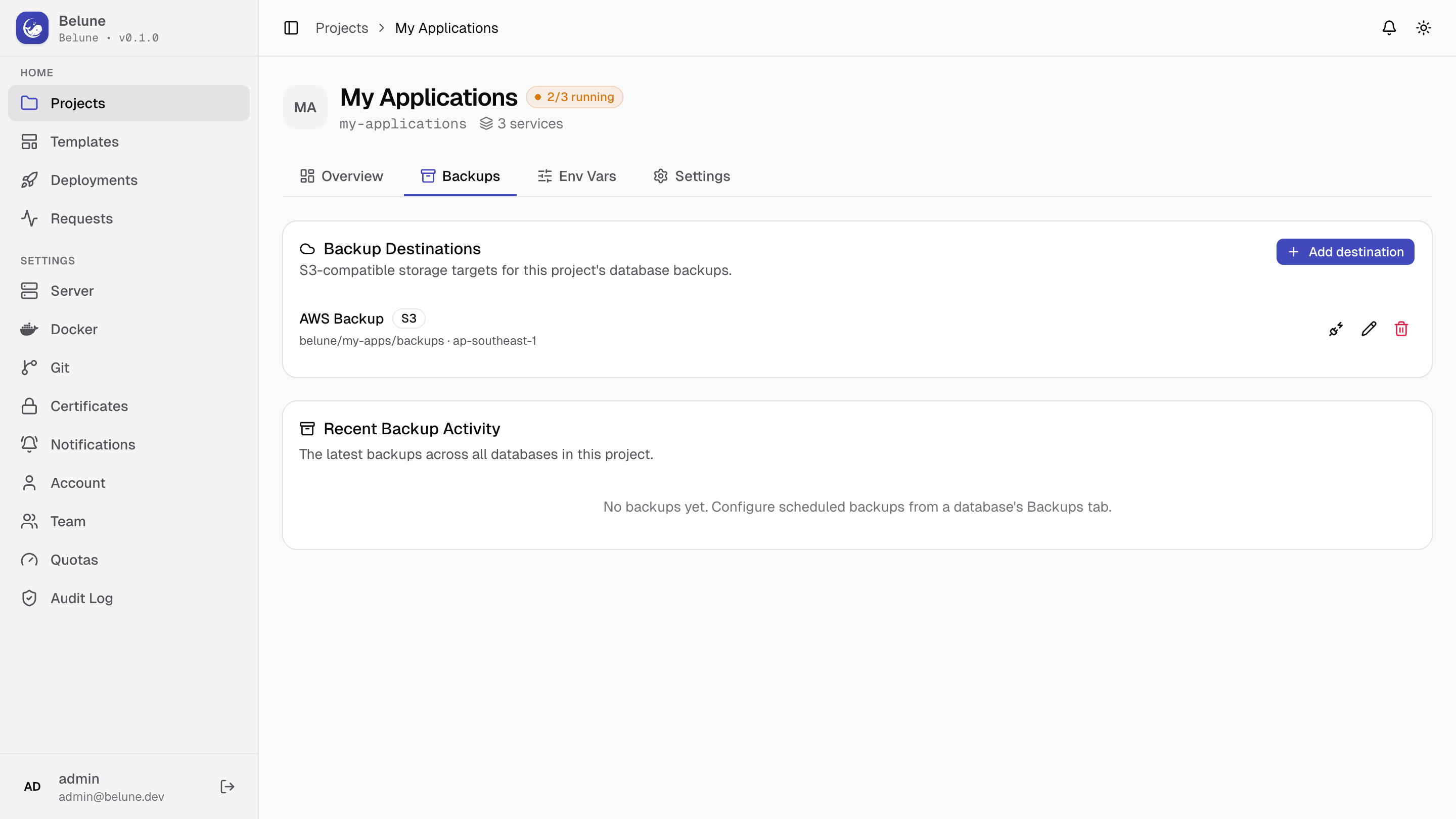
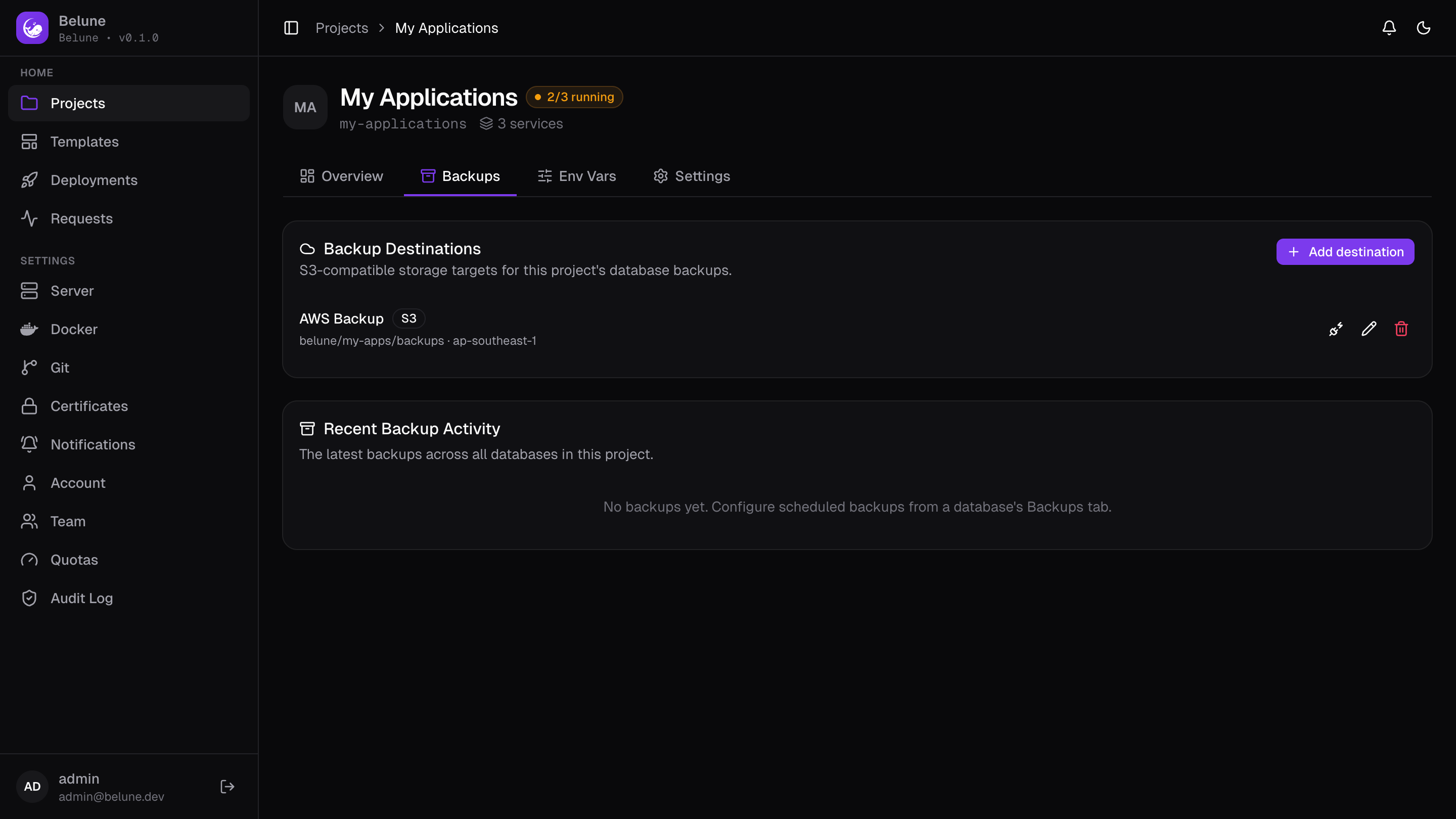
Destination Types
Seven types are supported:
- AWS S3 and Cloudflare R2 — derive their endpoint automatically (from the region, or from an R2 account ID)
- Backblaze B2 and Wasabi — derive it from a region template
- MinIO and Other (S3-compatible) — take a manual host, for anything self-hosted or not explicitly listed
- Local — the archive it produces stays on this host's disk, pruned by the same retention setting as any other destination
Managed providers (S3, R2, B2, Wasabi) always connect over HTTPS. MinIO and Other let you toggle SSL, for a self-signed or plain-HTTP setup.
A Local destination doesn't survive losing the host and is not disaster recovery on its own. Pair it with an S3-compatible destination (or the control-plane's own remote storage) if you need to recover from a dead server.
Add a Destination
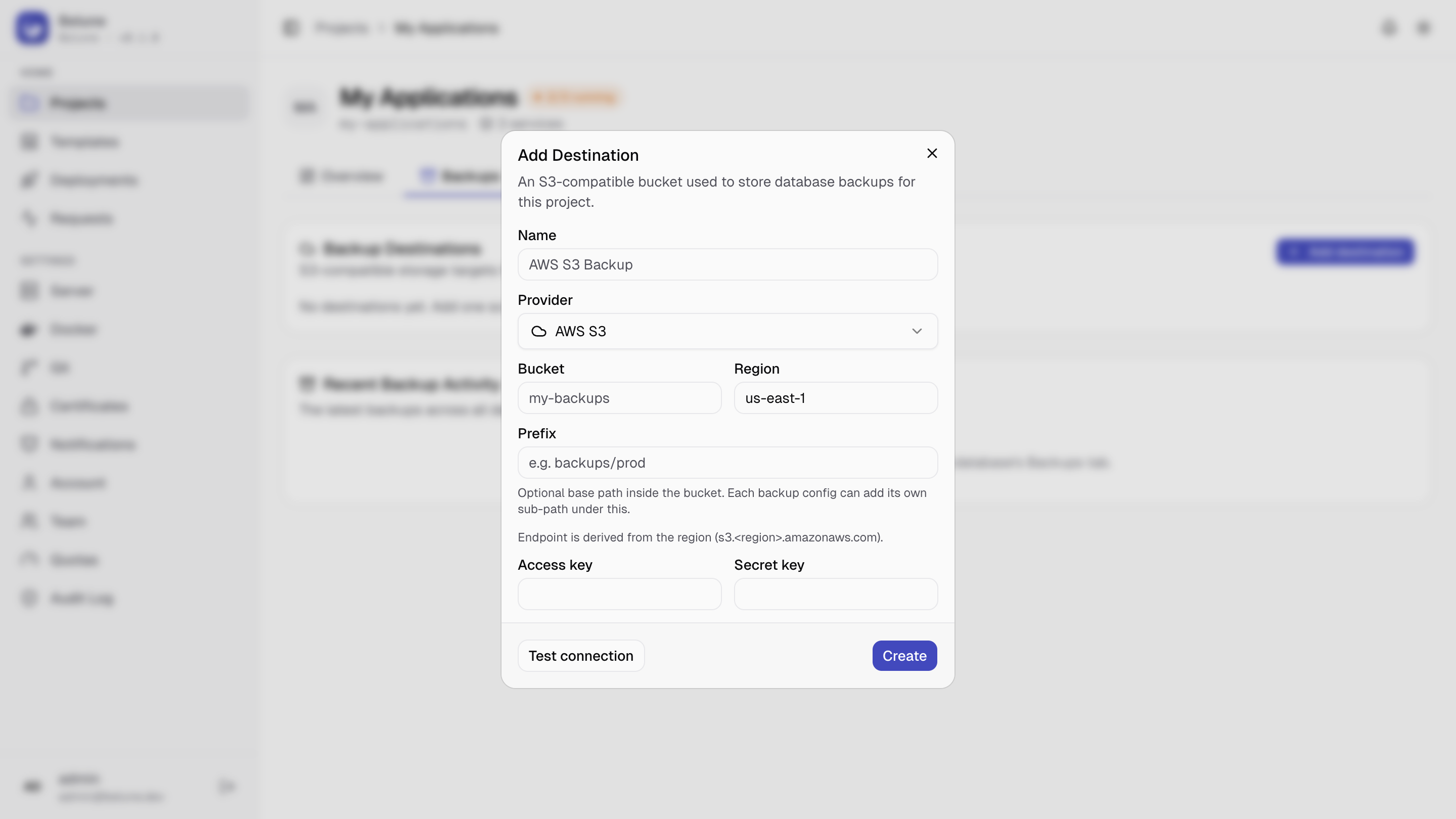
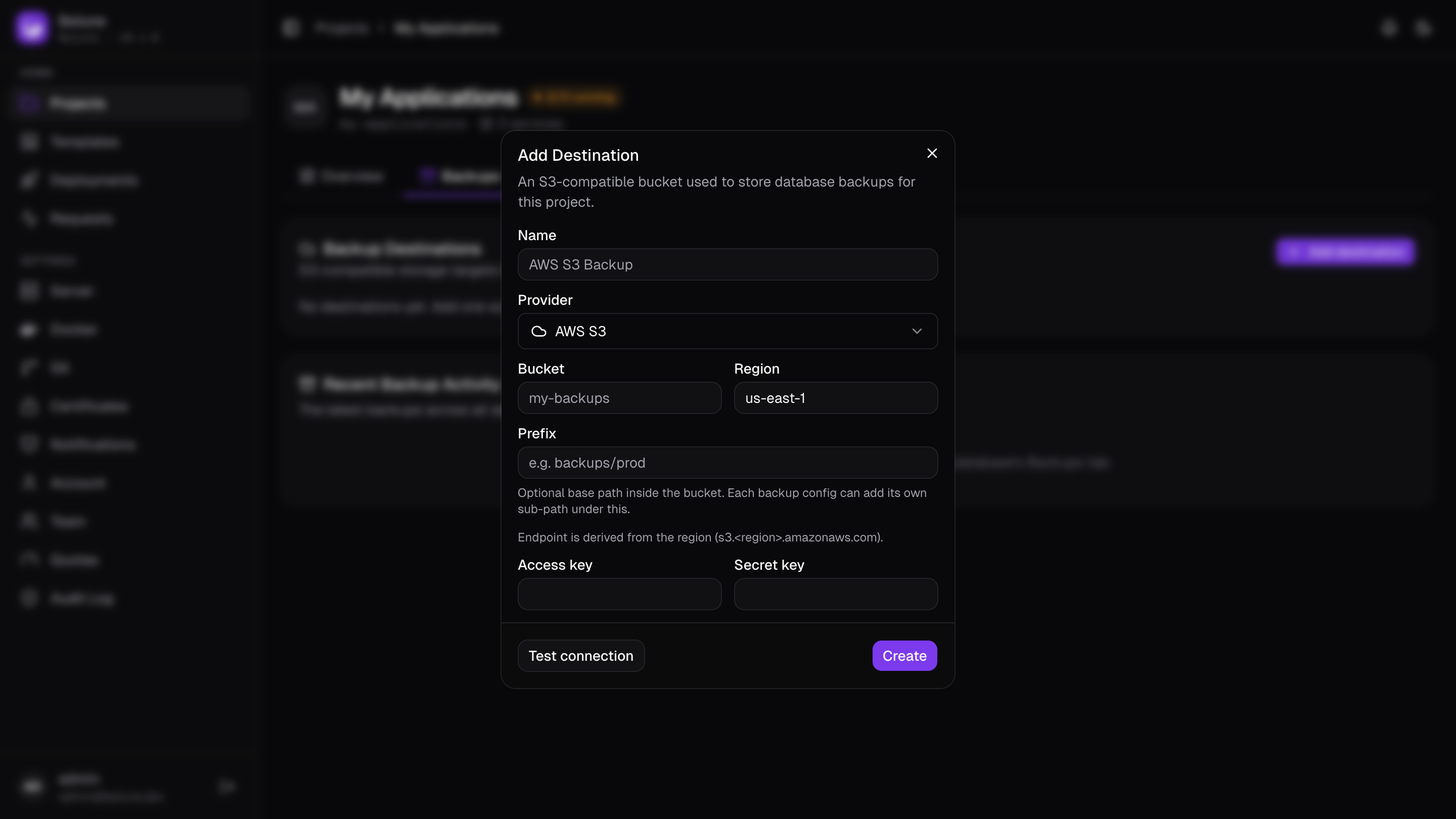
Add destination asks for a name and the type, and:
- For Local, there's nothing else to fill in.
- For an S3-compatible type, it also asks for a bucket and credentials (access key + secret key). What else you fill in depends on the provider:
- a region for S3/B2/Wasabi
- an account ID for R2
- or a raw endpoint host for MinIO/Other
A Prefix sets an optional base path inside the bucket, and each backup schedule can add its own sub-path underneath it, so one bucket can cleanly hold backups from several volumes, databases, or projects.
Editing an existing destination leaves credentials untouched unless you type new ones.
What Can Be Changed Later
Once a destination holds backups, Belune records that those backups live there — that record is what a restore follows, so the settings deciding where its objects live are locked:
- Locked: type, endpoint, and bucket. On AWS S3 the region is locked too, because with no explicit endpoint the region is the address (
s3.<region>.amazonaws.com). - Still editable: the name, the prefix, and the credentials. Rotating an access key is expected and moves nothing.
Attempting a locked change is refused, and the message says how many backups are stored there.
To start writing to different storage, add a second destination and point your schedules at it. The old one keeps serving restores of what it already holds.
This protects backups taken from now on. A destination that was already repointed before upgrading cannot be un-done — Belune has no record of where those objects went, and restoring them will fail even though the backup list shows them as successful.
Test a Destination
Test connection is available both on a saved destination and while filling in the form. It verifies the bucket is actually reachable with the given credentials — worth doing before wiring a destination into a schedule.
A Local destination has nothing to test, so there's no button for it.
Using a Destination in a Schedule
A destination is just where backups can go; attaching one to an actual schedule happens on the application's volume mount tab or database's Backups tab, where you also set the frequency and retention.
See more on Backing up application volumes or Database backup & restore.
The project's Backups tab also shows Recent Backup Activity, a combined feed of every latest backup regardless of which destination it used.
Removing a Destination
A destination can't be deleted while either of these is true:
- A backup schedule still references it — remove or repoint those schedules first, so none silently points at nothing the next time it runs.
- Backups are still stored in it — delete those backups, or the databases and volumes they belong to, first.
The second is stricter than it looks, and deliberately so: deleting the destination row would leave every backup recorded there unable to say where it lives, turning a restorable backup into one that only looks restorable. The refusal message tells you which case you're in, and how many backups are involved.