Environment Variables
Configure an app with variables and secrets.
Each application can set its own environment variables for build and runtime. You can add the API keys, feature flags, service URLs, and anything else the app needs here.
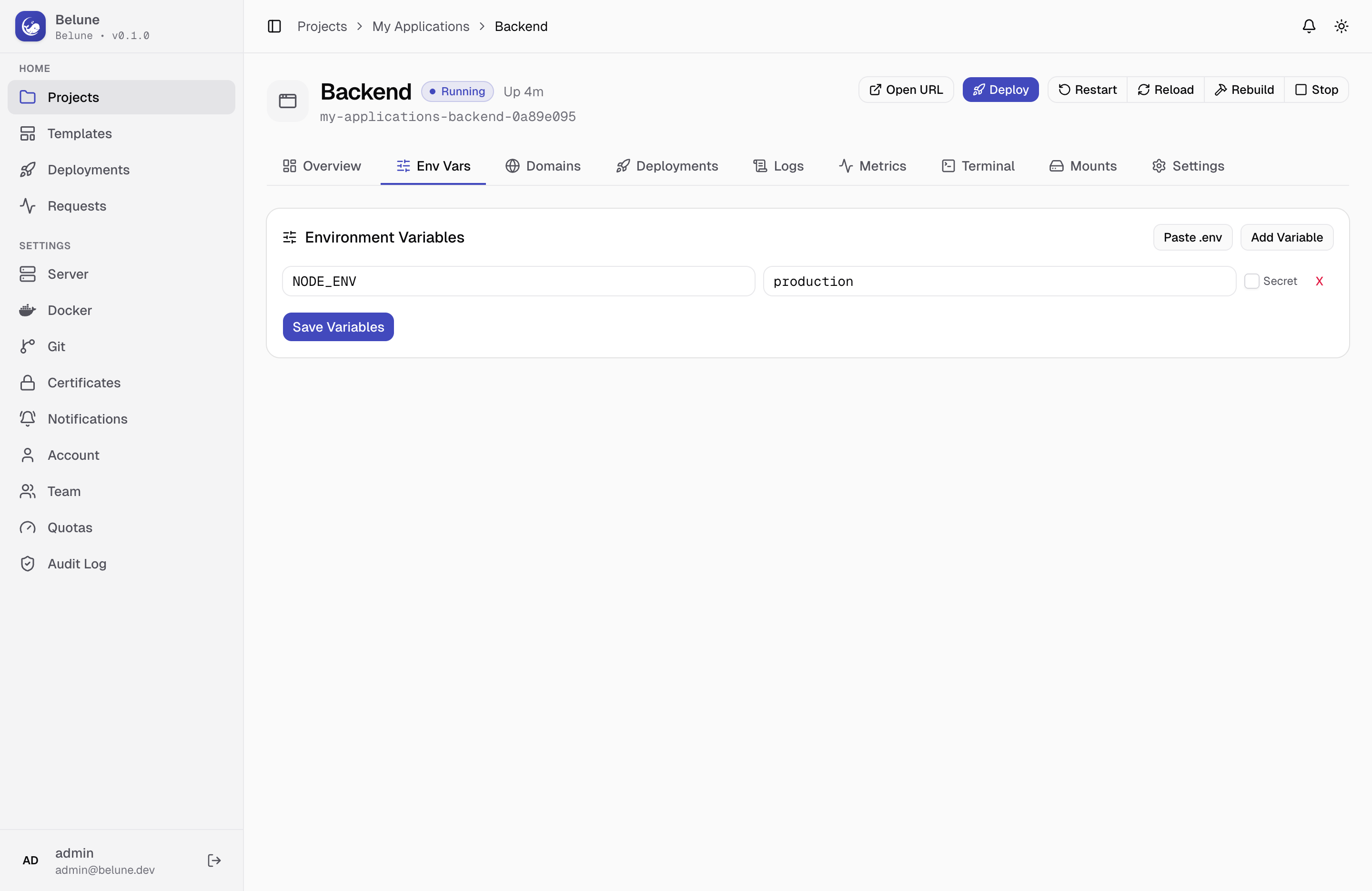
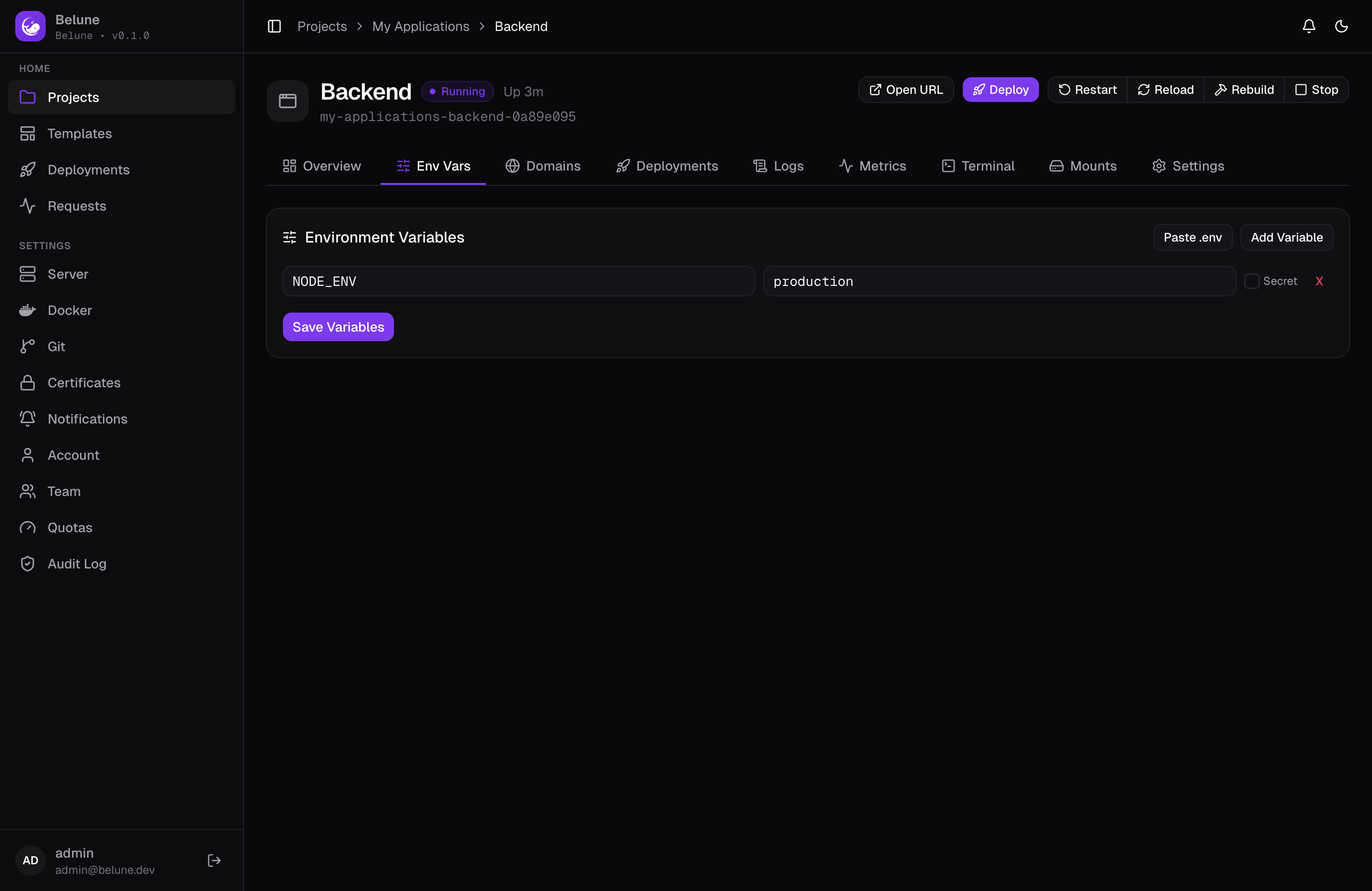
Add and Edit Variables
Add variables one at a time, or paste an existing .env file's contents in bulk (pasted keys that already exist are updated, not duplicated). Each variable can be flagged Secret (see Secrets below). A search box and a sort control (by name, created, or updated) help you find one in a long list, and every row has a Copy action — copy just the value, or the whole KEY=value.
Saving new variables doesn't touch the running container — it takes effect on the next deploy or reload; see Deployments.
Inherited Project Variables
Variables from the project's own Env Vars tab appear here too, shown above your app's own variables and separated by a divider, each marked Inherit from Project. They're read-only by default.
To override one for this app, edit its value (or flip its Secret toggle) in place — it becomes an app-level variable with an Overrides project badge and moves down into your app's own section. Its Trash action then reads Revert to inherited, so you can drop the override and fall back to the project value at any time.
Build-Time vs Runtime
Most variables are read when the container starts, but some applications are different:
In some frameworks — Next.js's NEXT_PUBLIC_* and Vite's VITE_*, for example — variables are
baked into the built JavaScript at build time, so they must be set before the build that needs
them runs. See Next.js and Vite for practical guidance.
Secrets
A variable marked Secret is encrypted at rest, the same way as any other credential in Belune, and its value is never returned in the variables list — the row shows masked, with nothing sent to the browser.
To see or copy it, use the reveal (eye) action on the row, which fetches the value on demand. Every reveal is recorded in the audit log, so handing back plaintext the UI otherwise hides leaves a trace. This works the same way as file-mount secrets.