Backup & Restore
Scheduled and on-demand backups of a managed database, and restoring from one.
Every managed database can back up its own data, on a schedule or on demand to a project backup destination, and restore from any successful backup right from the dashboard.
This is separate from Belune's own control-plane backup, which protects the platform's own Postgres and Caddy state and is a different system entirely.
What Can Be Backed Up
Backups are logical dumps taken inside the database container:
| Engine | How it's dumped |
|---|---|
| Postgres | pg_dump / pg_dumpall |
| MySQL | mysqldump (single-transaction, routines + triggers) |
| MongoDB | mongodump |
| Other | only with a volume snapshot or custom command configured |
Redis isn't backed up — it's treated as a cache/broker, not a system of record.
Prerequisite: A Destination
A backup has to go somewhere, so a schedule needs a project backup destination configured first — local disk or S3-compatible storage. Set it up once per project, and every database in that project can then target it.
Schedules
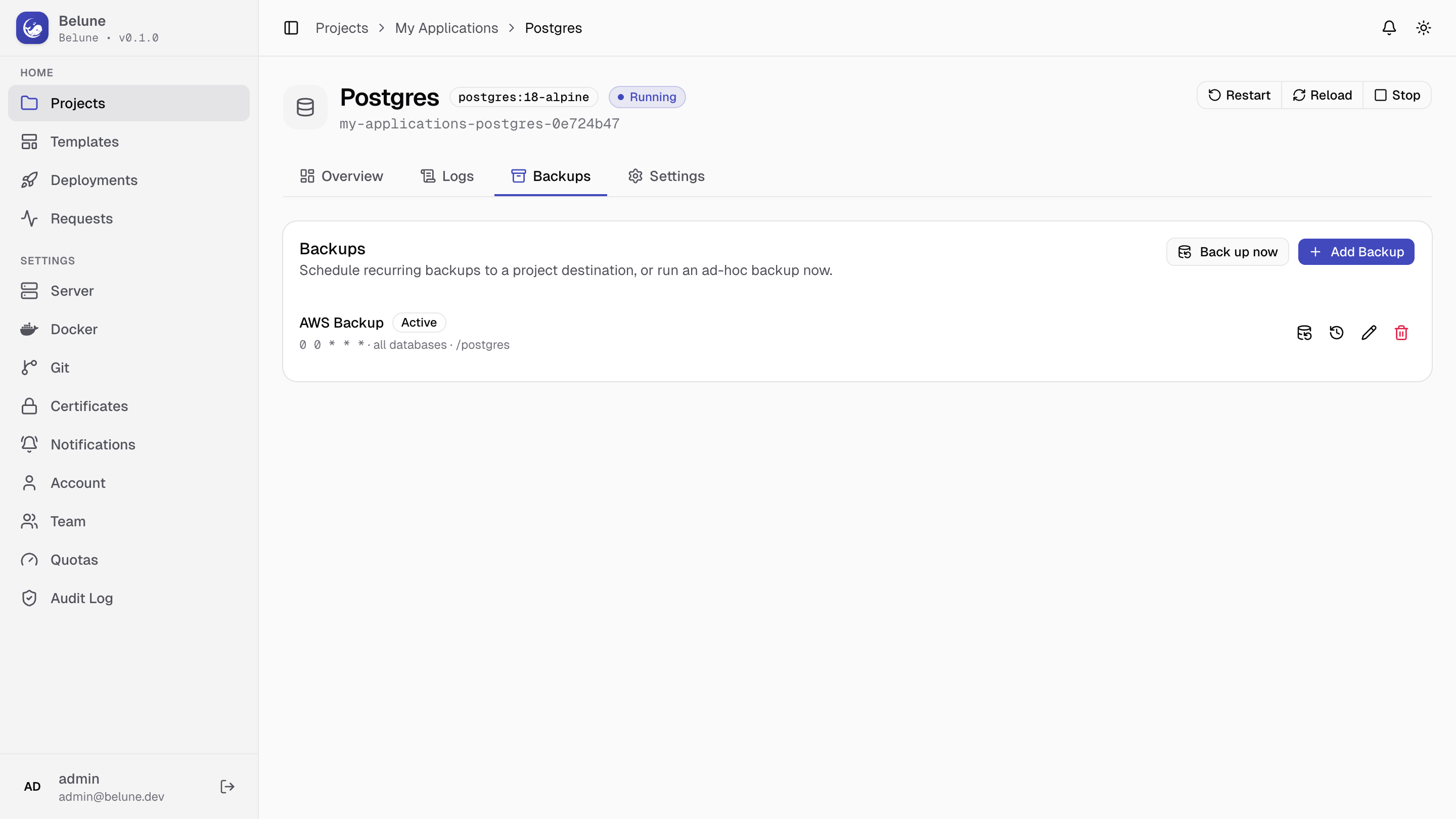
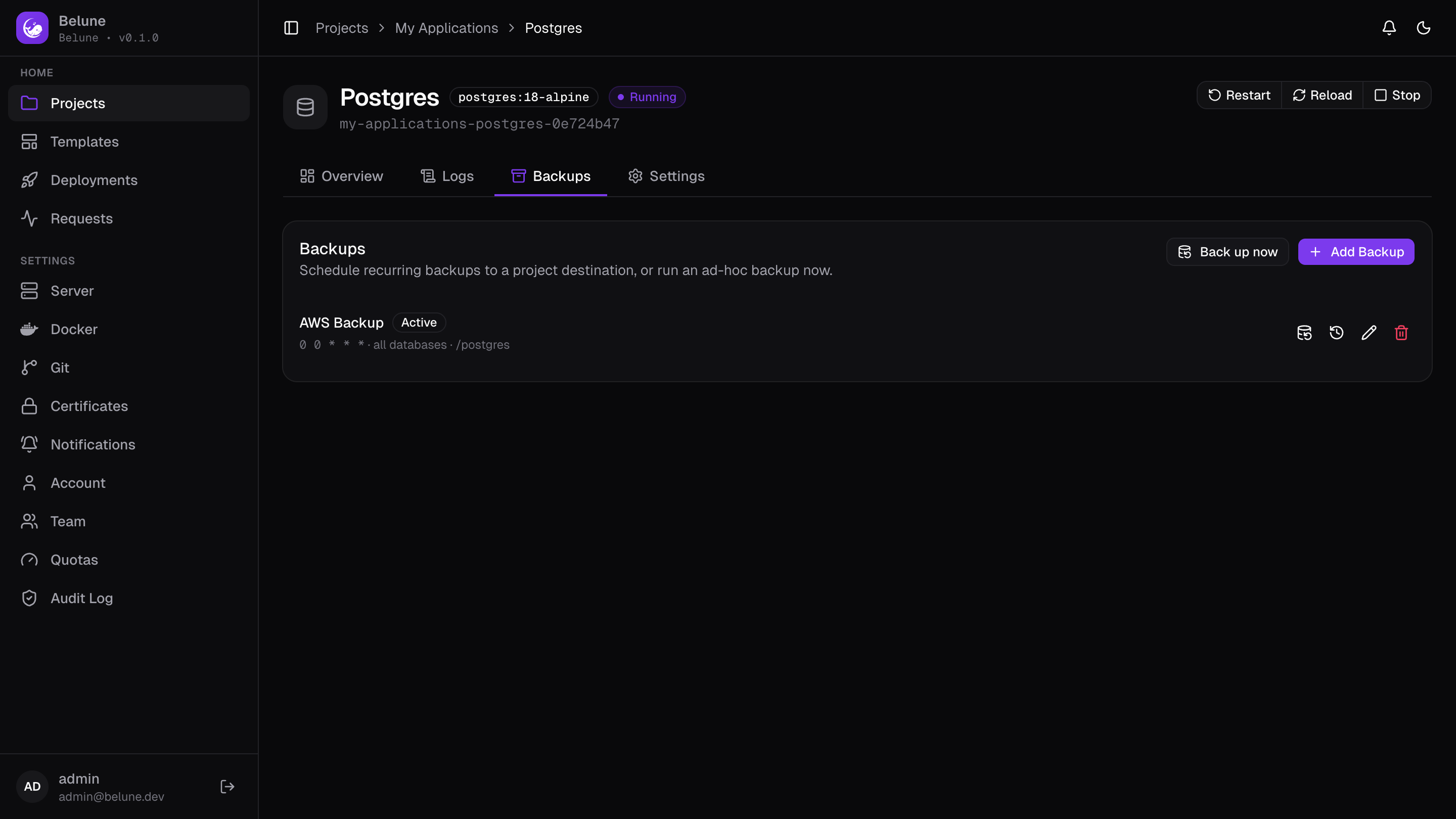
From a database's Backups tab, add one or more schedules. Each has:
- Cron schedule - the time when it runs,
- Destination - the location to save the backups, and an optional path prefix within it,
- a retention count — how many backups to keep before the oldest is pruned,
- a scope — just this database, or every database in the project.
Deleting a schedule also deletes the backups it produced.
Deleting a Database
Deleting a database deletes every backup ever taken of it, including copies already uploaded to a remote destination. Restoring from them afterwards is not possible.
The delete dialog states how many backups will go and names the destinations holding them, and asks you to type the database name to confirm. The count and the destruction are recorded in the audit log, so the question "where did those backups go" has an answer afterwards.
Deleting the project removes its databases the same way, and their backups with them — but the project delete dialog does not itemise what it is about to destroy. Delete databases individually first if you want to see the consequences before agreeing to them.
On-Demand Backups
Back up now runs a one-off backup immediately, outside any schedule.
Manage Histories browses every backup a schedule has produced, with status, timing, and size. The project's Backups tab additionally shows Recent Backup Activity, a combined feed across all its databases.
Restore
Unlike the control-plane restore (host/CLI only), a database restore runs from the dashboard. On the Backups tab, pick a succeeded backup and restore it. The database must be running, and the restore is enqueued and recorded in a restore history you can review afterwards.
Restoring overwrites the database's current data with the contents of the chosen backup, and can't be undone. Take a fresh backup first if the current state still matters.
Restore is offered for the same engines that support backups — Postgres, MySQL, MongoDB, and an "Other" database configured with a snapshot or command backup mode. It isn't available for Redis.