Settings
The application Settings tab — build source, health check, resources, runtime hardening, and delete.
The Settings tab holds an app's identity and build source, health check, resource limits, and runtime hardening.
Most changes here apply on the next deploy, or a reload when the container is recreated.
Application Settings
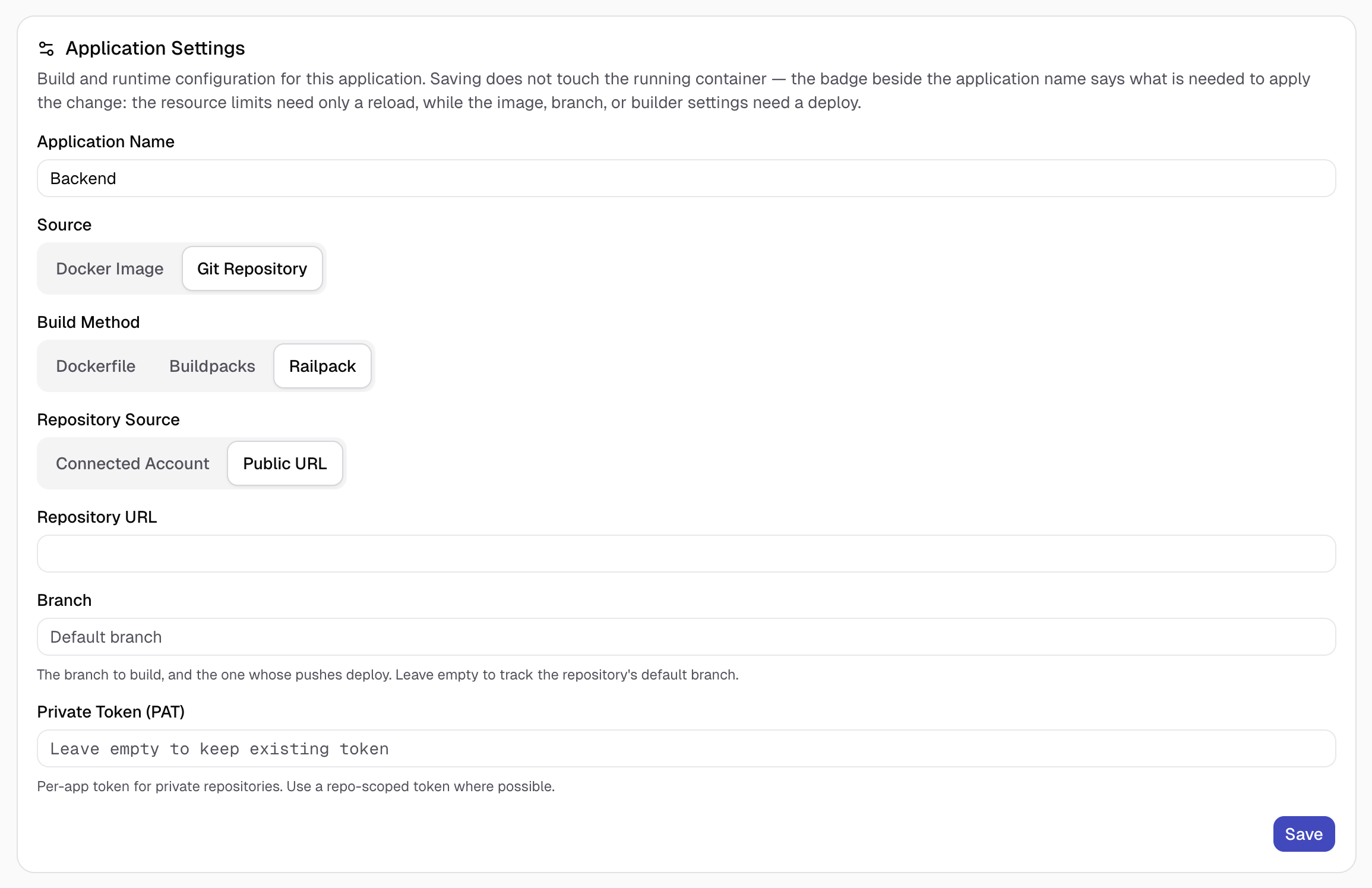
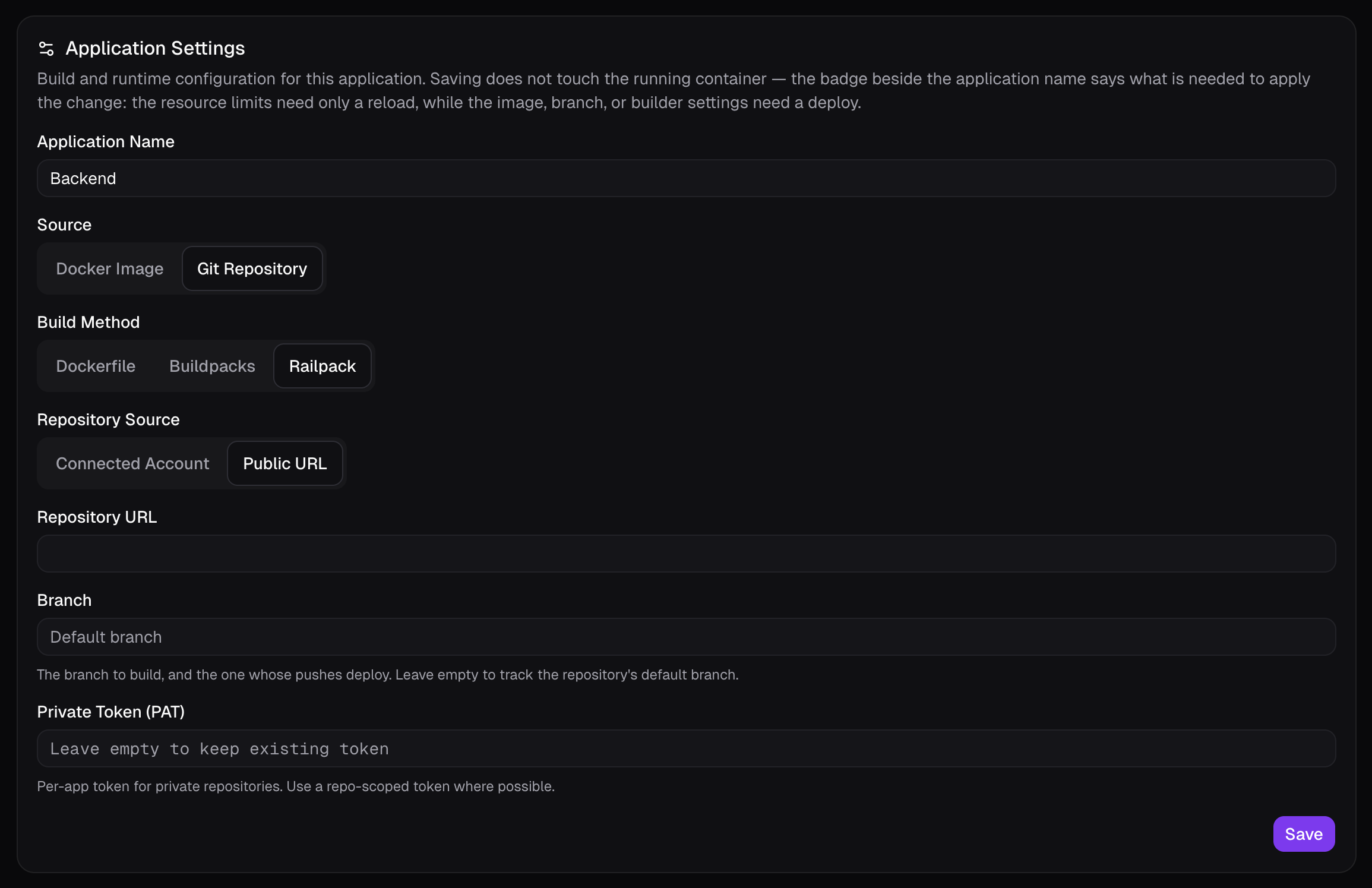
The first card holds the app's identity and build source.
- Application Name — the app's display name.
- Source — switch between a Git Repository and a Docker Image.
About Switching Source
Switching source keeps your domains, volumes, mounts, environment variables, and deploy hook, and drops only the settings specific to the old source (repo/branch/build config, or the image reference).
For a Git Repository:
- Build Method — override detection with Dockerfile, Buildpacks, or Railpack. See Builders.
- Repository Source — a Connected Account (a connected GitHub App or OAuth provider), or a Public URL with an optional branch and per-app token.
- Root Directory — build from a subdirectory of the repo (monorepo support); detection, the Dockerfile path, and the build context all resolve from here. Blank builds from the repo root.
- Dockerfile Path — path to the Dockerfile, relative to the Root Directory, not the repo root.
For a Docker Image:
- Docker Image — the image reference to pull and run (
nginx:1.27,ghcr.io/org/app:1.4).
Resources
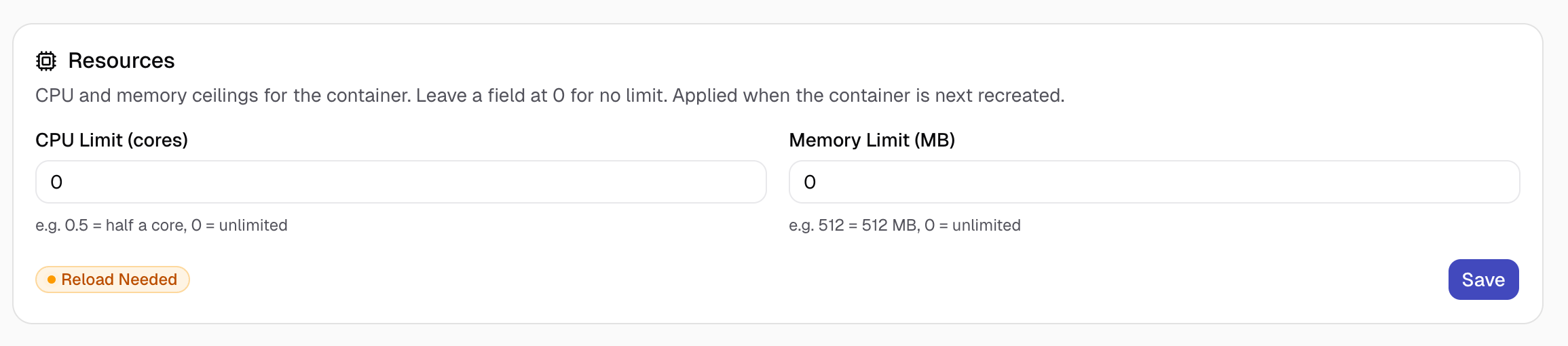
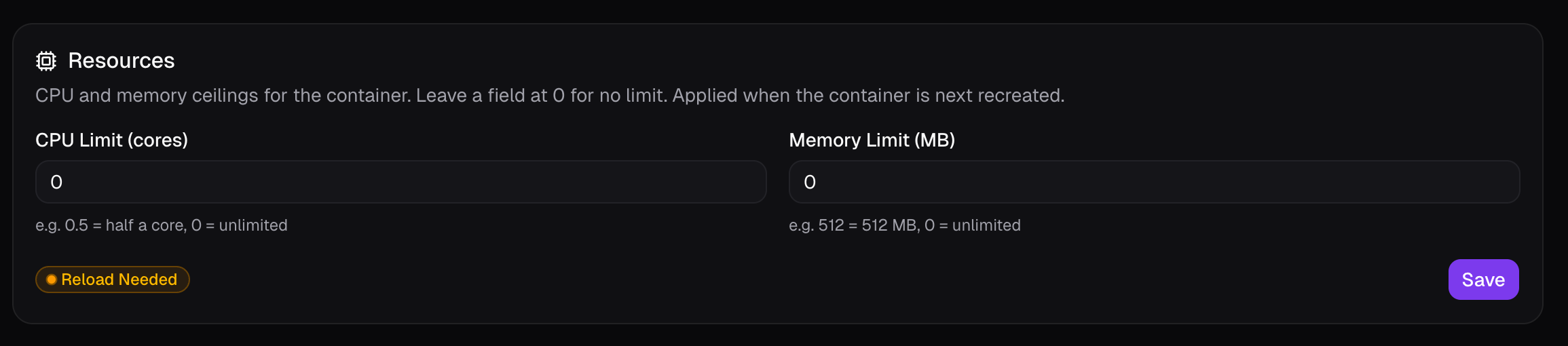
CPU and memory ceilings for the container. Leave a field at 0 for no limit —
for example 0.5 = half a core, 512 = 512 MB.
Applied when the container is next recreated.
Health Check
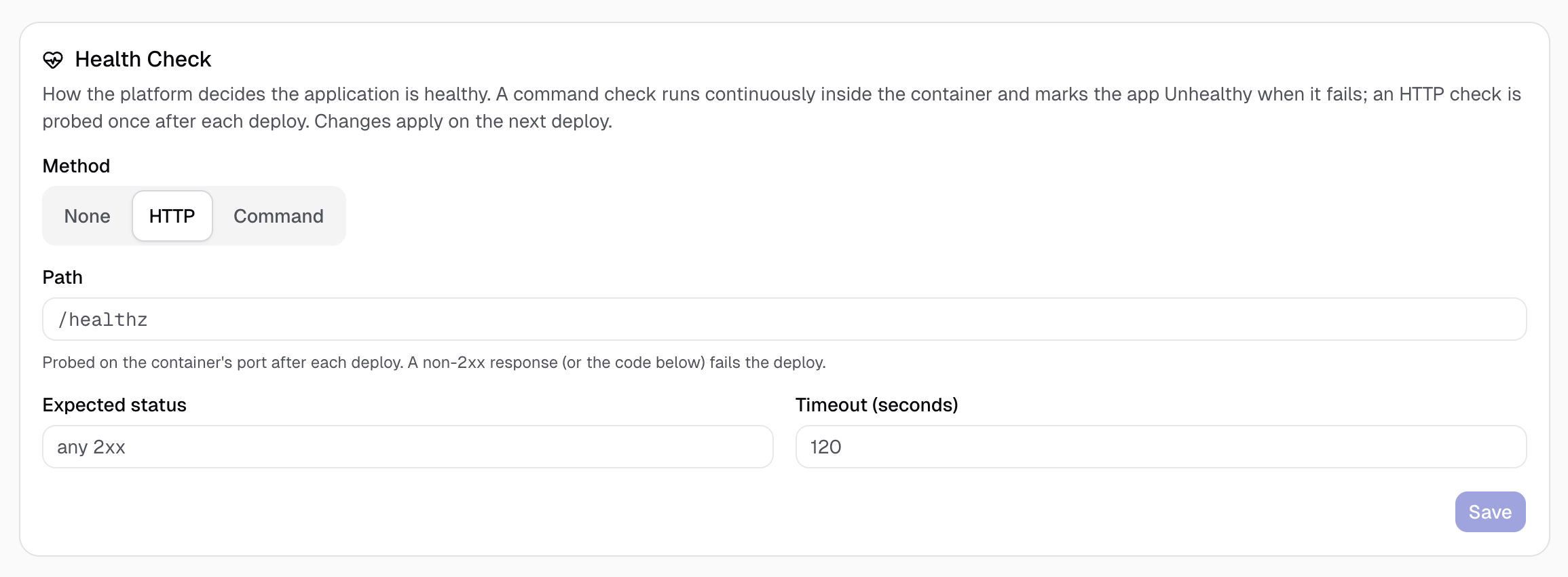
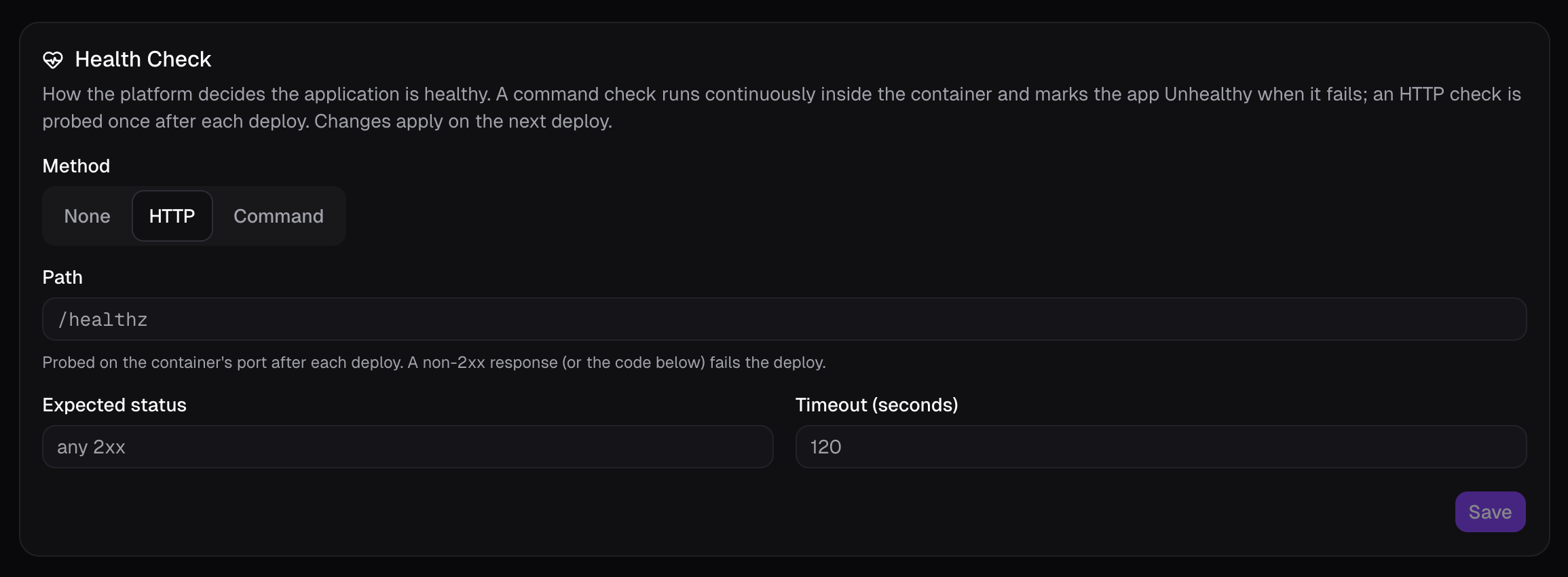
How Belune decides whether the app is healthy. Three methods, and the change applies on the next deploy:
- None — Belune runs no probe of its own.
- HTTP — after each deploy, Belune probes a path (for example
/healthz) on the container's port; a non-2xx response (or one outside the Expected status range) fails the deploy. Set the Path, Expected status, and Timeout. - Command — a command runs continuously inside the container and marks the app Unhealthy whenever it fails.
`None` Doesn't Hide The Image's Own Healthcheck
Setting this to None only turns off Belune's probe. It does not suppress
a HEALTHCHECK baked into the image — Belune reflects the container's native Docker
health, so an image whose baked healthcheck fails still shows Unhealthy.
For a worker with no HTTP port, make the image's healthcheck role-aware instead of relying on None.
Build Cache


The persistent layer cache reused across builds, with its current size. Clear Build Cache forces the next build to start from scratch — useful when a cached layer has gone stale.
Runtime
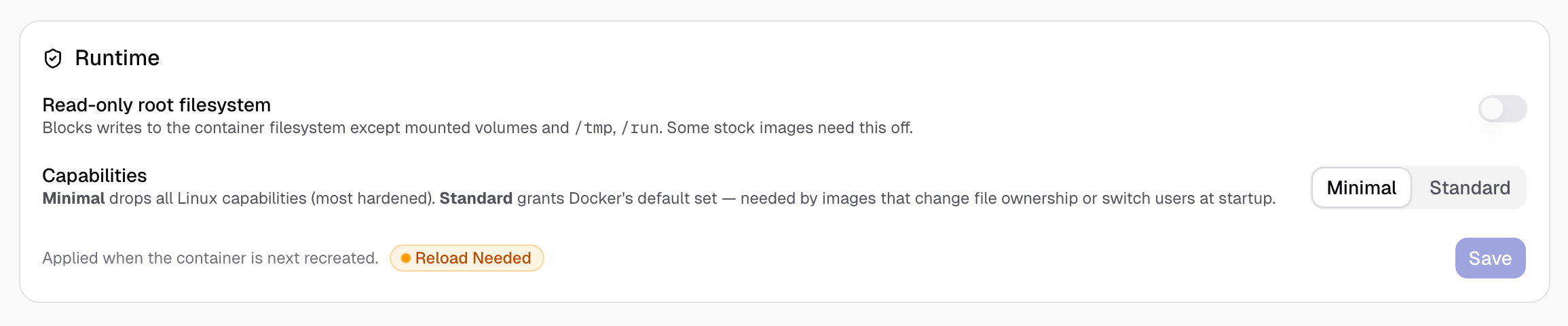
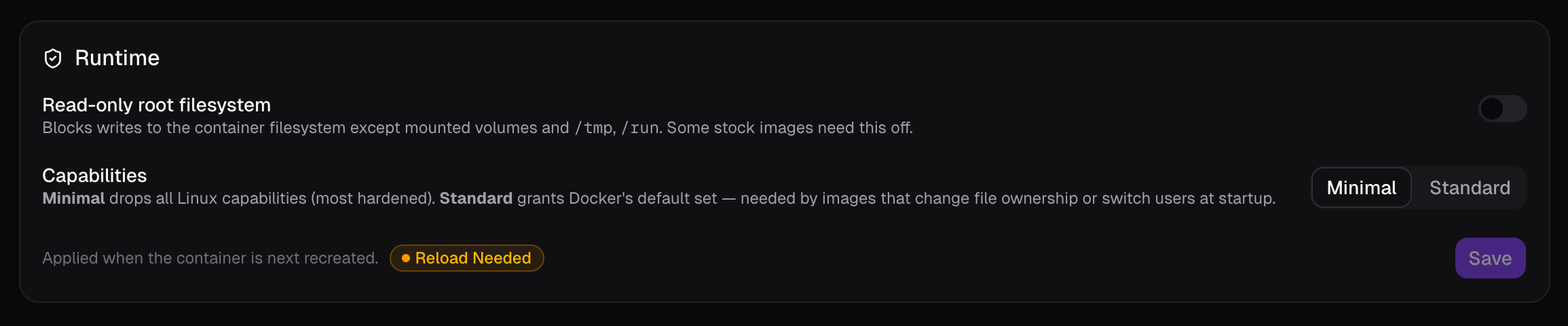
Options for container hardening:
- Read-only root filesystem — blocks writes to the container filesystem except
mounted volumes and
/tmp,/run. Turn it off only for stock images that must write elsewhere. - Capabilities
- Minimal (default) — drops all Linux capabilities; the most hardened option.
- Standard — grants Docker's default capability set, needed by images that change
file ownership or switch users at startup (for example the official
caddyimage).
Capabilities and Read-Only In Practice
These are the runtime settings framework deploys most often touch. A static-site
caddy image needs either its file capability stripped or Standard caps, and a
Laravel FrankenPHP image needs Standard with read-only left on.
The frameworks guides show real combinations.
Danger Zone
Delete Application stops the running container and permanently deletes the app. This can't be undone.