Notifications
Route platform events to Discord, Slack, Telegram, email, and more.
Notification channels route platform events out to external services — so an operator hears about a failed deploy or a broken certificate without watching the dashboard. Channels are instance-wide and admin-only, managed from Notifications in the sidebar.
Channels are an additional delivery layer on top of the in-app bell and per-user alert emails — fed by the same events. Enabling a channel never suppresses the bell.
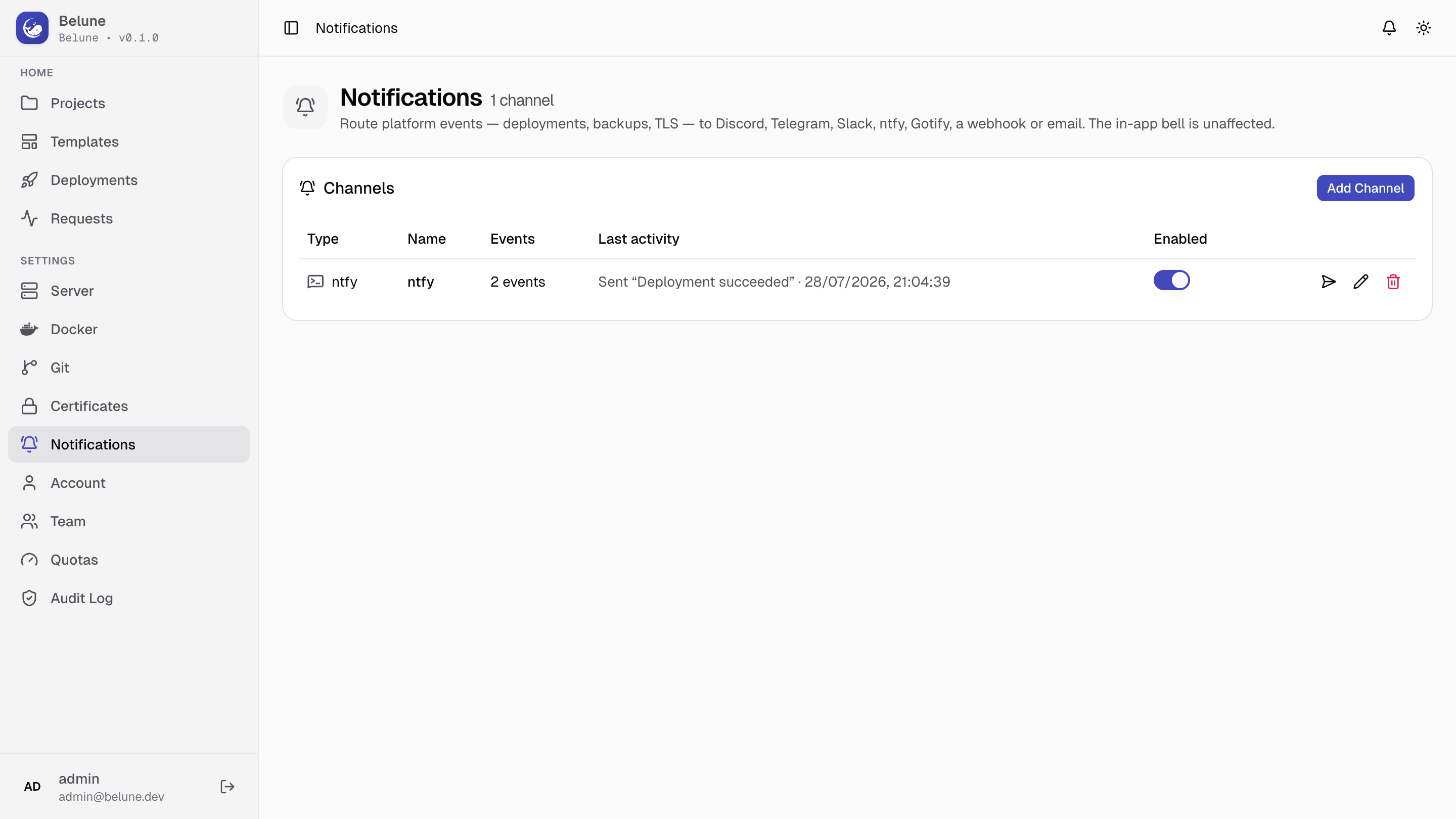
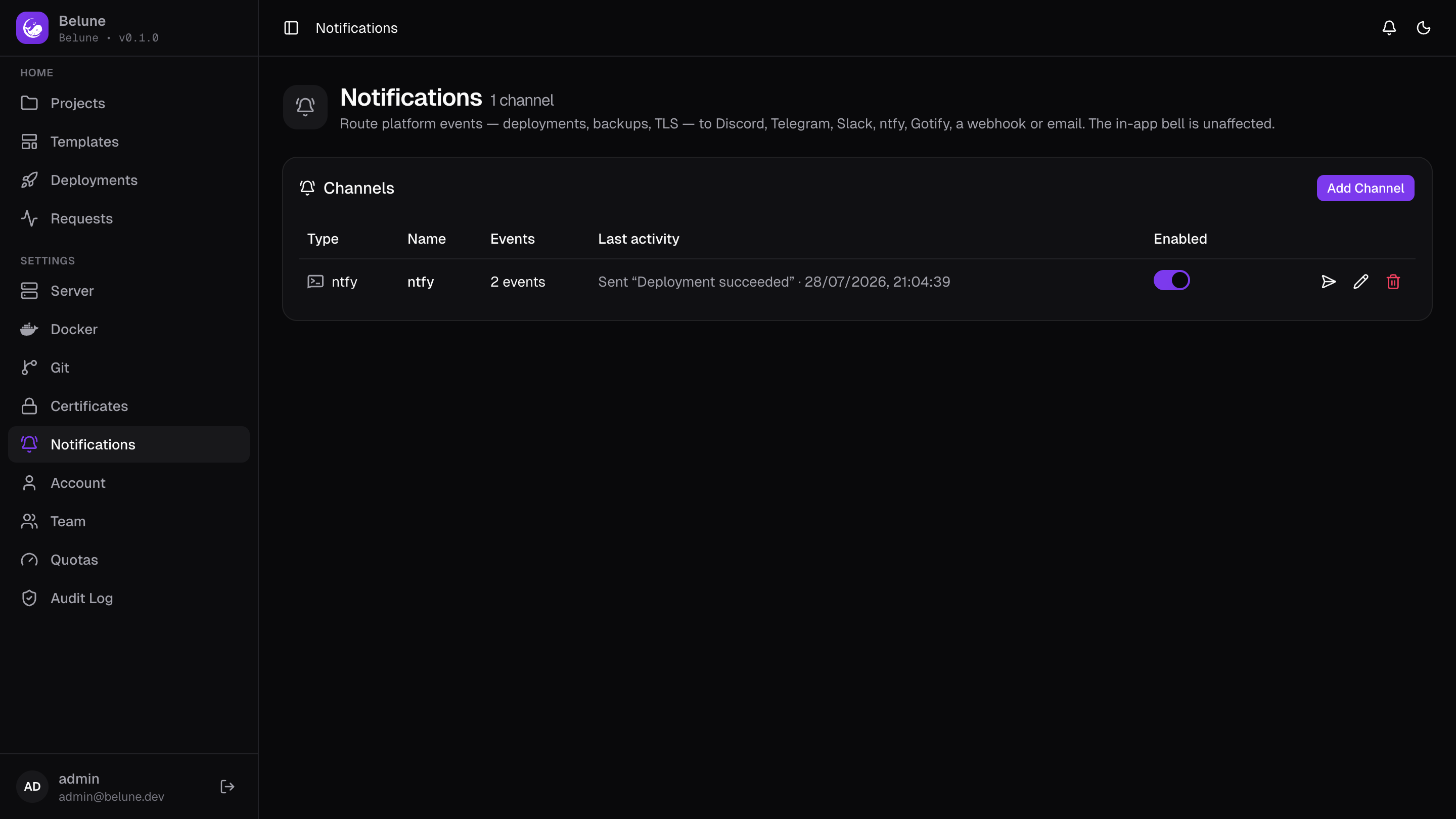
What Gets Delivered
A channel delivers only the events it is subscribed to. The available events are:
- Deployments (succeeded / failed)
- Database backups and restores
- TLS certificate lifecycle (expiring / expired / failed)
- Volume backups and restores
Each event carries a severity (ok / warning / error) that drives per-provider styling.
Delivery is asynchronous and retried (three attempts with backoff), so a broken webhook can never stall the work that produced the event. The last attempt's outcome shows on the channel row.
Add a Channel
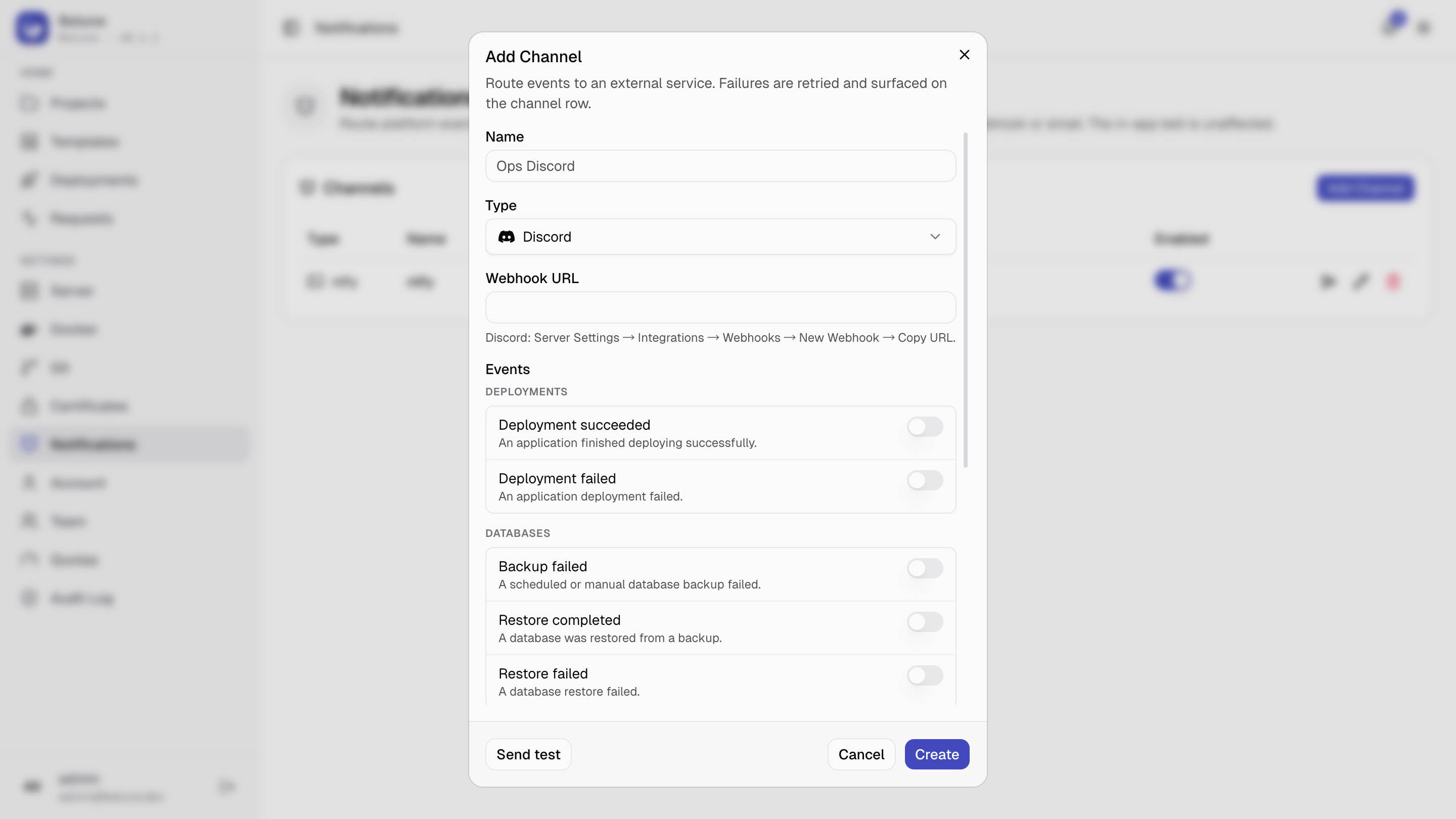
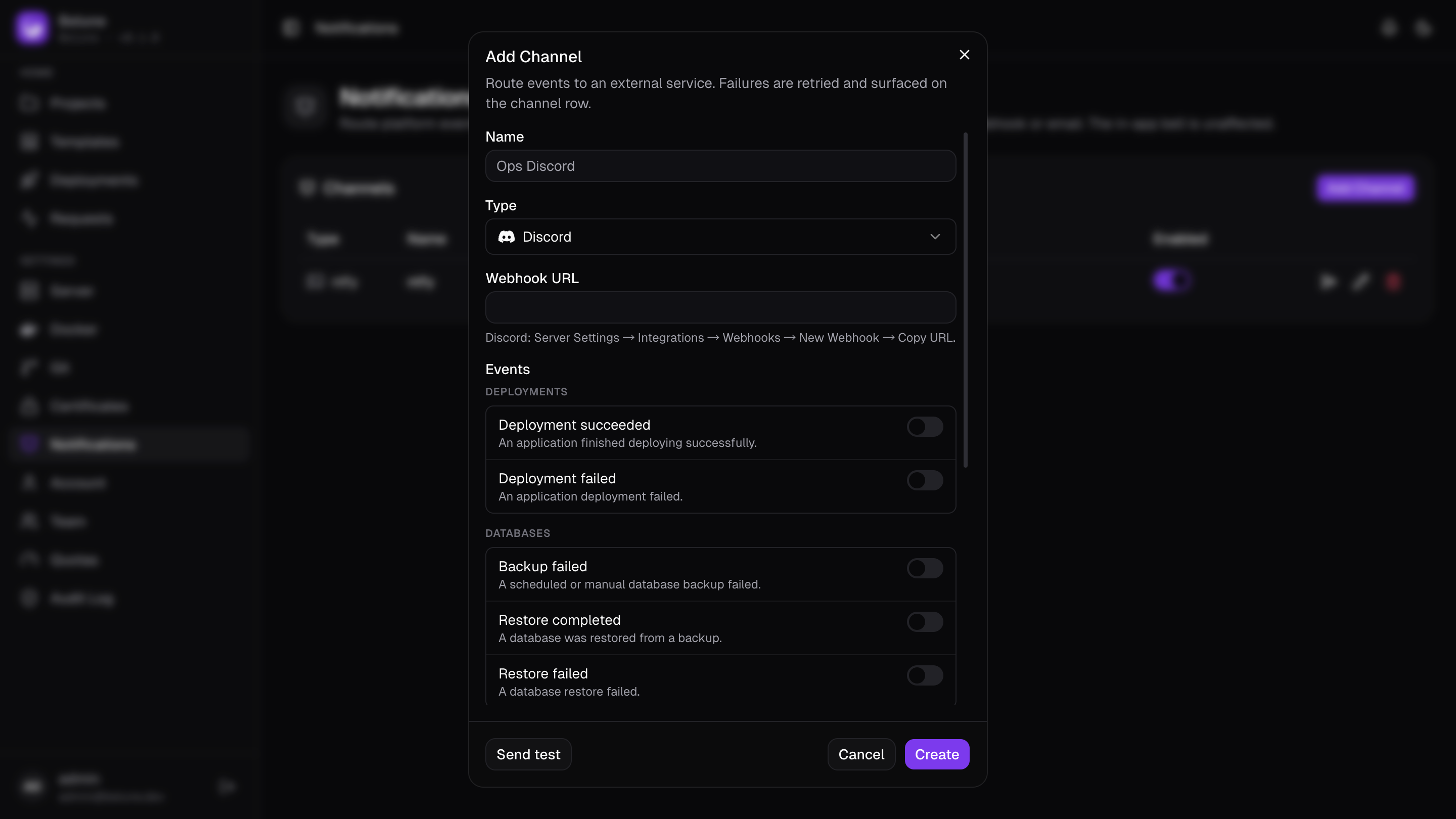
- Notifications → Add Channel.
- Give it a name, pick a Type, and fill the type-specific fields.
- Tick the Events it should receive.
- Create, then use Send test to confirm delivery.
Editing a channel re-enters its config, or leave the config fields blank to keep the stored one. The type is fixed once saved; to switch providers, create a new channel.
Provider secrets (webhook URLs, bot tokens) are encrypted at rest and never returned to the browser.
Event notifications deep-link back into the dashboard using the fallbacks on:
dashboard domain → specified IP → detected IP
If it's unset, messages still arrive but without a link.
Supported Providers
| Provider | What you need |
|---|---|
| Discord | Incoming webhook URL |
| Slack | Incoming webhook URL |
| Telegram | Bot token (via @BotFather) + chat ID |
| ntfy | Topic; optional server URL and access token |
| Gotify | Server URL + app token |
| Recipient addresses; instance SMTP or a per-channel mail server | |
| Webhook | URL that receives a JSON POST; optional HMAC-SHA256 signing secret |
The generic Webhook receives {type, title, body, link, severity, occurred_at}. With a signing secret set, each request carries an
X-Belune-Signature: sha256=<hmac> header — verify it to reject forgeries.
Email channels use the instance SMTP (Server → Email) by default, or can be pointed at their own mail server. If SMTP isn't configured, the test and events fail with a clear error rather than going silently nowhere.
Provider Status
The Enabled switch on each row takes effect immediately, even for already- queued events. Disable a noisy or temporarily-broken channel rather than deleting it, to keep its configuration.