Terminal
Open a shell in a running container.
Open an interactive shell inside a running application container straight from the dashboard — to look at the filesystem, run a one-off command, or debug, without SSHing to the host.
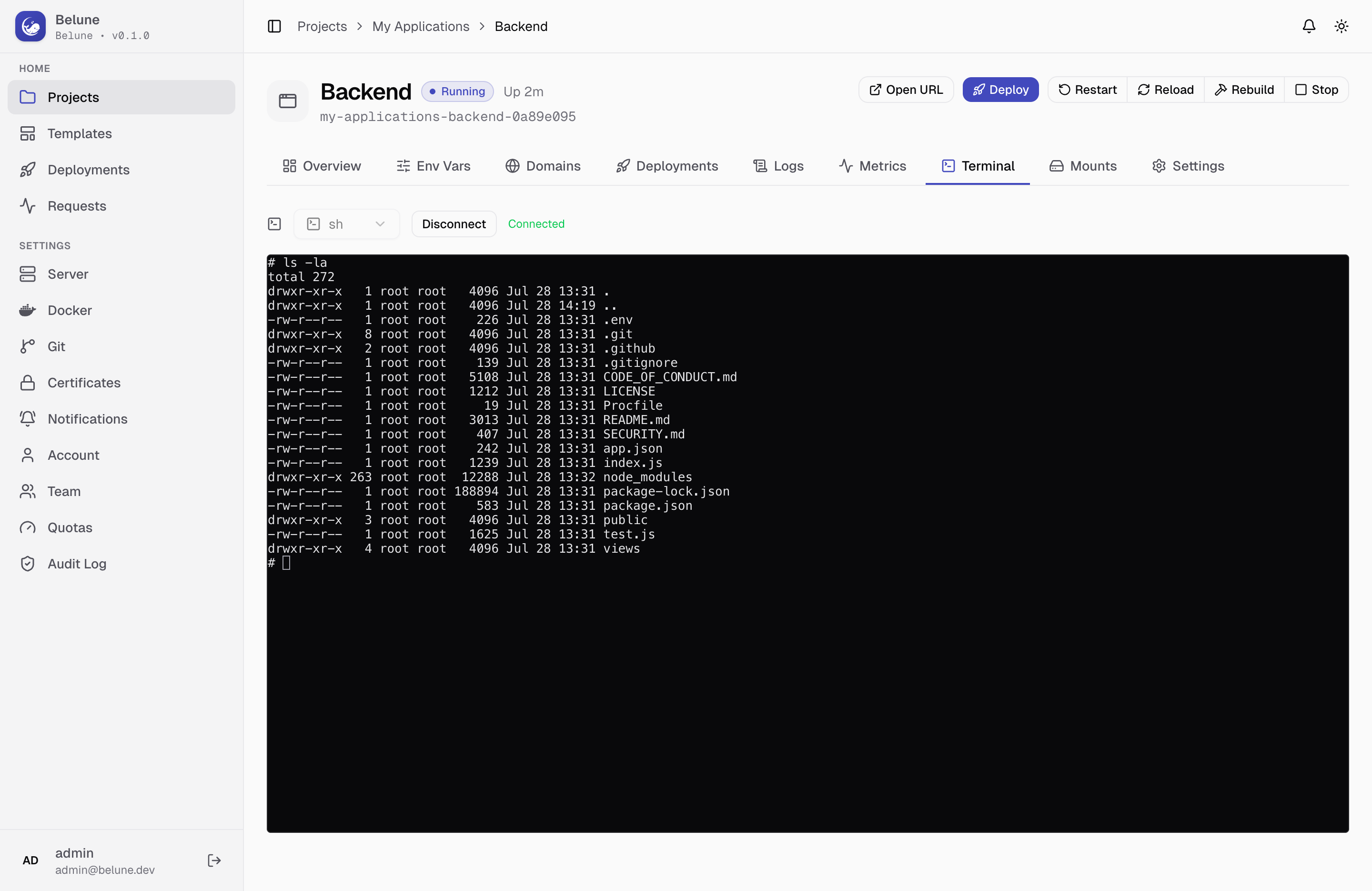
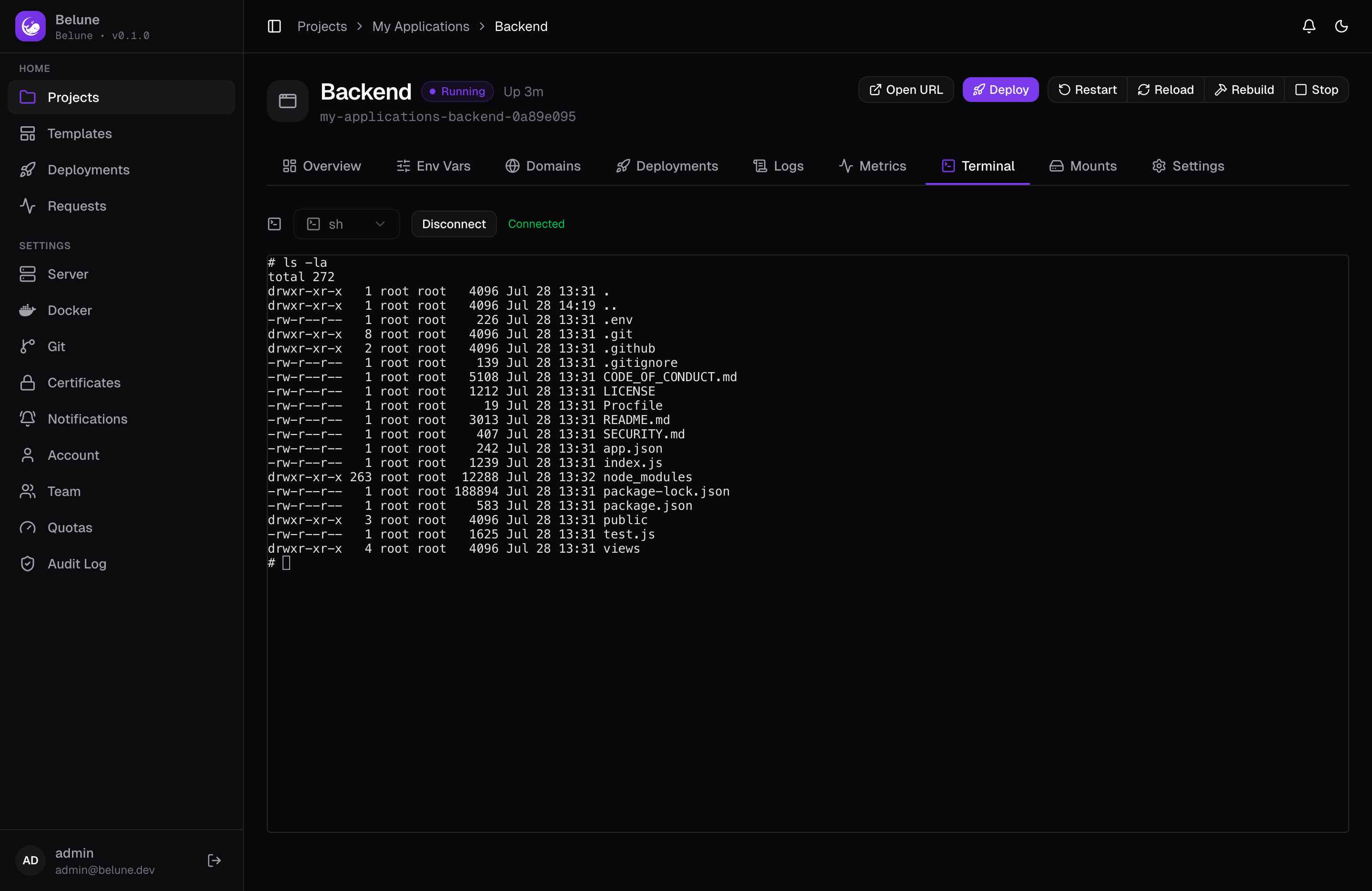
Open a Session
Pick a shell — sh, bash, ash, zsh, or fish, whichever the image actually has — and hit Connect. The session runs over a WebSocket into a real terminal rendered in the browser, resizing live as you resize the panel.
If the connection drops, Reconnect starts a fresh session with the same shell choice.
What You Can Do
Anything you could do at a shell inside the container: inspect the filesystem, check environment variables, run a one-off command, tail a file.
It's the same container the application is actually running in — nothing sandboxed or simulated. It's scoped to that one container's namespace, the same as docker exec would give you.
Limits
The session is tied to the container, so it ends the moment the container stops, restarts, or gets replaced by a deploy/reload/rebuild, and there's no session persistence across that boundary.
This isn't a substitute for host access — see Host shell if you need a shell on the server itself rather than inside one app's container, a materially larger capability with its own opt-in and audit trail.