Walkthrough
From a Git repo or Docker image to a live HTTPS URL, step by step.
This walks through deploying an app end to end — either from a Git repository or a Docker image — to a live URL with a certificate.
1. Create a Project
A project groups an app with the databases and services it depends on. From the dashboard, click New project and give it a name. See Project Overview.
2. Add an Application
Inside the project, click New application and pick a source.
From a Git Repository
Choose Git Repository, then either Connected Account (a GitHub App or OAuth provider you've connected — required for private repos) or a plain Git URL. Pick a branch; pushing to it later triggers auto-deploys.
Belune detects how to build your code, in this order:
| Belune finds… | Build path |
|---|---|
A Dockerfile | Builds the Dockerfile directly |
| A Cloud Native Buildpacks project | Builds with buildpacks |
| Anything else | Railpack auto-detects the language |
No configuration is required for the common cases — a Node, Python, Go, or PHP app builds on the first try. See Builders for the details.
From a Docker Image
Choose Docker Image and enter an image reference (nginx:latest,
ghcr.io/org/app:1.4). Belune pulls the image and runs it — there's no build step.
This is the fastest path for anything you or a vendor already publish to a registry.
3. Add a Database (Optional)
New service → Database, pick Postgres, MySQL, MongoDB, or Redis, and Belune provisions it with a persistent volume. Copy its connection details into the app's environment. See Database Overview.
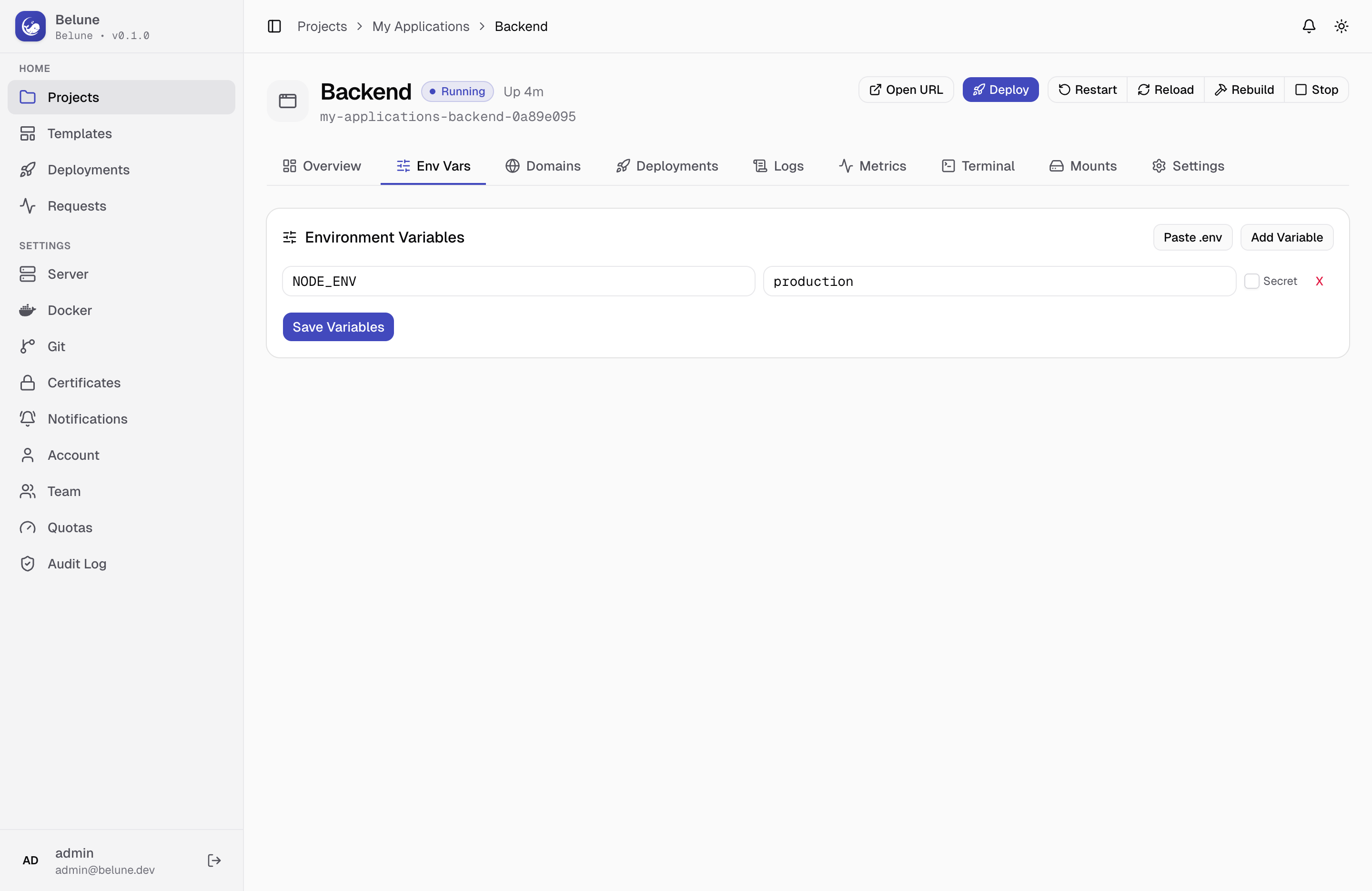
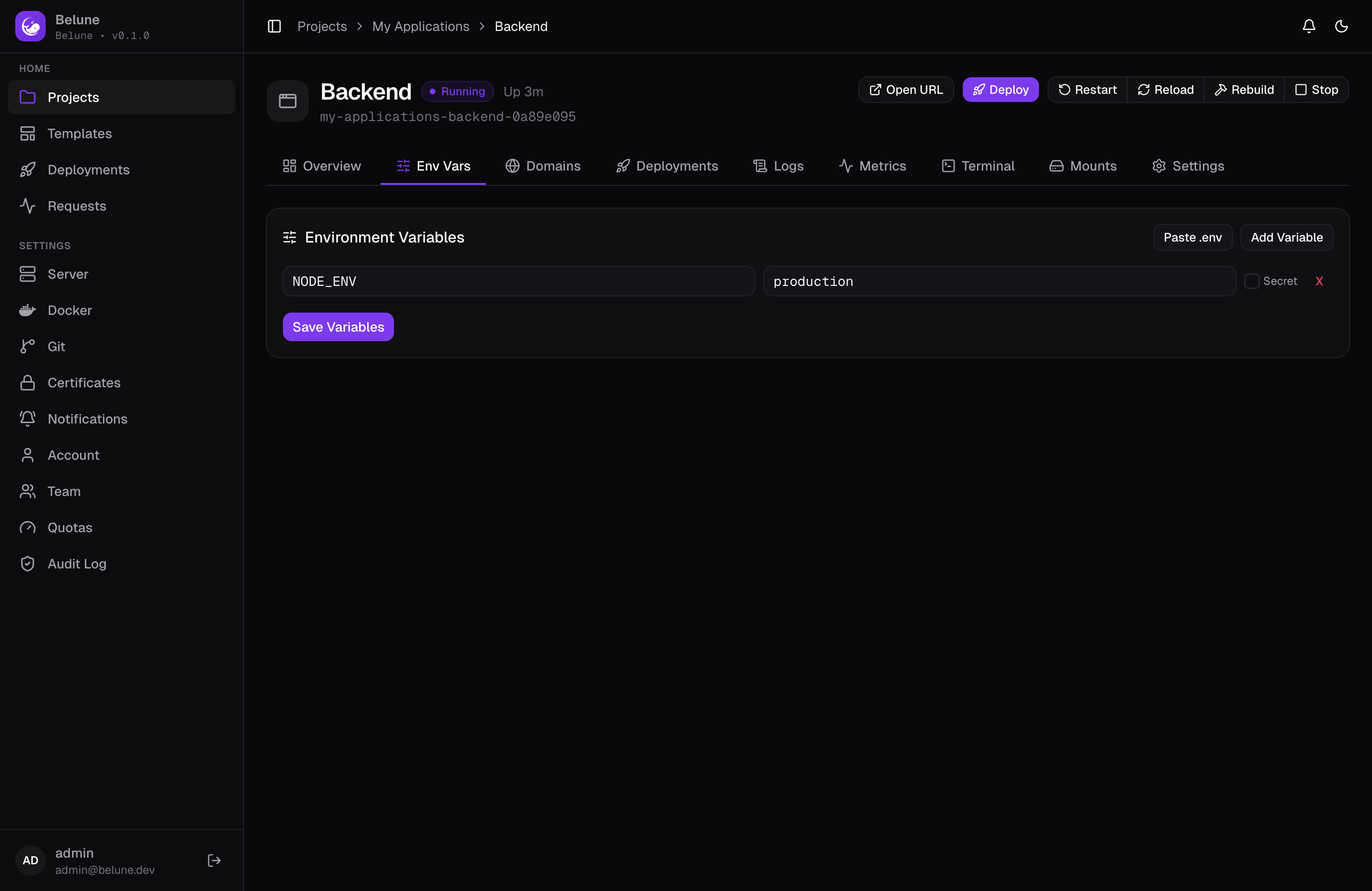
4. Set Environment Variables
Under the app's Environment tab, add the variables your app needs. Values are encrypted at rest. See Environment Variables.
Some frameworks bake variables in at build time (for example VITE_* or
NEXT_PUBLIC_*). Set those before the first build so they land in the bundle.
5. Add a Domain
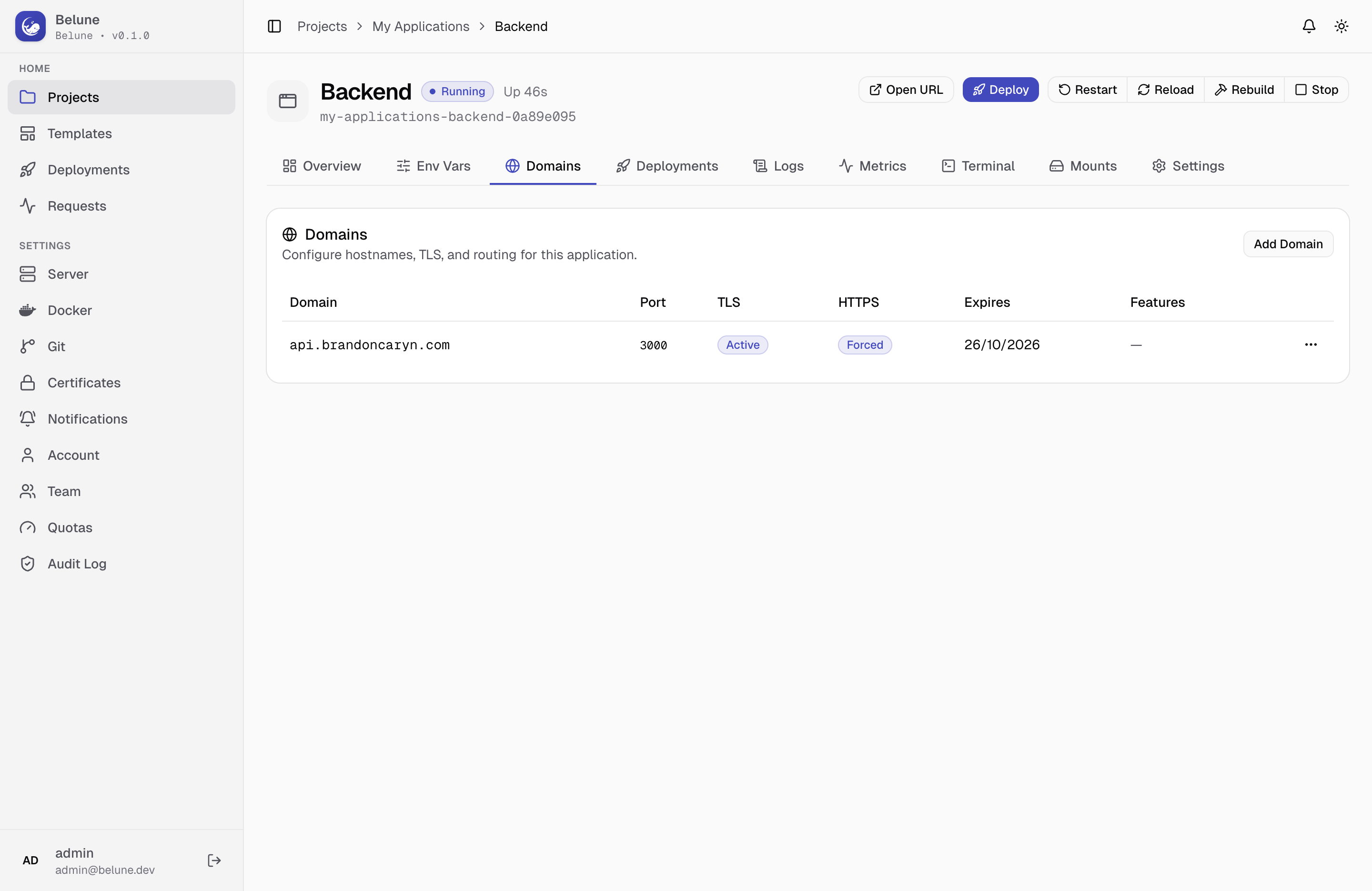
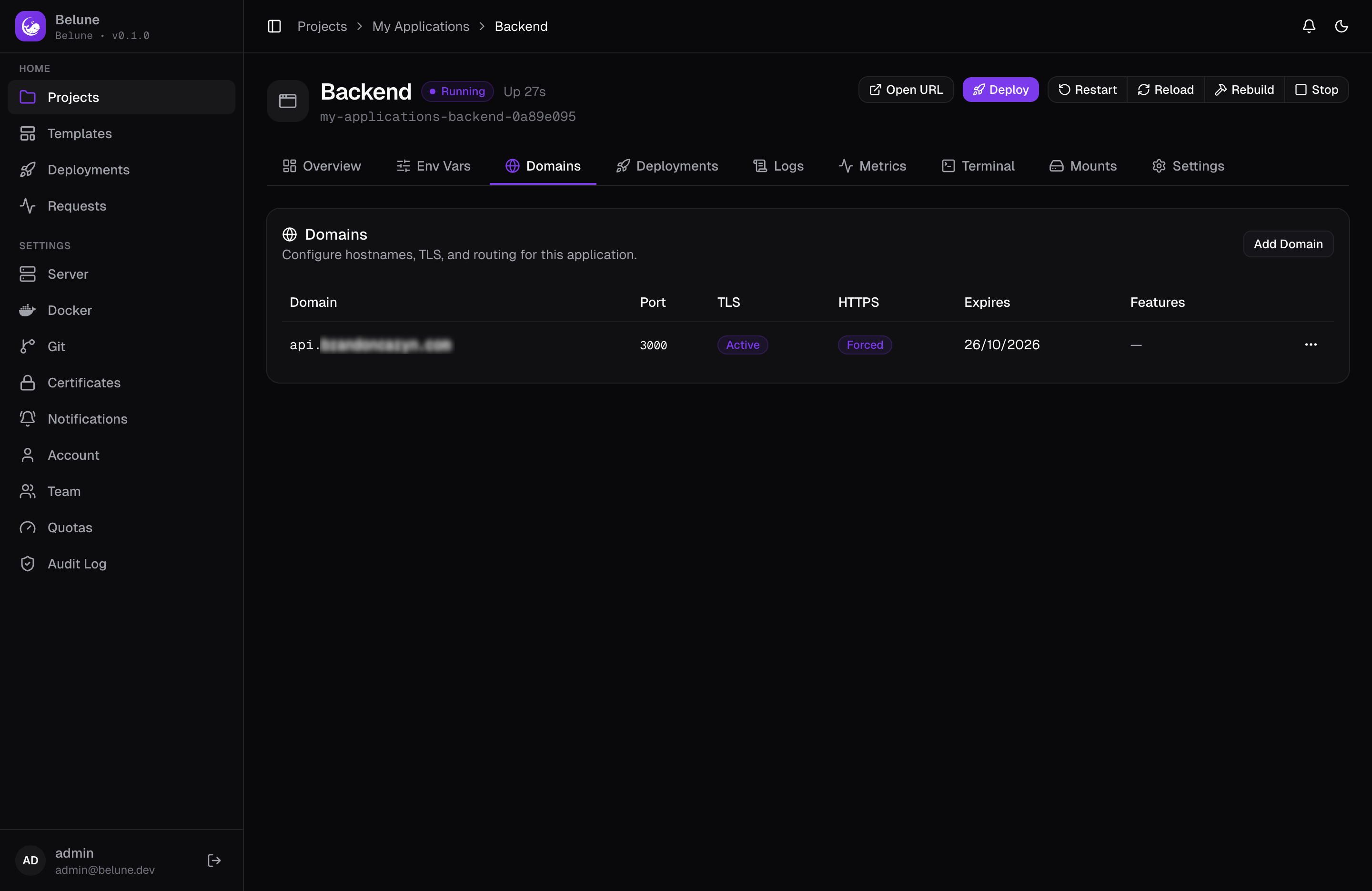
On the app's Domains tab, add a hostname (myapp.example.com). As long as
a domain or a wildcard subdomain from install resolves and
ports 80/443 are open, Belune requests a Let's Encrypt certificate automatically
and the TLS badge reaches Active within a minute.
Need a specific container port, a path prefix, or an internal-only route? Set it here too — Belune configures Caddy for you. See Domains.
6. Deploy
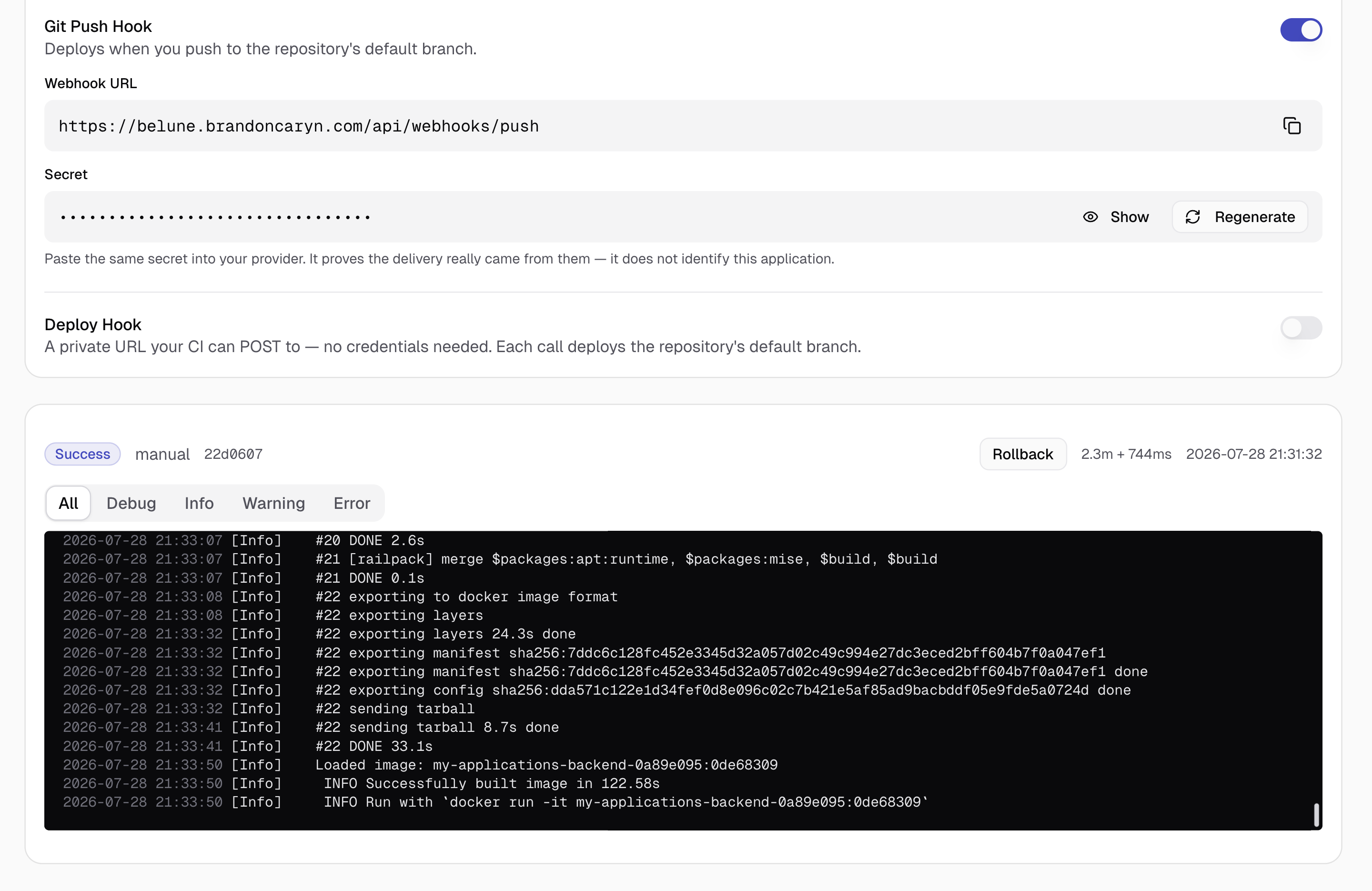
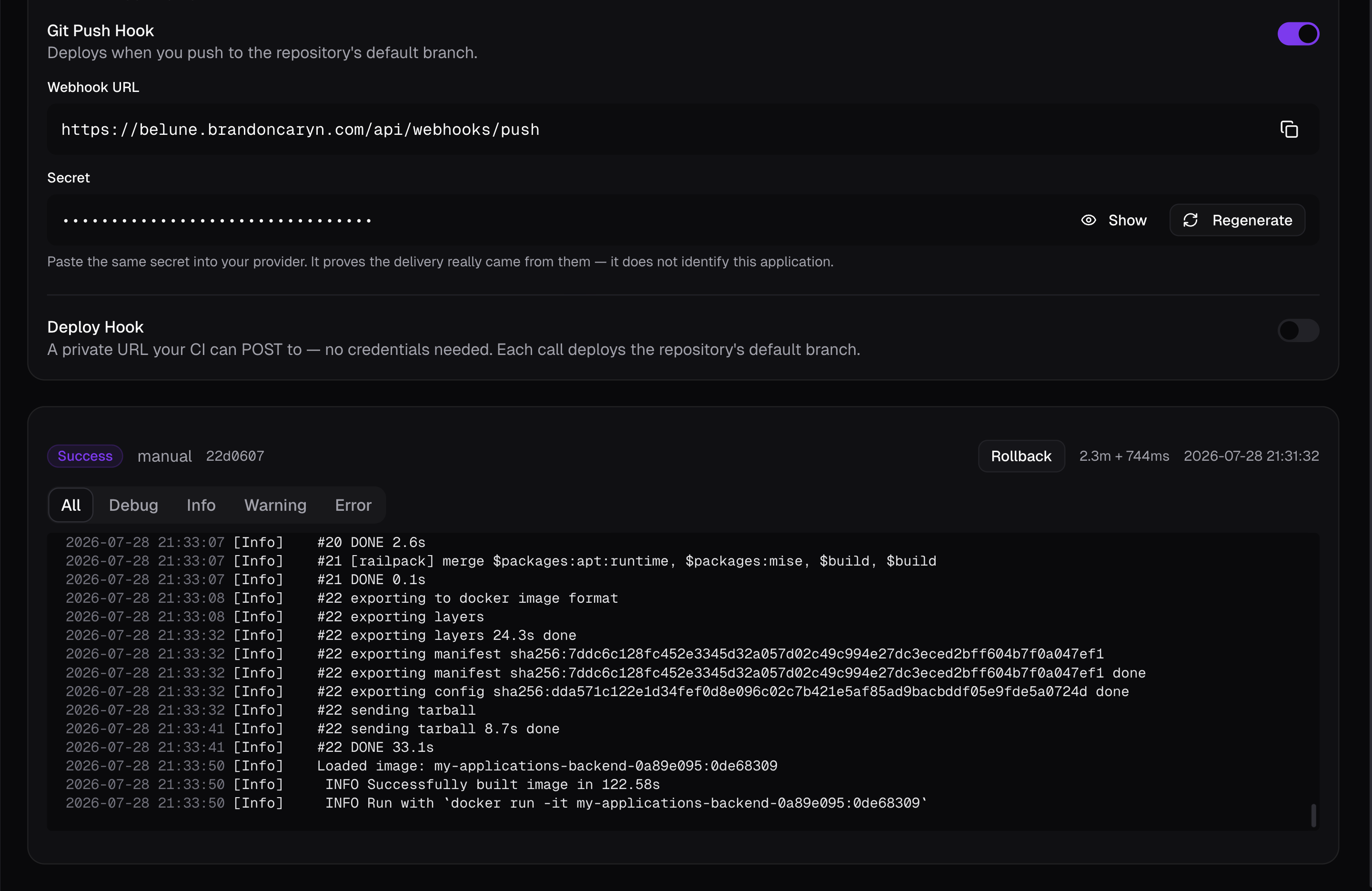
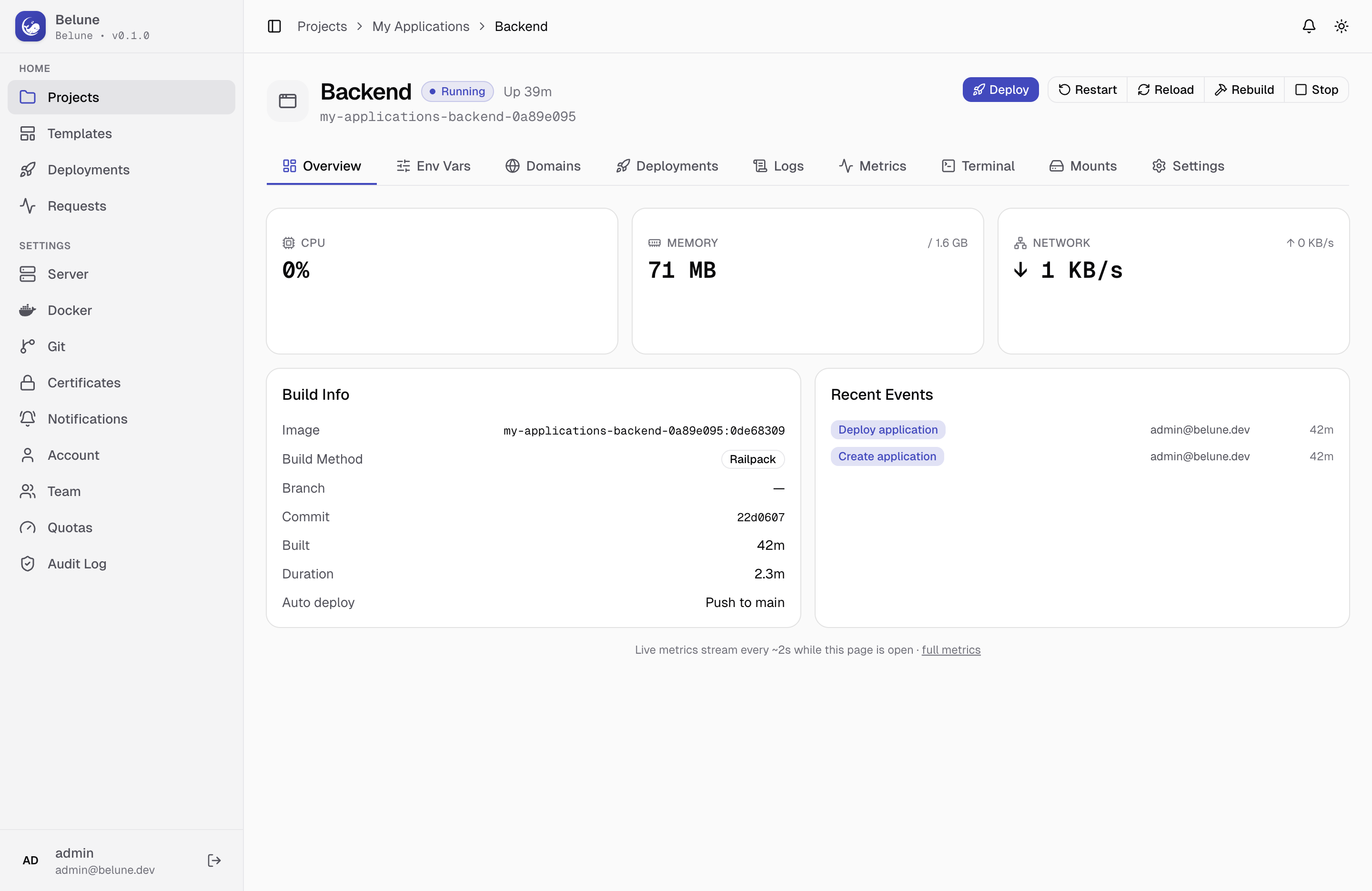
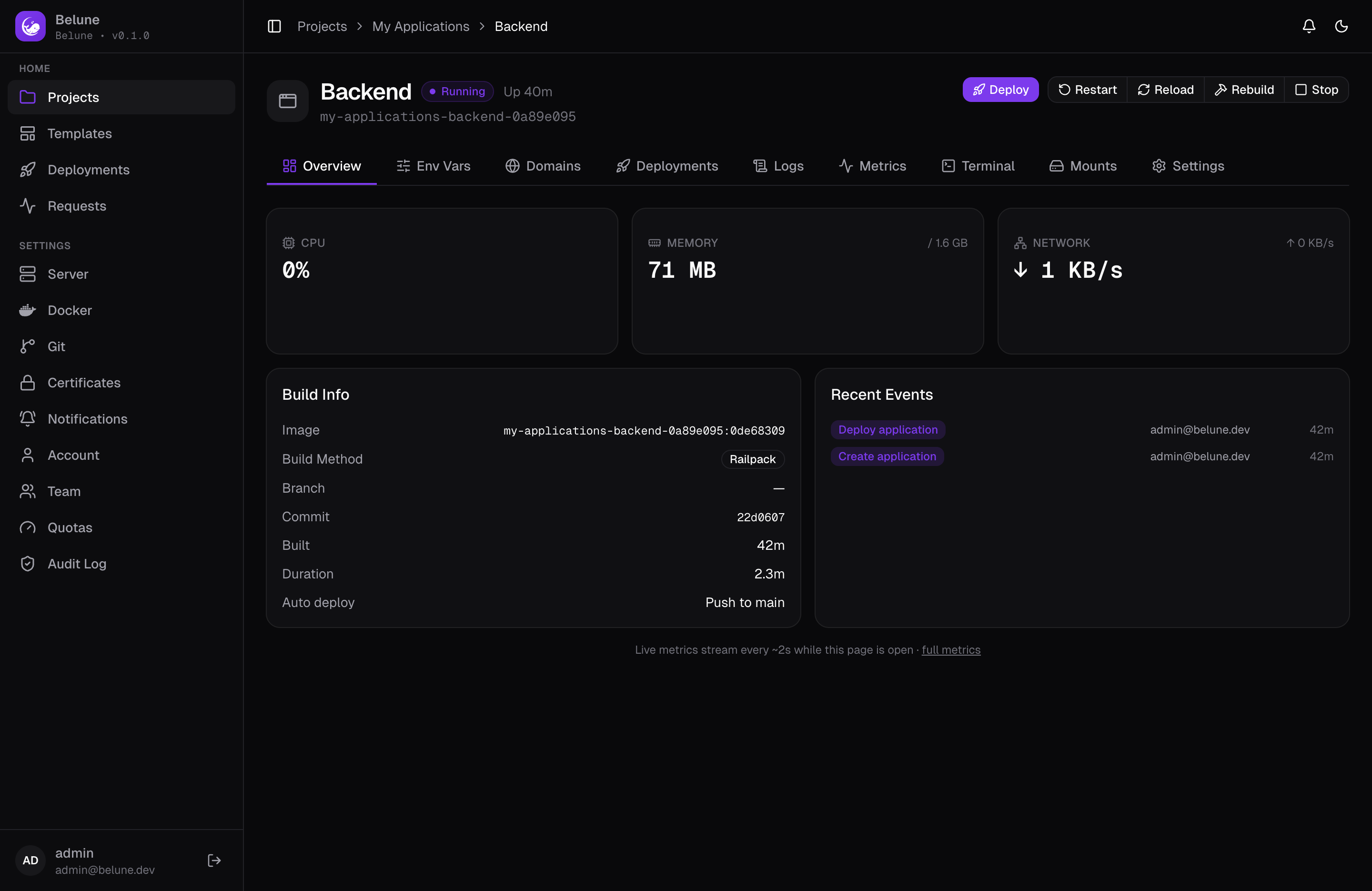
Hit Deploy. A Git app is cloned and built — watch the build log stream live; a Docker image is pulled instead, with no build step. Either way the container starts, and when the app flips to running (green badge) it is serving traffic.
curl -I https://myapp.example.com # 200 OK, valid certificate