Mounts
Persistent volumes and config files.
The Mounts tab has two views:
- Volumes for persistent data,
- and File Mounts for configuration content Belune manages and bind-mounts read-only into the container.
Both survive redeploys and restarts.
Volume Mounts
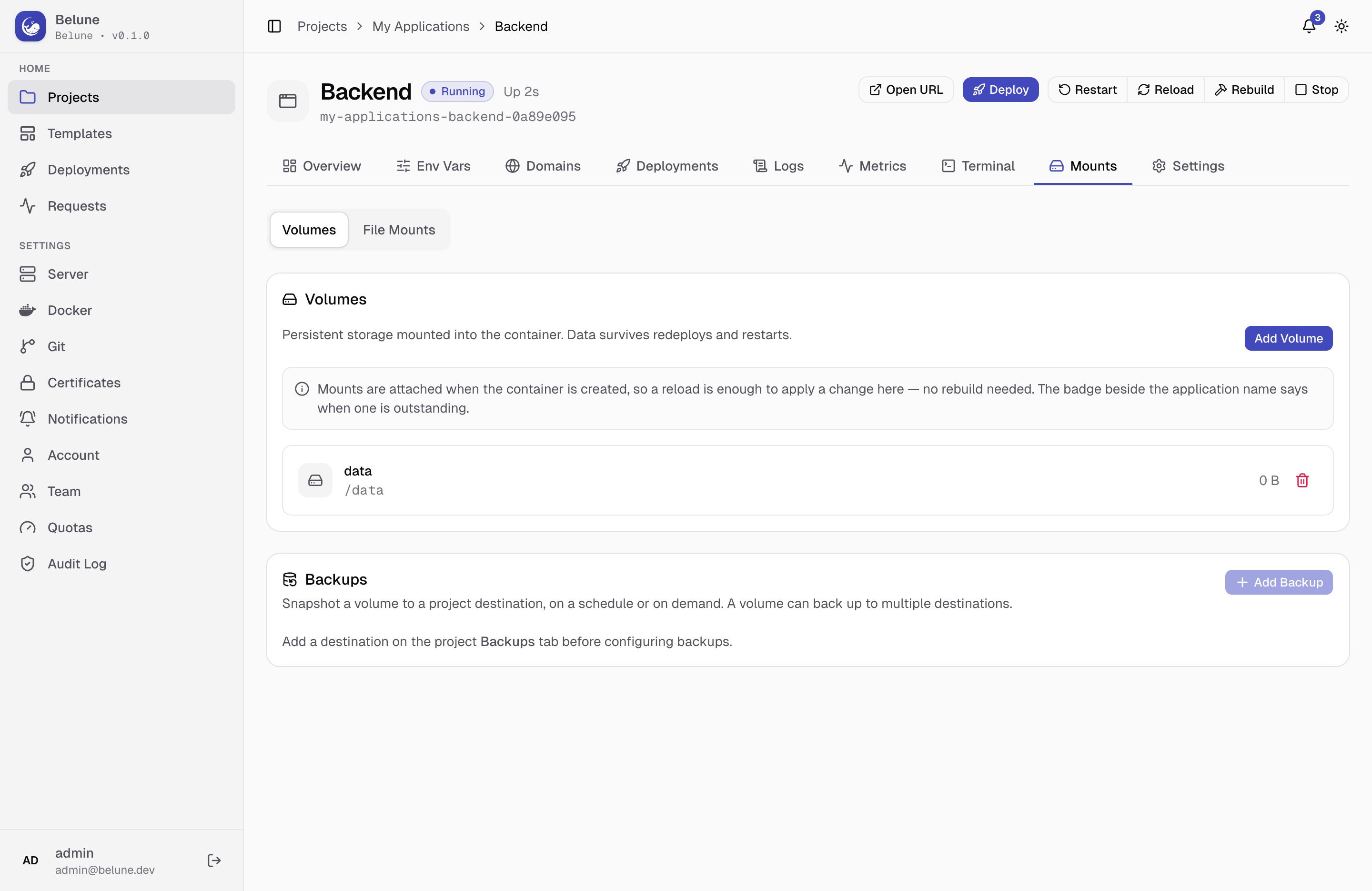
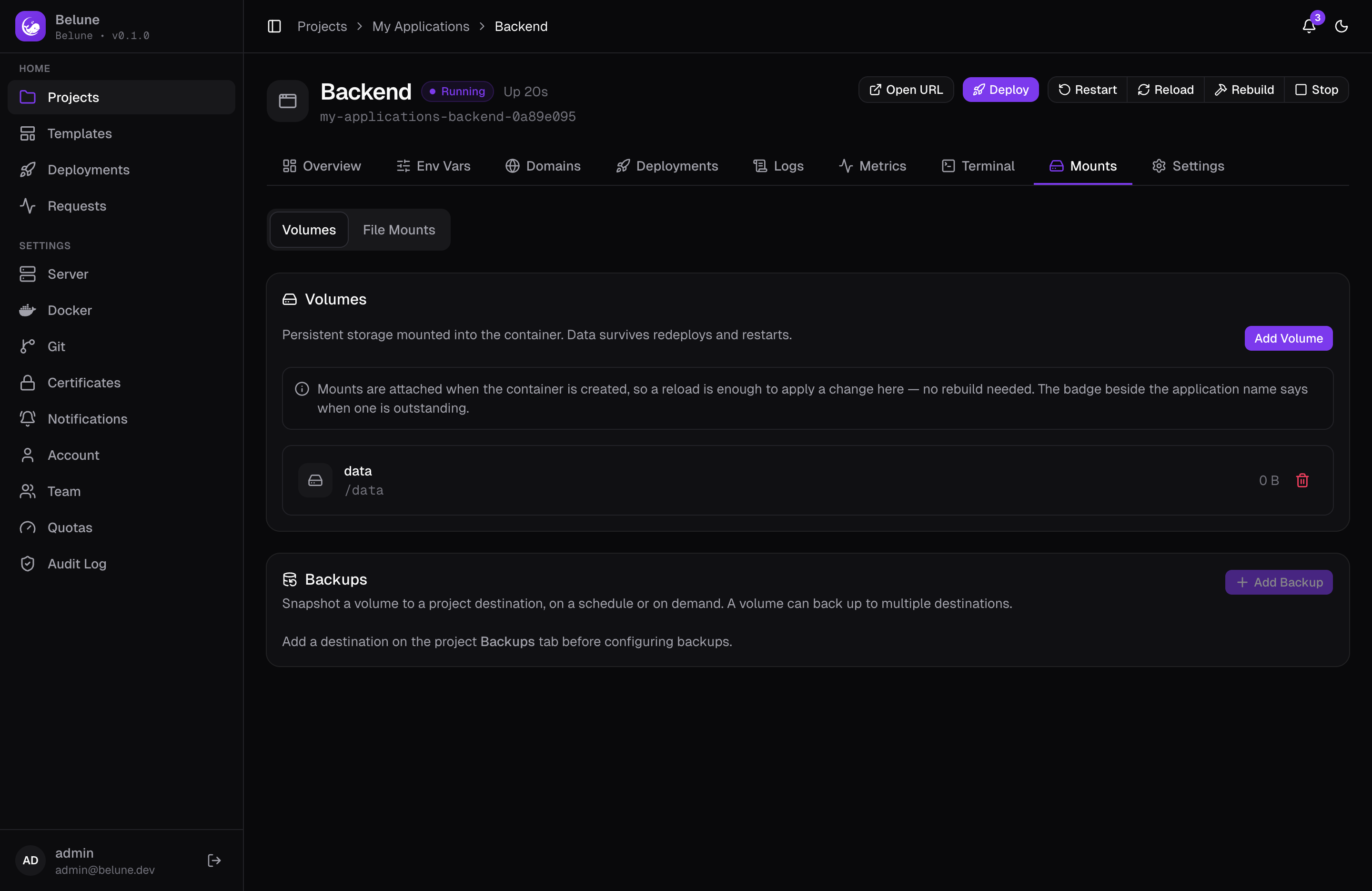
Add Volume takes a name and an absolute mount path inside the container, e.g. /data. A volume attaches when the container is created, so a reload is enough to apply a newly-added one with no rebuild needed, and the application's status badge flags when a reload is outstanding.
Removing a volume detaches it on the next deploy. By default the underlying data is kept (so recreating a volume at the same path reattaches it); check Also permanently delete the stored data to destroy it immediately and irreversibly.
About the mount path
The mount path should not be a system path like /, /tmp, or /etc.
Backing Up Volumes
The Backups section below Volumes is a list of schedules that snapshot a volume to one of the project's backup destinations on a cron schedule, or on demand via Back up now. A volume can back up to more than one destination, but needs both a volume and at least one project destination configured first.
Each schedule tracks its own run history, browsable from Manage Histories. Deleting a schedule also deletes the backups it produced from that destination.
File Mounts
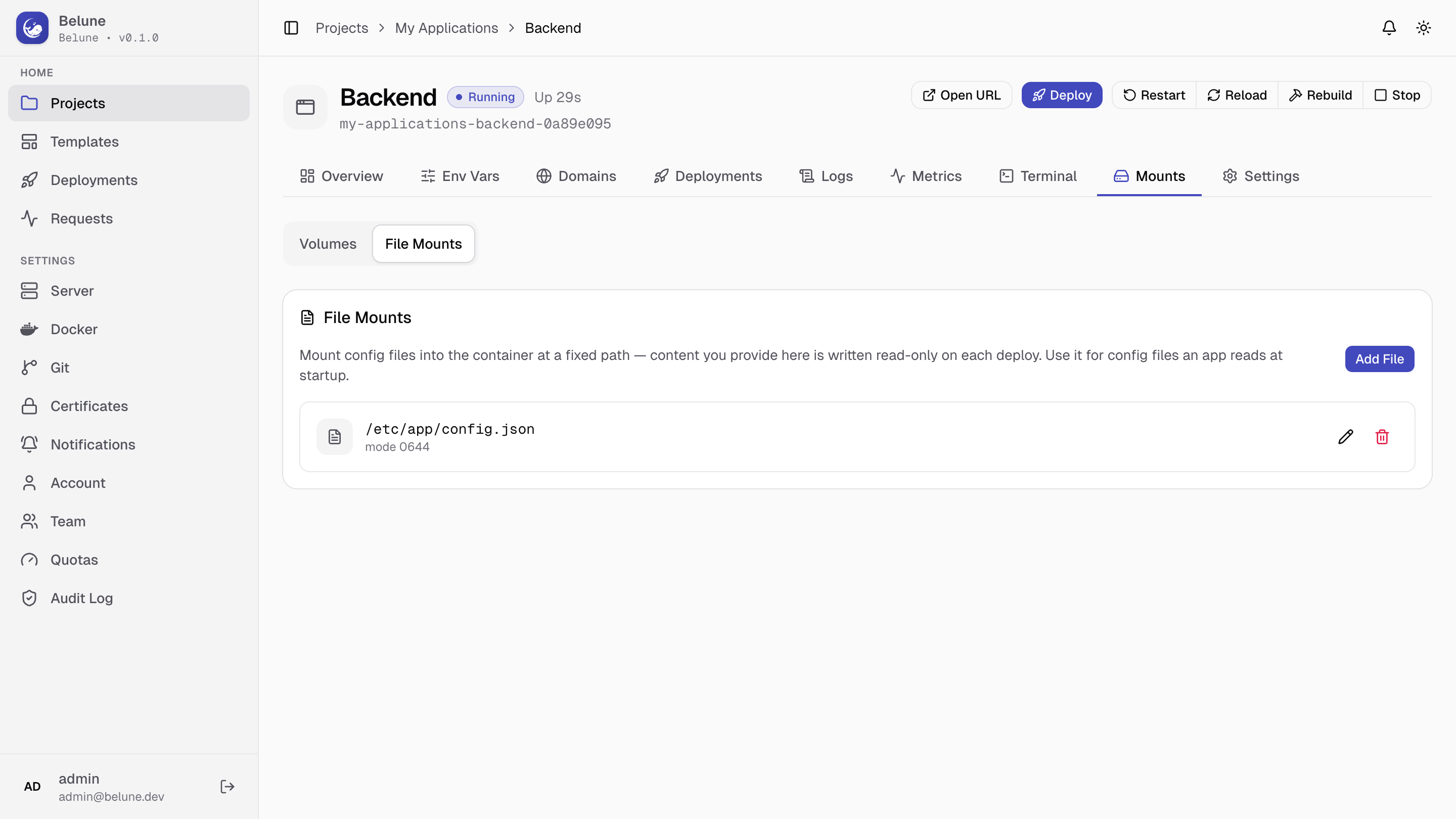
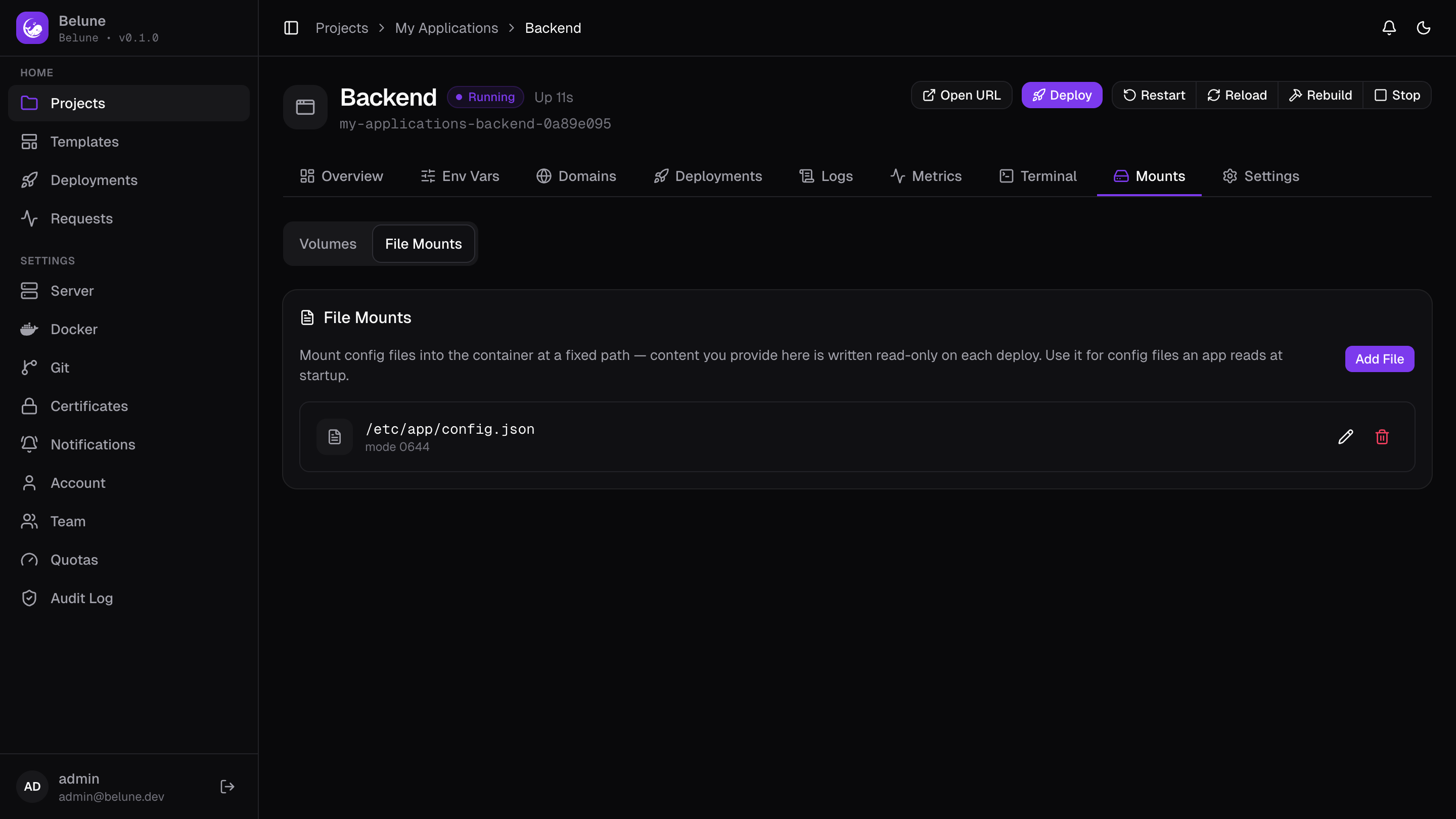
Add File takes an absolute file path, the file's content, and an optional file mode (default 0644).
For example, in an nginx application you'll want to configure nginx.conf to make sure it works for your setup: fill in the path as /etc/nginx/nginx.conf, and the content you'd like to configure.
About the file path
The parent directory of the file path must exist in the image.
The content you type is written to a managed host file and bind-mounted read-only into the container on the next deploy or reload.
About the file content
The application can't write to the file, as the file content is managed by Belune.
Secrets
Marking a file mount Secret masks its content in the UI. The edit dialog shows the content hidden by default, with a Reveal current content step required before you can see or edit it in place.
This mirrors how secret environment variables and other credentials are handled: nothing sensitive round-trips to the browser unless you deliberately ask for it.
Lifecycle
Neither kind of mount needs a rebuild to take effect: both are attached when the container is (re)created, so a reload picks up any mount change.
Editing a file mount's content, in particular, is exactly the kind of change reload exists for: the image doesn't change, only what's bind-mounted into it.