Quotas
Cap the resources a user or project can consume.
Quotas set an aggregate ceiling on top of each application's own per-container CPU/memory request, so one user or project can't consume unbounded resources across everything they own.
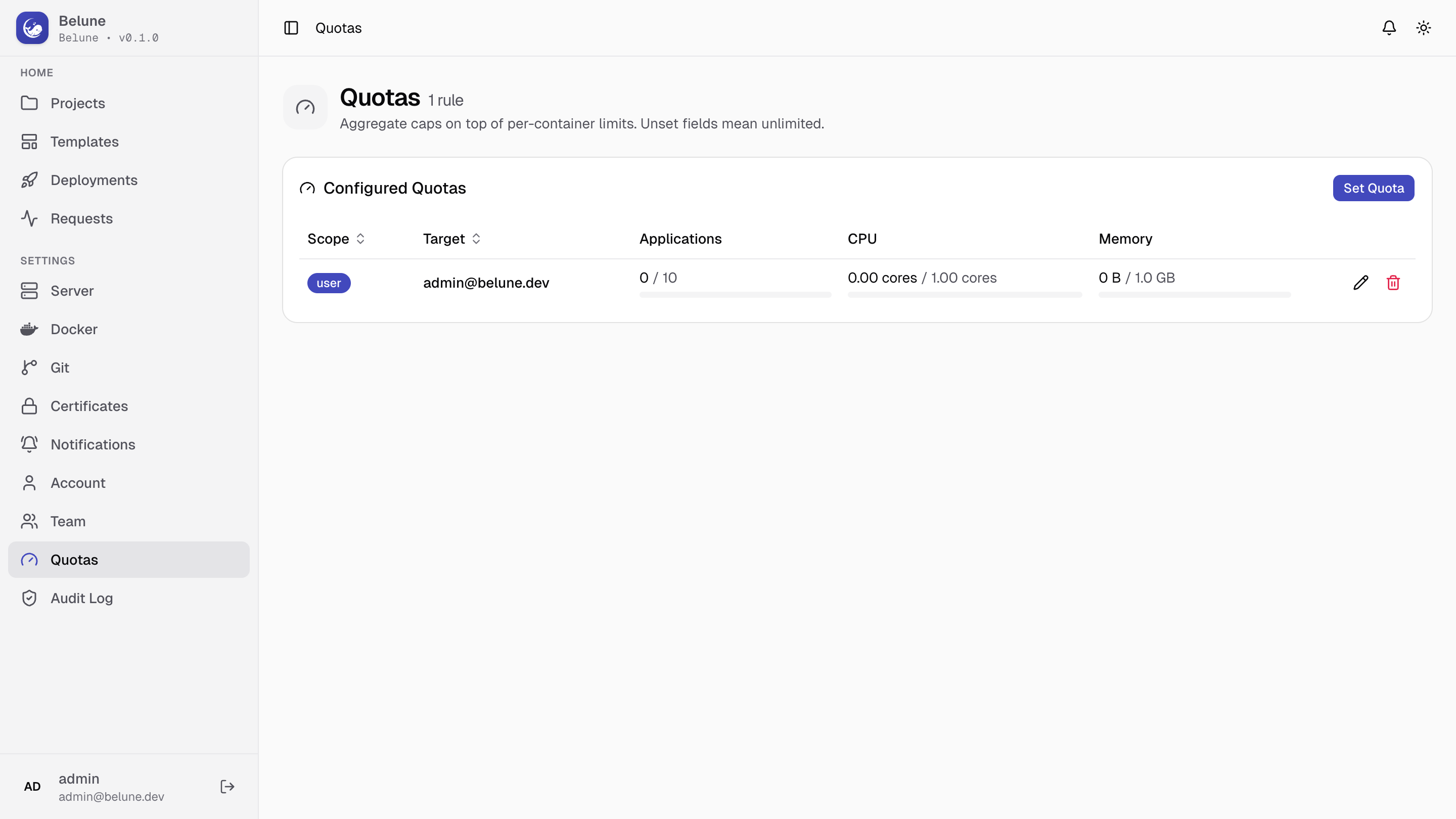
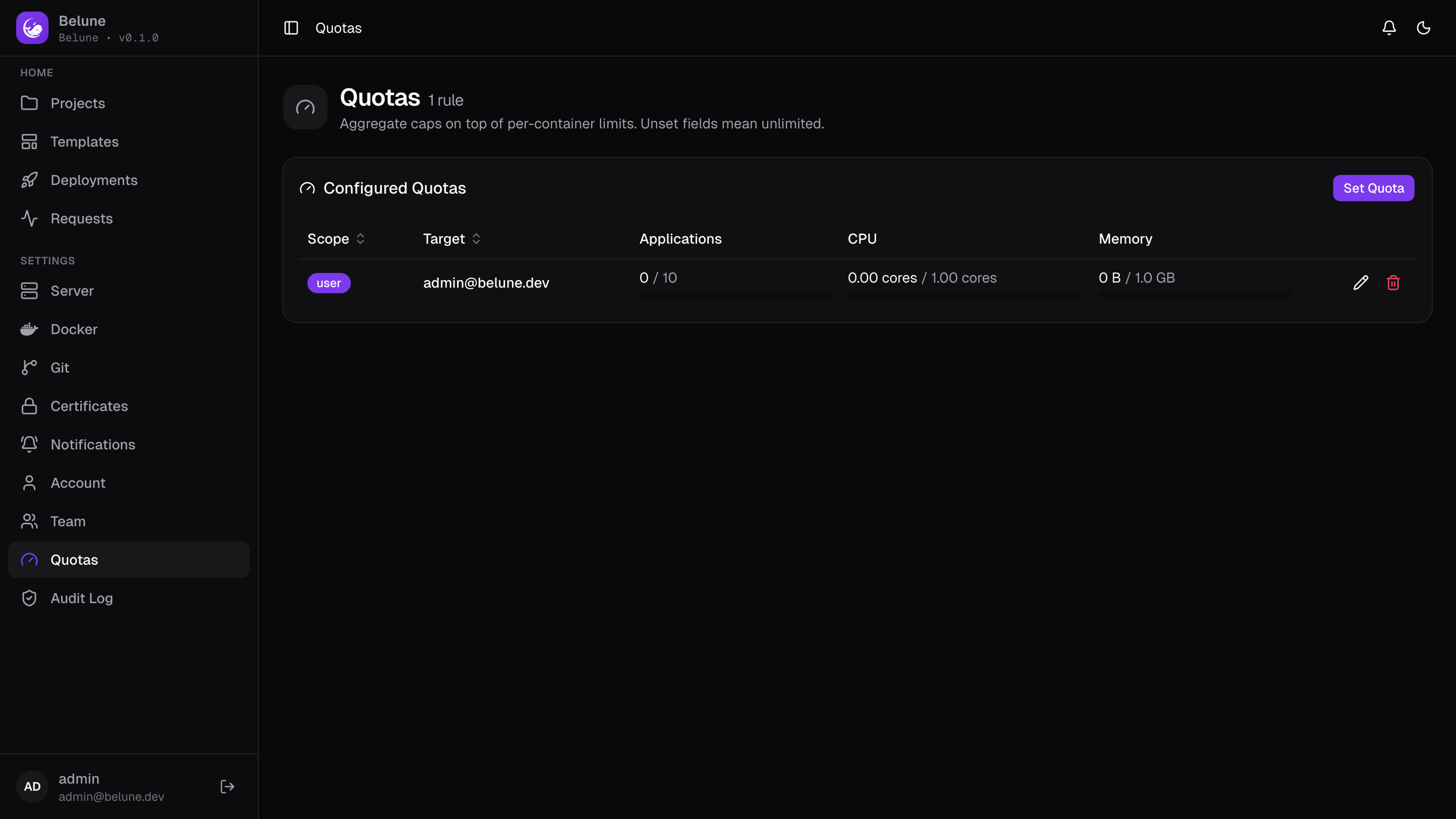
What Quotas Cover
Each quota is set against one of two independent scopes:
- User — summed across every project that user owns.
- Project — summed across everything inside that one project.
Three dimensions can be capped, each optional on its own:
- Max applications — a count of applications.
- Max CPU — cores, the sum of every application and database's configured
cpu_limitin scope. - Max memory — MB, the sum of every application and database's configured
memory_limitin scope.
Set a Quota
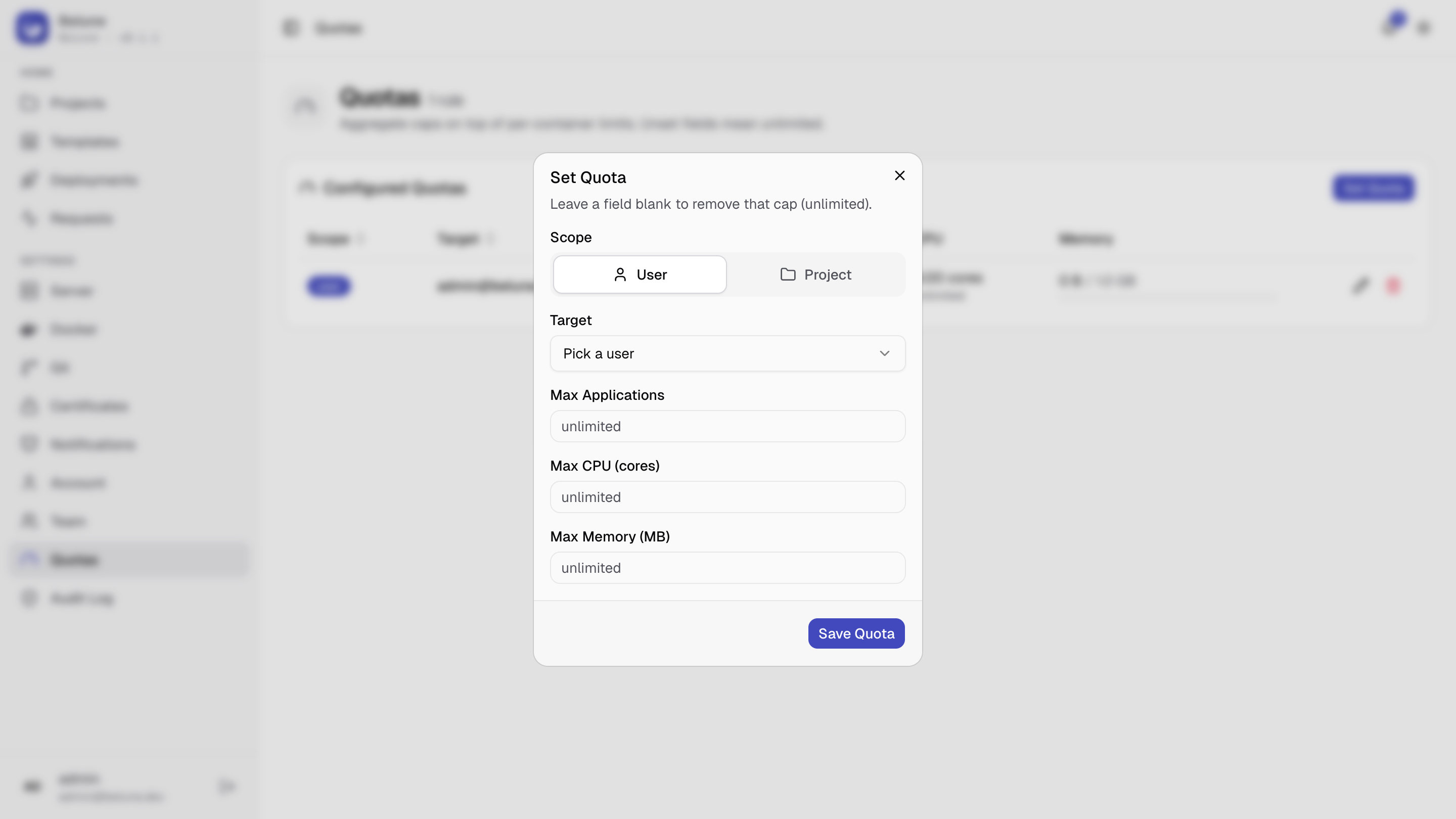
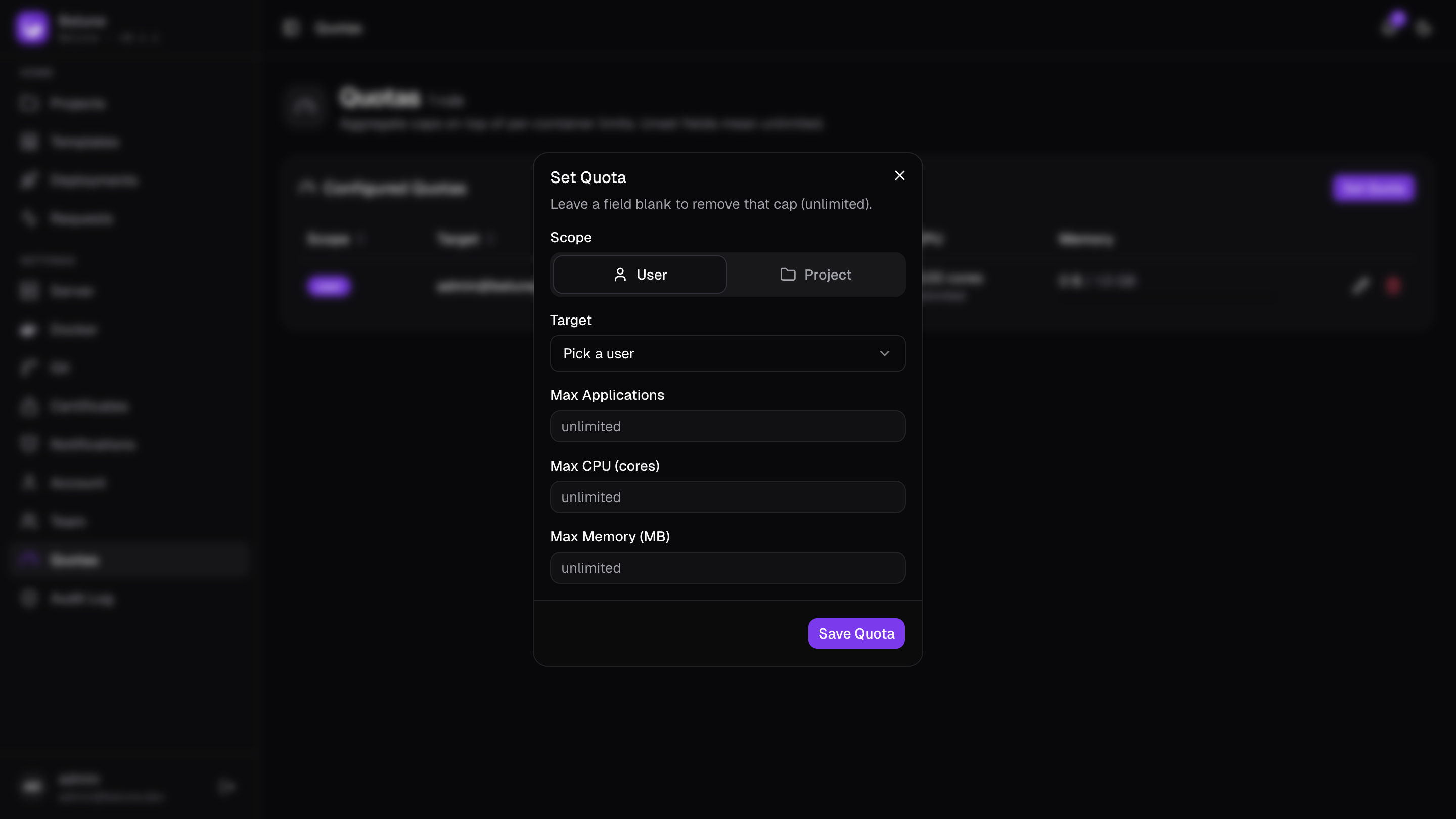
Set Quota opens a dialog to pick a scope (User or Project), a target, and the three limit fields. Leaving a field blank removes that particular cap without affecting the others.
How Enforcement Works
Limits are checked when they'd actually be crossed: creating an application, or changing its CPU/memory request, checks both the owning project's quota and the owning user's quota — whichever is stricter blocks first, with a 403 naming the exact dimension, current usage, and limit.
The same check also runs as a second line of defense when a deploy starts, in case a quota was tightened after the application already existed.