Overview
What a project is, and how it groups your resources.
A project groups the applications, databases, and volumes it depends on, plus its own backup destinations and shared environment variables. It's the unit you deploy, back up, and reason about together.
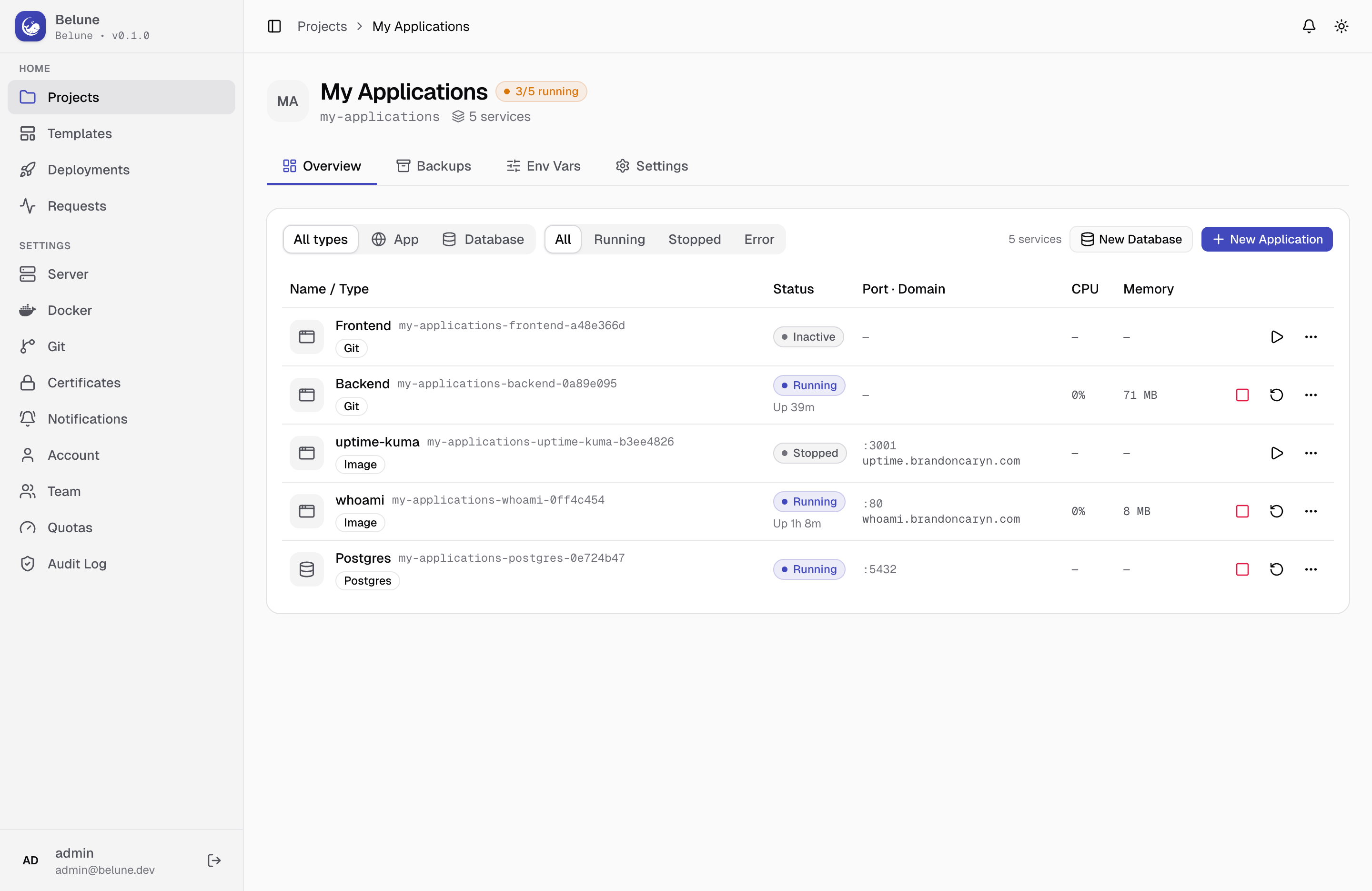
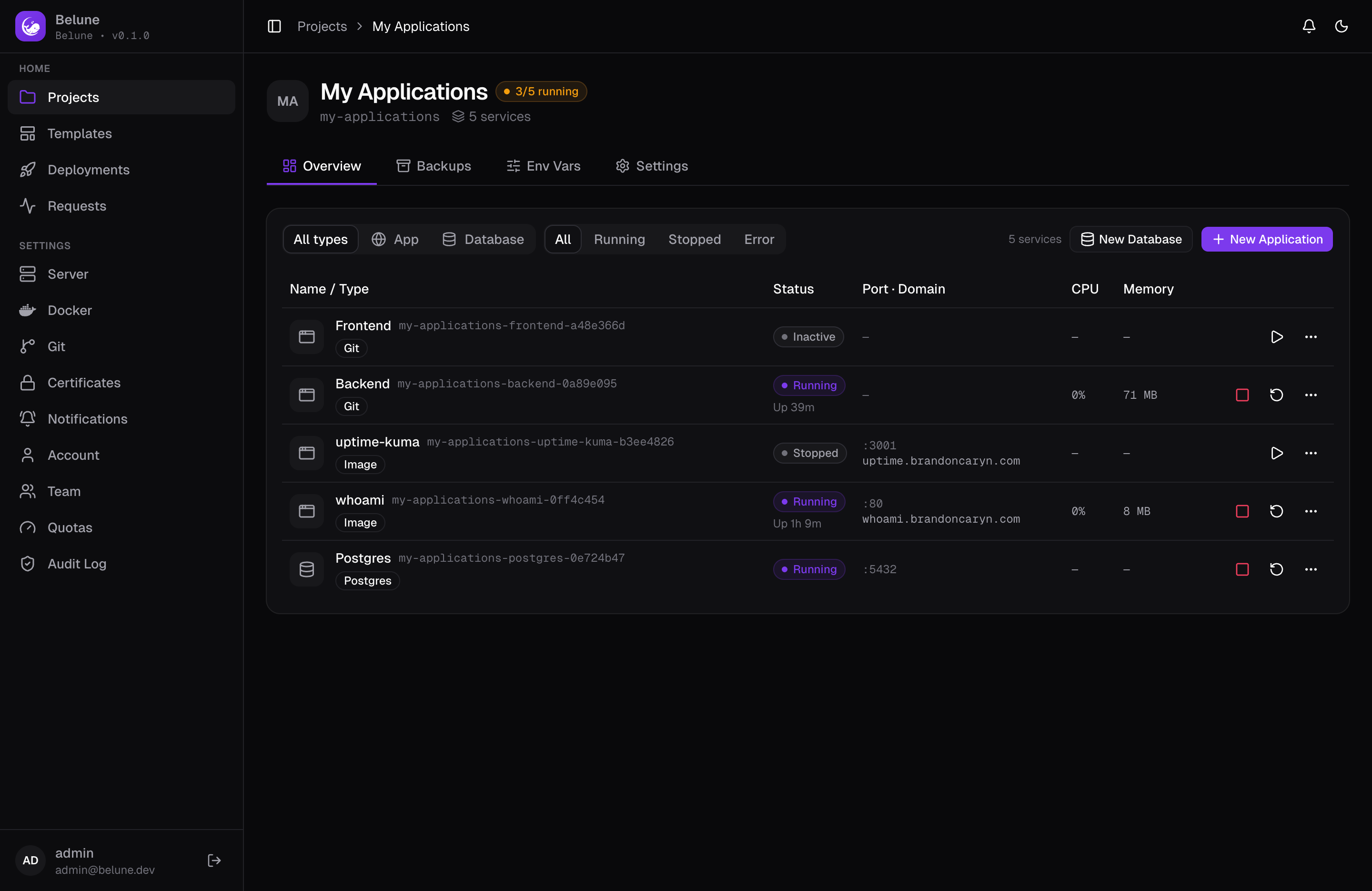
Create a Project
New Project asks for a name and a slug, auto-derived from the name (lowercase, numbers, and hyphens) but editable before you save.
Creating a project also creates its own private Docker network behind the scenes — it's what every application and database you add will join.
A project has four tabs: Overview, Backups (destinations and recent activity), Env Vars, and Settings.
Network
Every project gets one private Docker bridge network, created the first time it's needed. Every application and database added to the project joins that same network, which is what lets them reach each other by container name, e.g. an app talking to its database at db-hostname:5432, without being reachable from any other project.
See Architecture for how this fits into the bigger picture.
Environment Variables
The Env Vars tab holds variables inherited by every application in the project; set a database URL or a shared API key once, and every app in the project sees it.
An application can still define its own variable with the same key, which wins over the project-level one; see Environment variables for that per-app behavior. Variables can be added one at a time or pasted in bulk from an existing .env file, and each can be flagged as a secret to mask its value in the UI.
Settings and Deletion
The Settings tab shows the project's ID, slug, and timestamps, lets you rename it, and reassign it to a different owner (admin only).
The Danger Zone deletes the project, and every application/database in it, permanently. There's no undo once it goes through.