Docker
A read-only view of the host's Docker state.
Belune surfaces the host's Docker containers, images, volumes, and networks as read-only admin pages, so you can inspect what's running without leaving the dashboard or opening an SSH session.
Overview
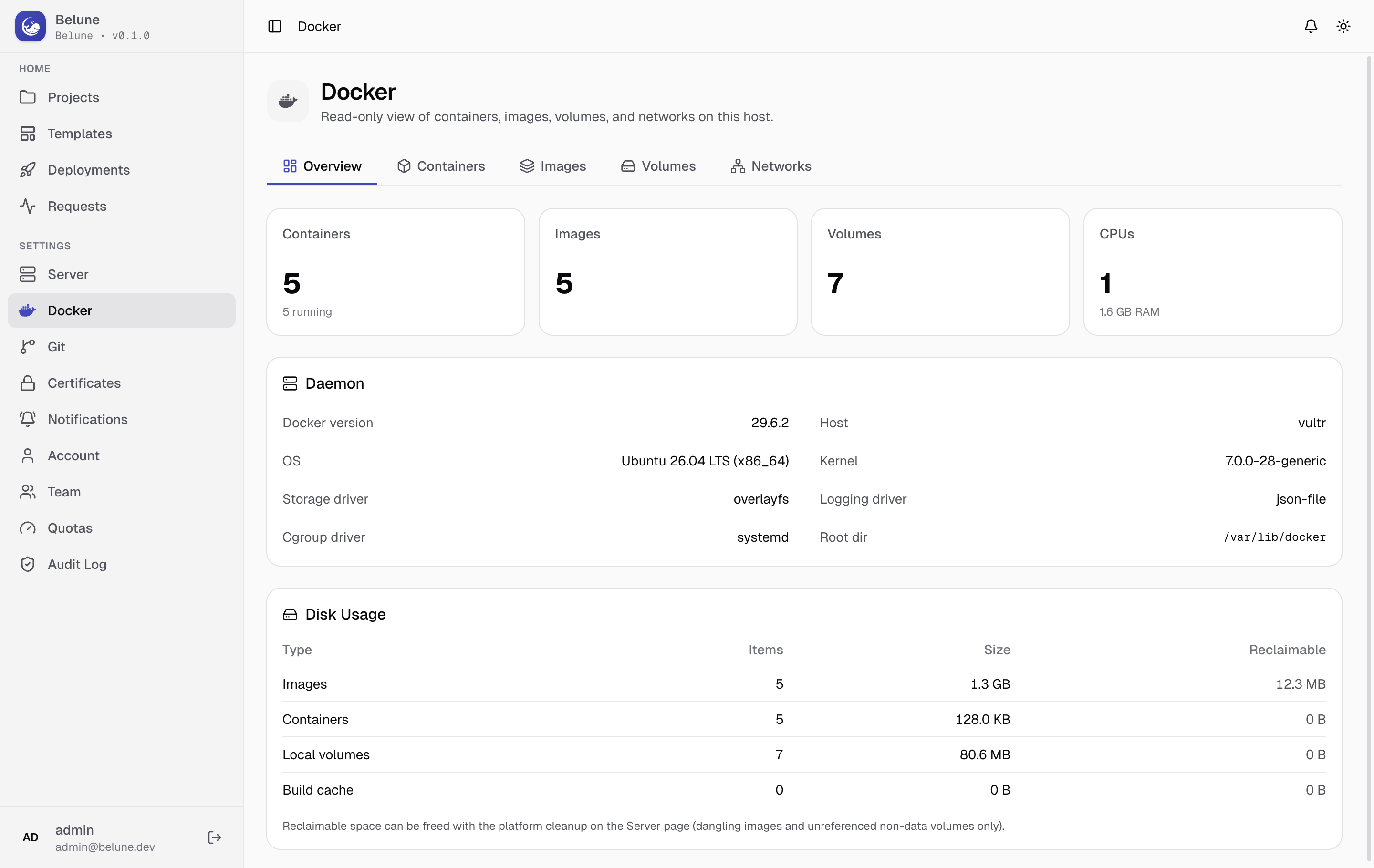
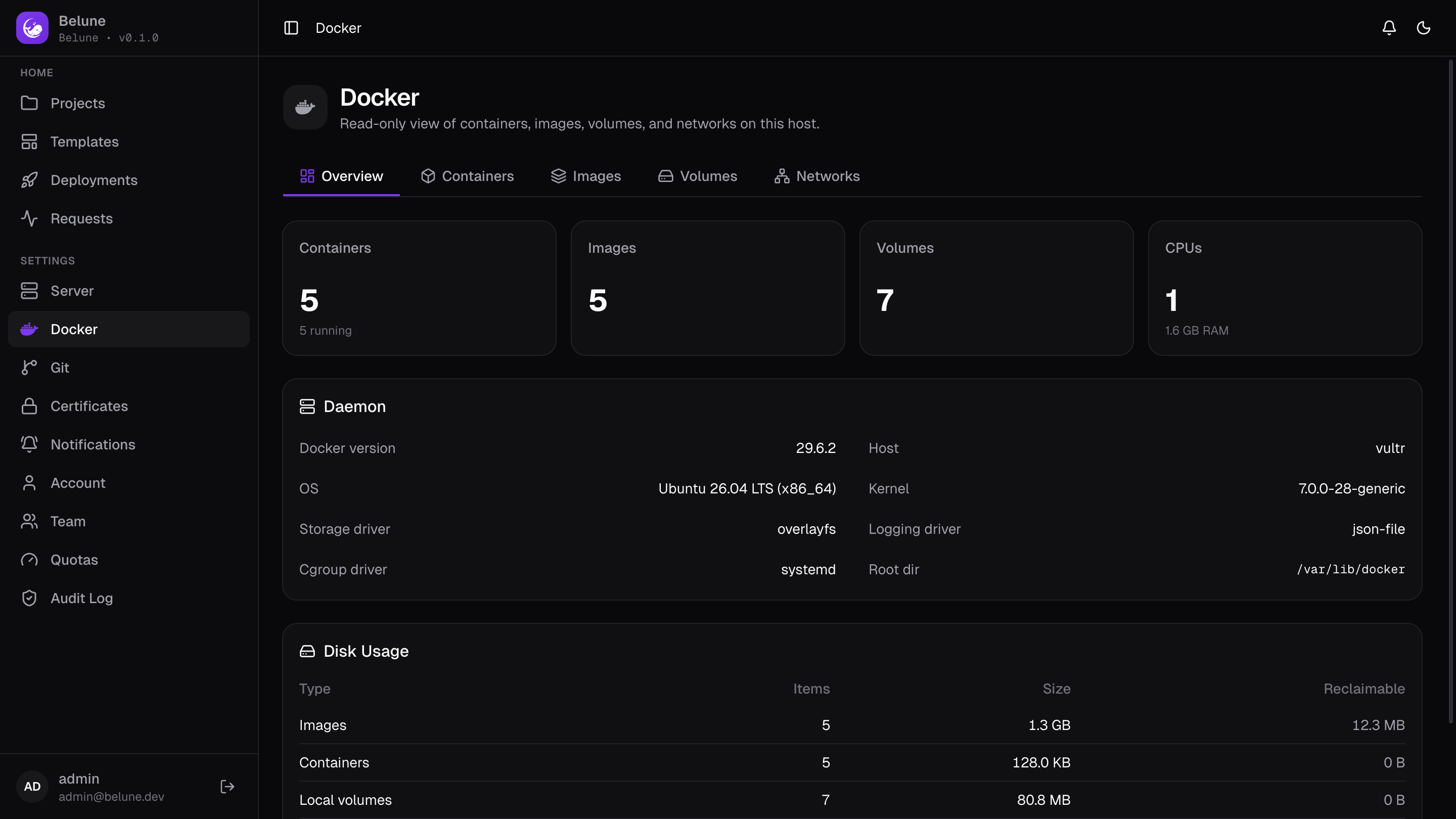
- Four stat cards counting containers, images, and volumes, plus the host's CPU count and total RAM
- A Daemon card with Docker version, host name, OS/architecture, kernel version, storage/logging/cgroup drivers, and the Docker root directory
- A Disk Usage table breaking down images, containers, local volumes, and build cache by item count, size, and reclaimable space.
That reclaimable figure is informational here, freeing it happens from Server → Configuration → Maintenance, which only removes dangling images, unused volumes, build caches and orphaned containers.
Containers
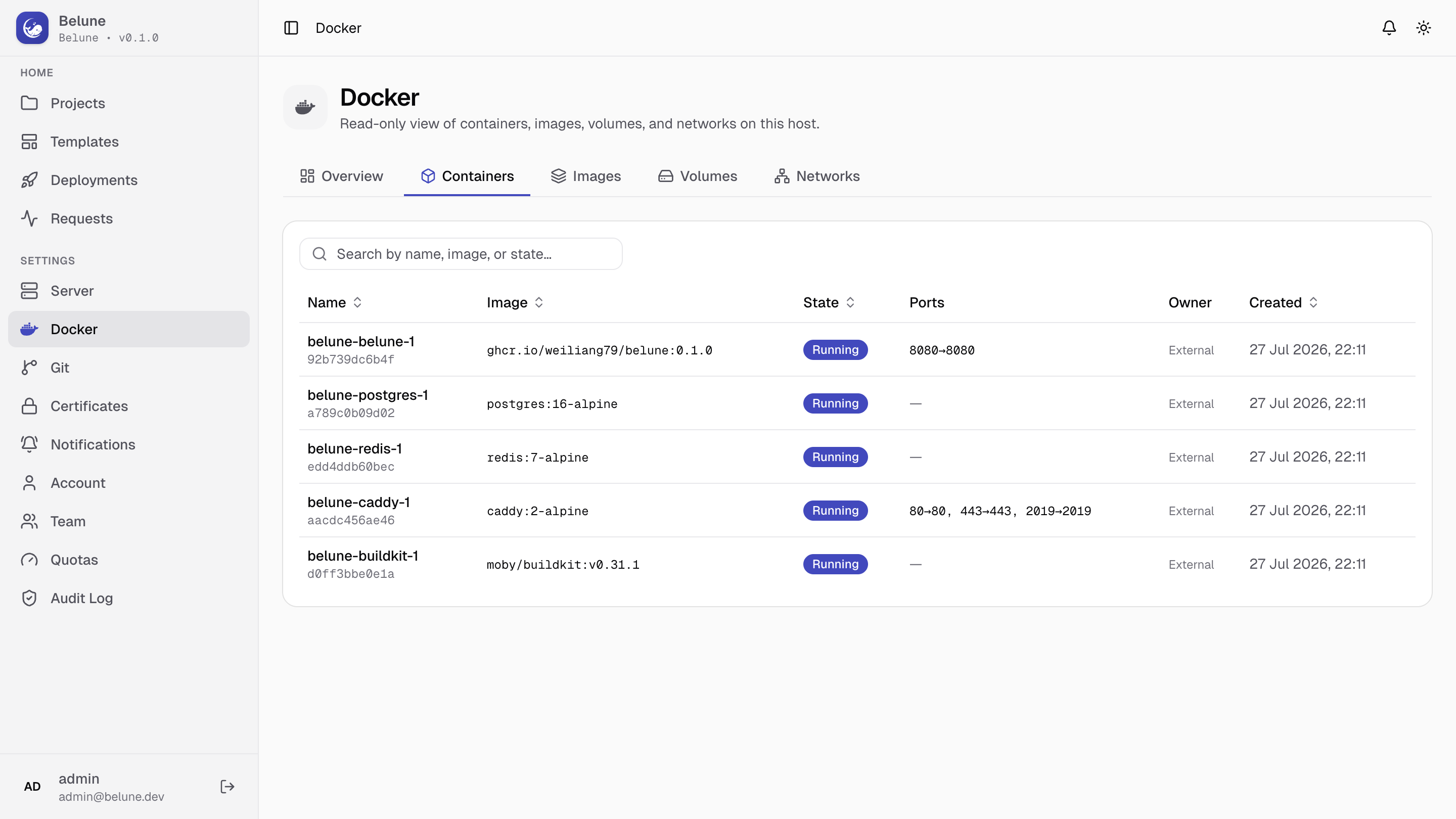
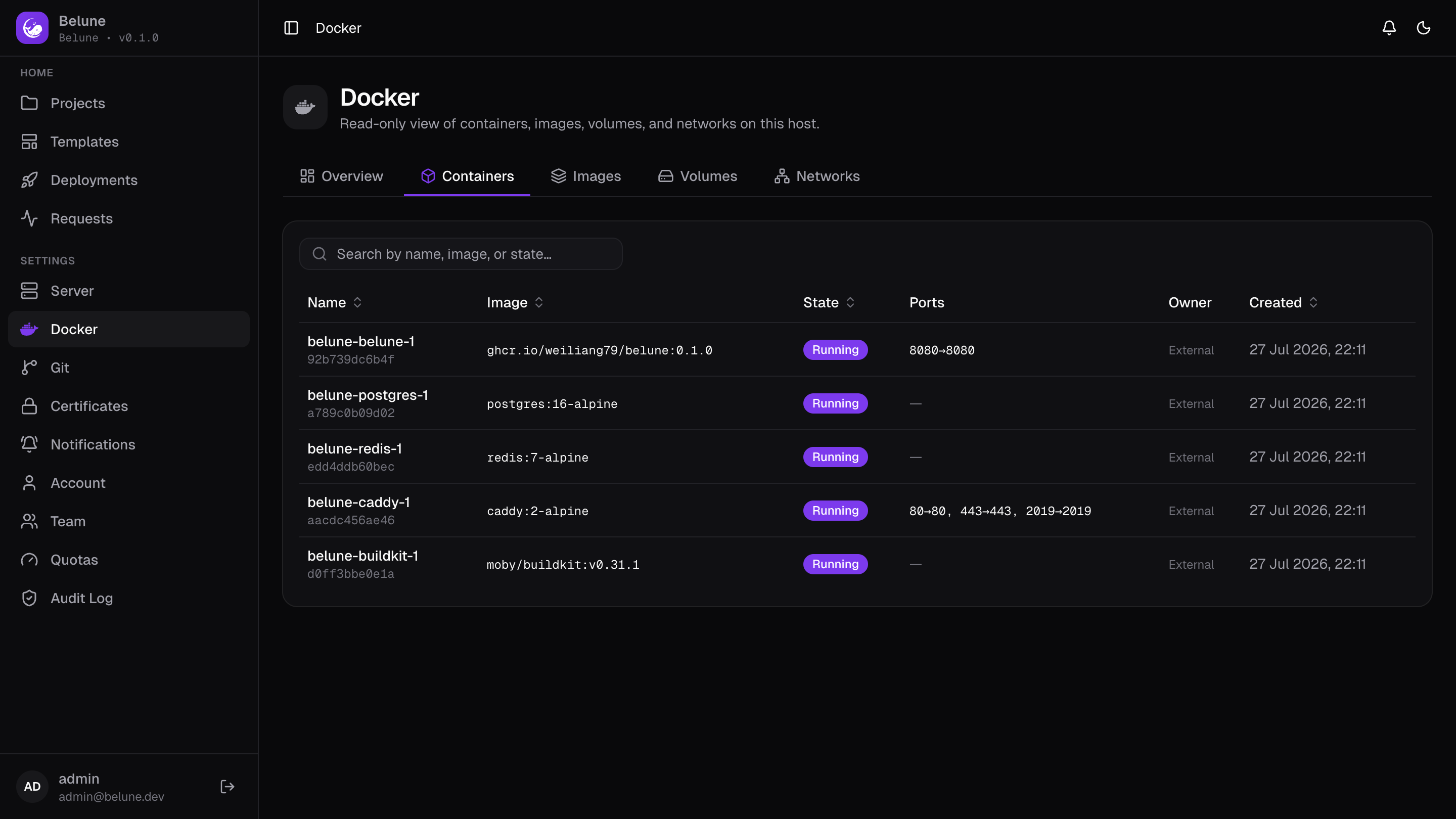
Every container on the host, and not just the ones Belune manages, with its name, image, status, and published ports. Useful for spotting something unexpected running alongside the platform.
Images
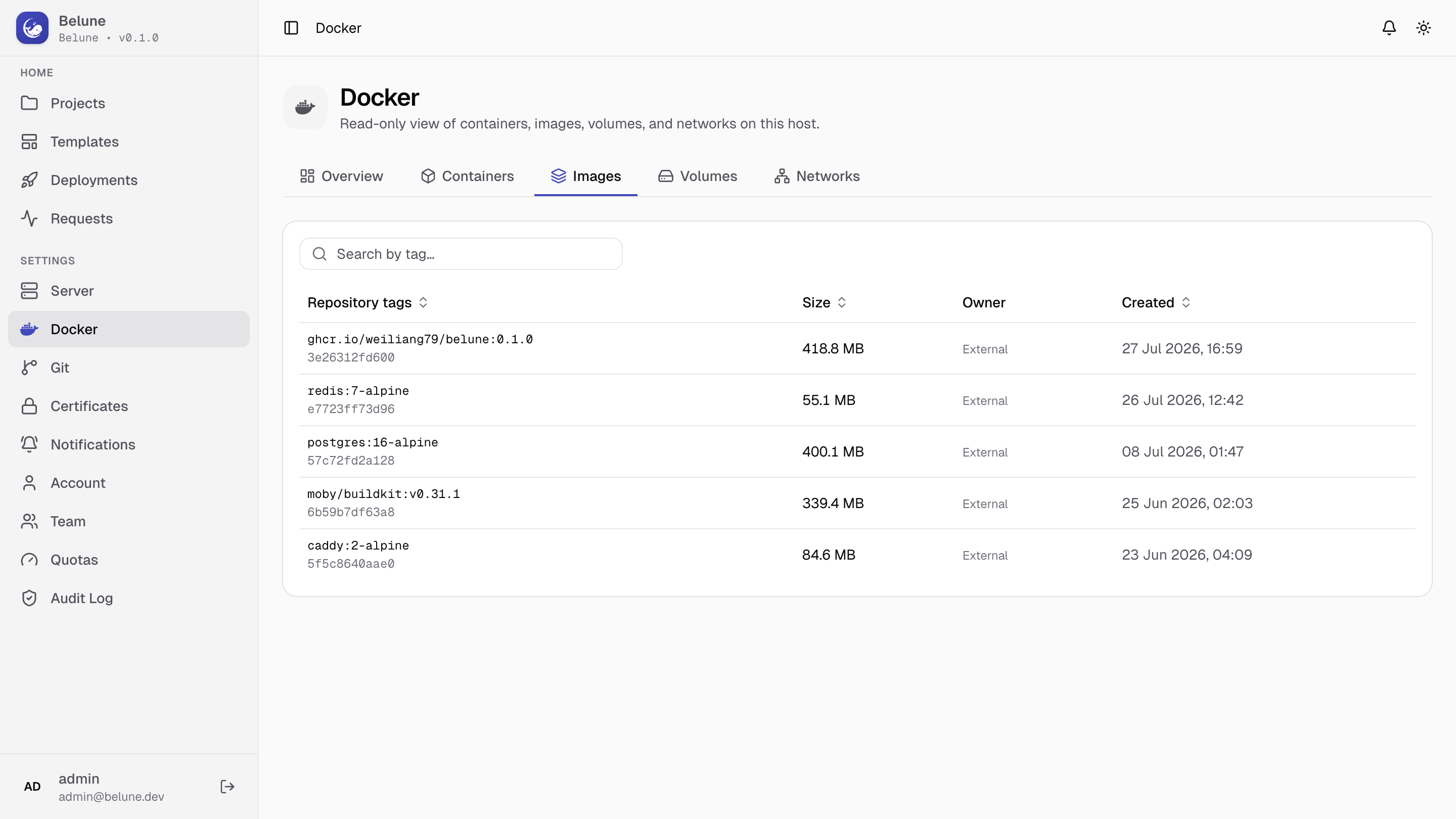
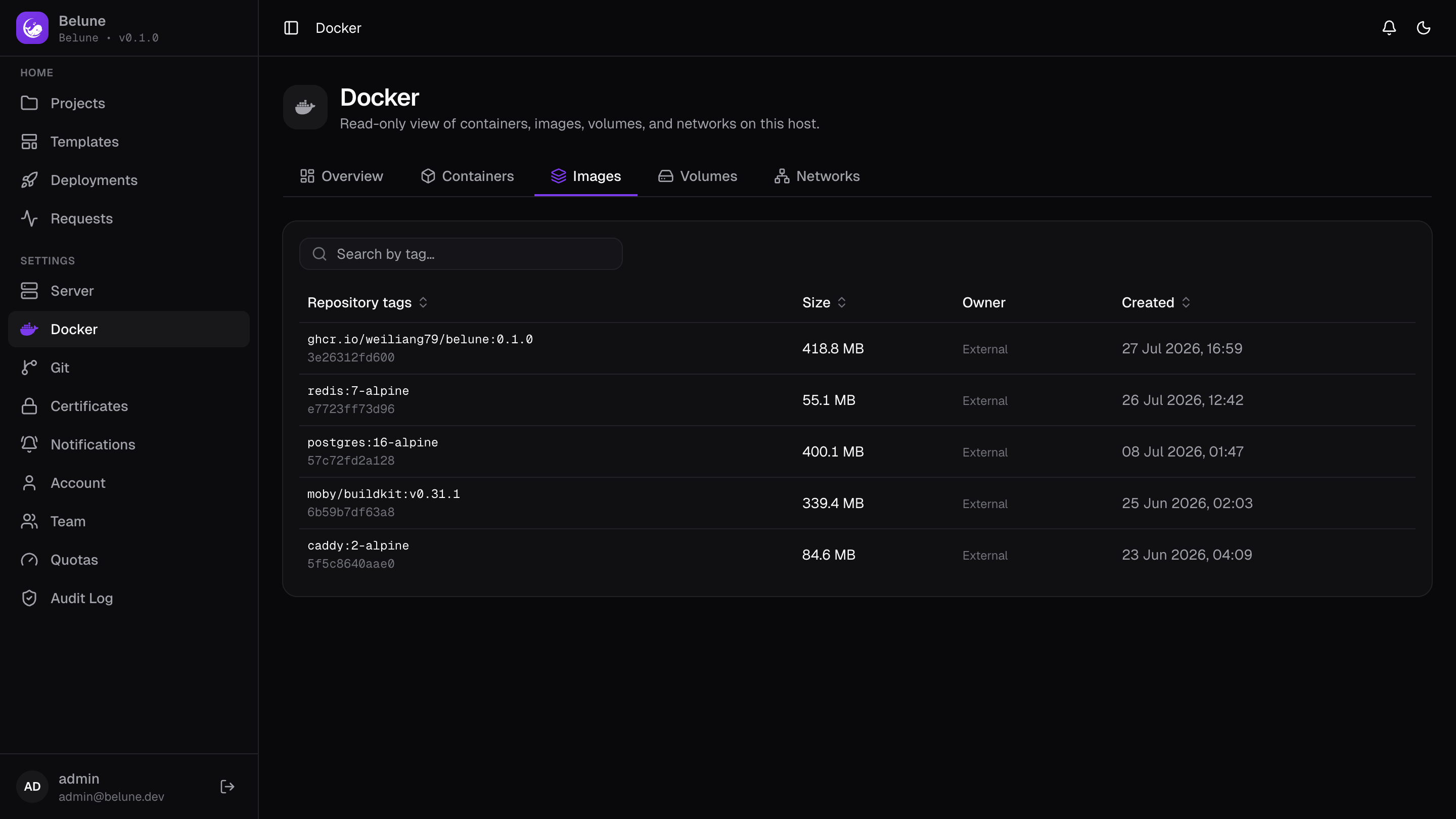
Every locally-pulled image and its size, including layers built for your applications and the platform's own base images (Postgres, Redis, Caddy, BuildKit).
Volumes and Networks
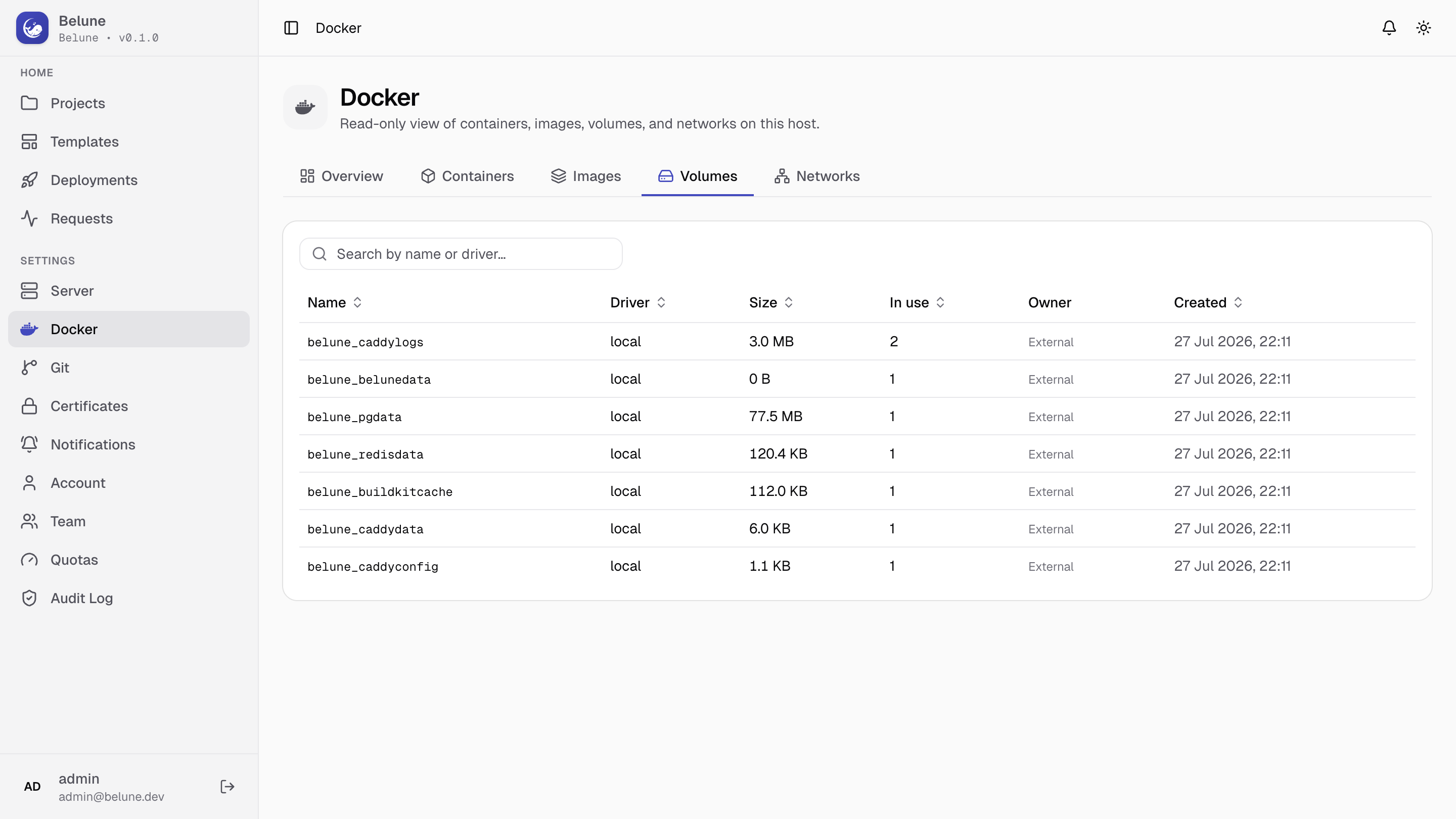
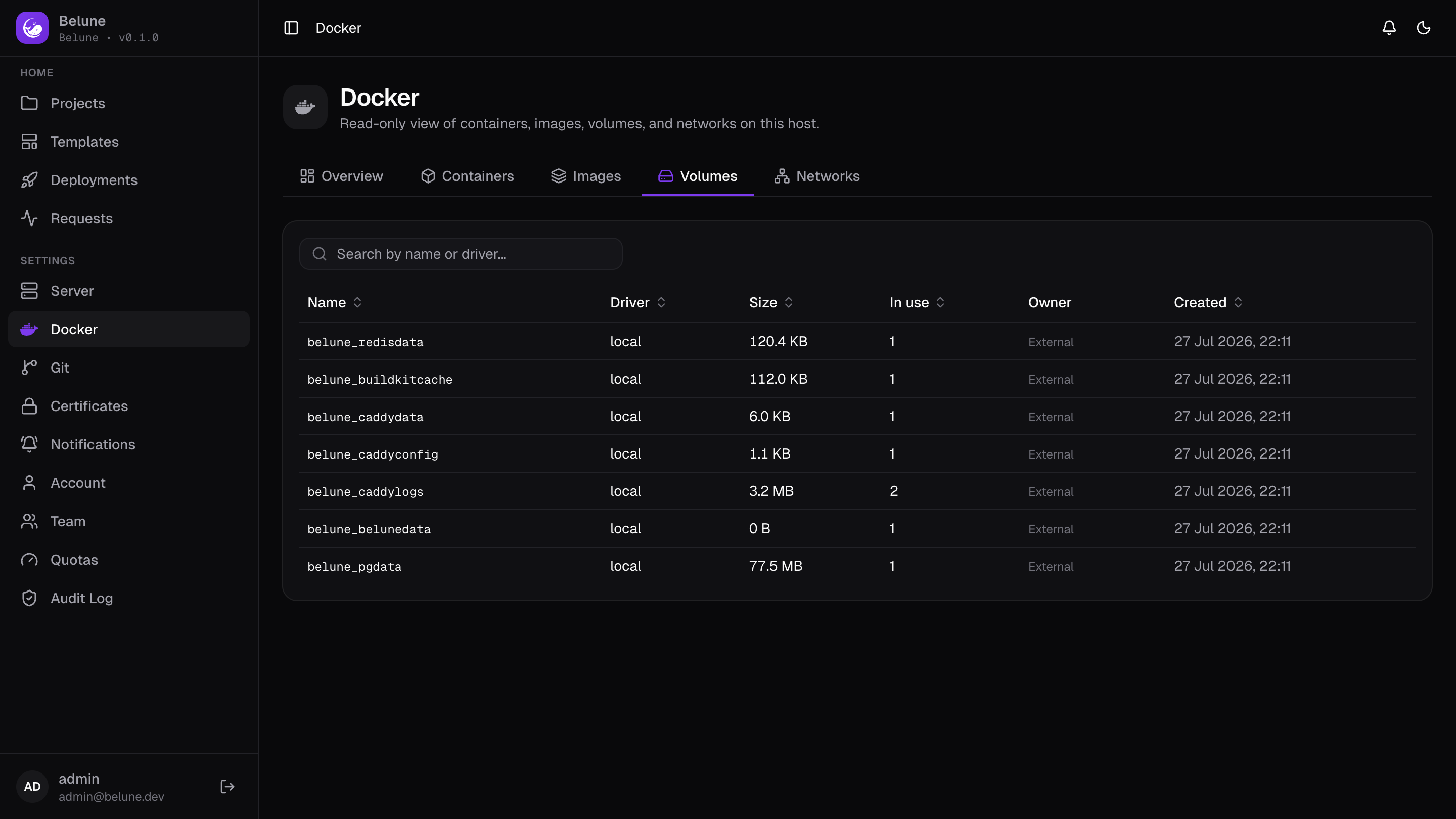
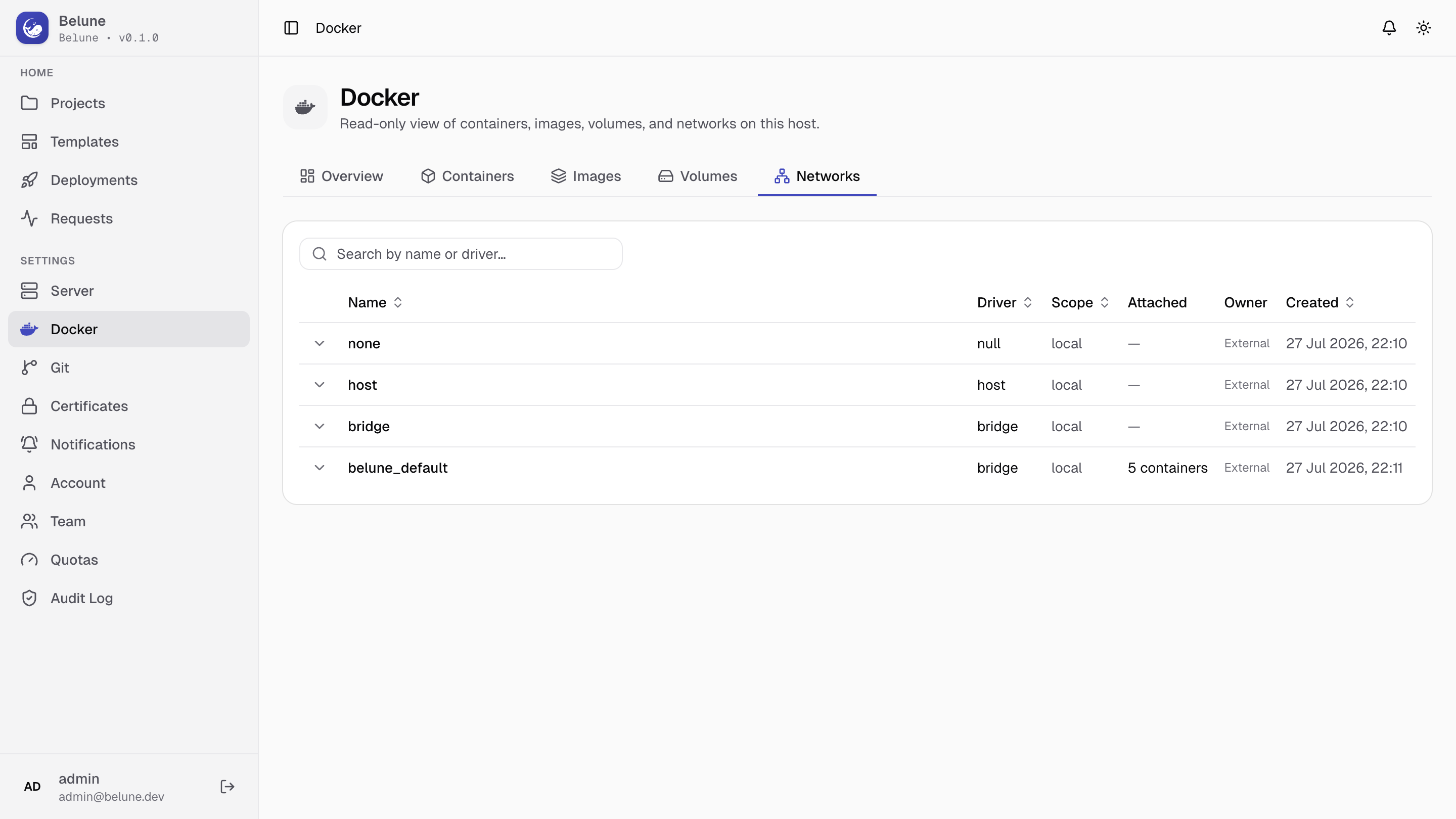
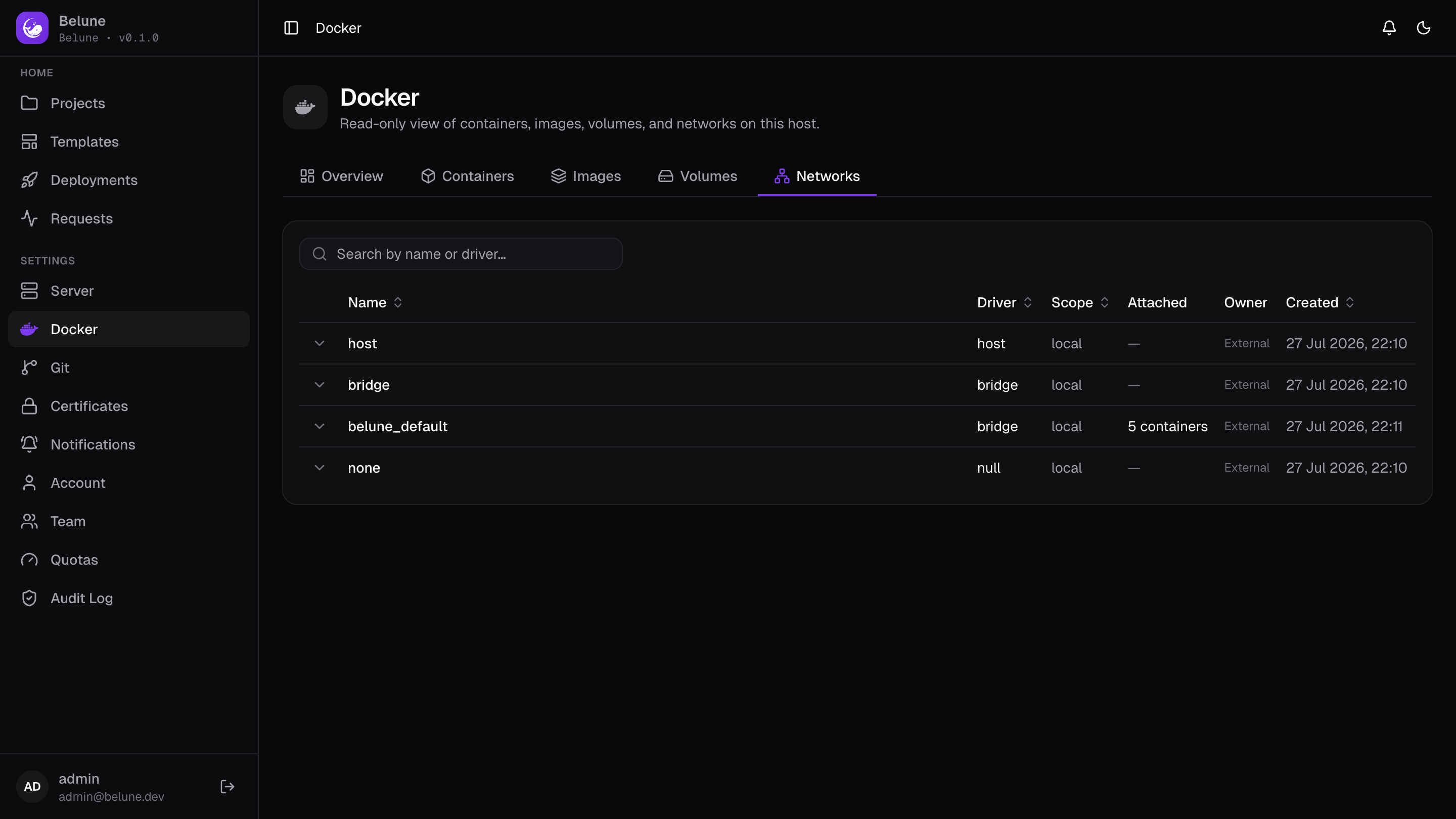
Volumes with their on-disk size, and networks with the containers currently attached to each, including the private per-project networks described in Architecture, so you can confirm which containers actually share a network.
Why It's Read-Only
It's diagnostic, not a Docker admin panel, and nothing here can drift the database out of sync with Docker. Every mutation (starting, stopping, or removing) goes through the resource it belongs to (an application, a database, a project) so Belune's own state stays the source of truth.